
Instant Menu Price Updates with QR Tech
Learn how to update prices instantly using digital QR menus. Avoid reprinting costs and keep customers informed with real-time digital solutions.
Why Manual Menu Changes Are Costly for Your Business
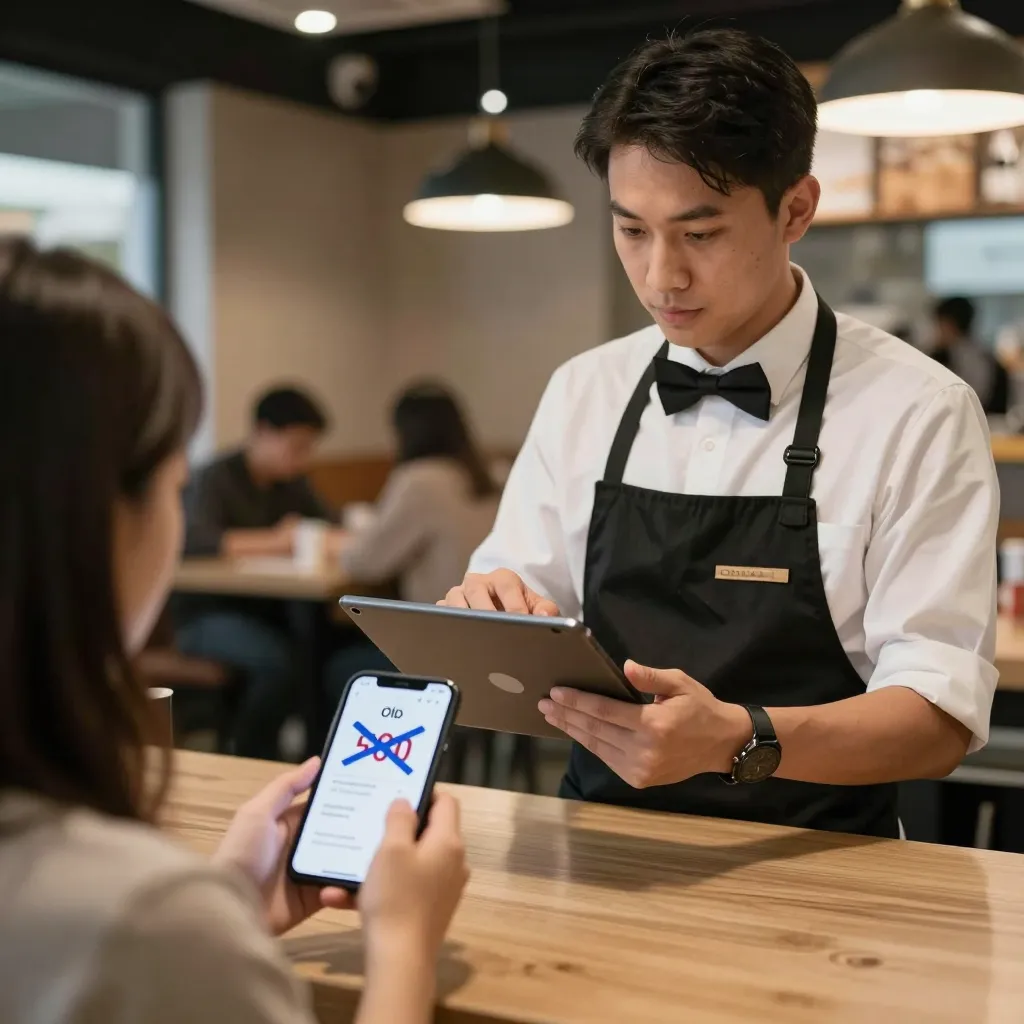
Imagine this scenario: The cost of beef suddenly spikes by 20% overnight. You need to adjust the price of your signature steak dish immediately to maintain your profit margins. However, your kitchen is already busy, and you don't have a single spare copy of the printed menu to throw away. This is a common nightmare for restaurant owners who rely on static paper menus. According to industry reports, the average cost to reprint a single menu can range from $50 to $150 depending on the size and complexity of the establishment. Multiply that by the frequency of price adjustments due to inflation or seasonal ingredient costs, and you are looking at hundreds or even thousands of dollars lost annually just on paper.
Beyond the direct financial loss, there is the operational friction. Staff members waste valuable time running to the front desk to grab new menus, or worse, they leave old, outdated menus on tables while the customer is seated. This leads to a confusing dining experience where guests see a price of $25 on the paper but are told it is now $28. Such inconsistencies damage trust and can lead to complaints. In the modern restaurant landscape, agility is key. The ability to pivot pricing strategies instantly gives you a competitive edge that paper simply cannot match. Digital solutions eliminate the lag time between a decision in your office and the information being visible to your guests.
How Digital QR Menus Enable Real-Time Price Adjustments
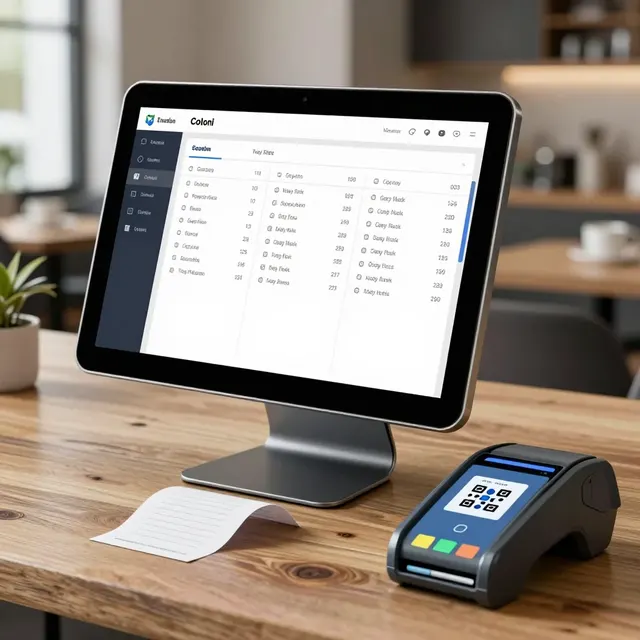
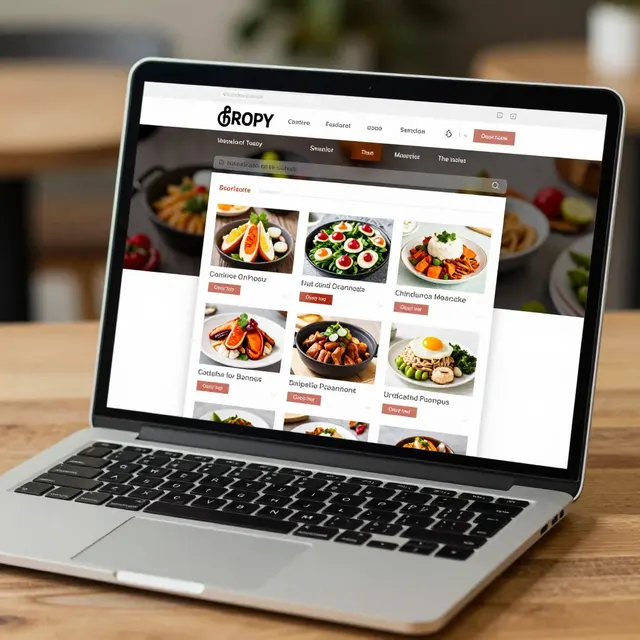
The shift to a digital QR menu is not just about replacing paper with a screen; it is about replacing static information with dynamic data. When you use a platform like upQR, your menu becomes a living document hosted on a cloud server. Every time you log in to your dashboard, you can edit a price, add a new seasonal item, or remove a dish that has run out. Once you hit 'save,' that change is instantly propagated to every single QR code linked to your restaurant. Whether a guest is scanning from their phone in the lobby or sitting in a booth in the corner, they see the exact same up-to-date information.
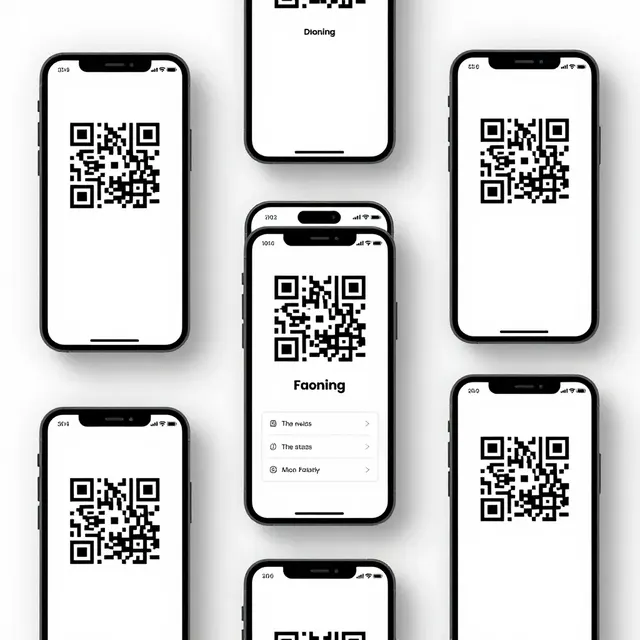
This technology works by decoupling the content from the display medium. The QR code itself acts merely as a pointer to the URL where your menu lives. It does not contain the menu data itself; it contains the link. This architectural simplicity is what allows for instant updates. If you were using a digital menu on individual tablets at each table, you would still need to update every single tablet individually or wait for a sync cycle. With a cloud-hosted QR menu, the update happens once on the server, and it reflects everywhere simultaneously. This ensures that your front-of-house staff never has to worry about explaining a price change that isn't reflected in the printed version, nor does the guest ever have to be confused by a discrepancy between what they scan and what they read.
Strategic Benefits of Dynamic Pricing Beyond Inflation
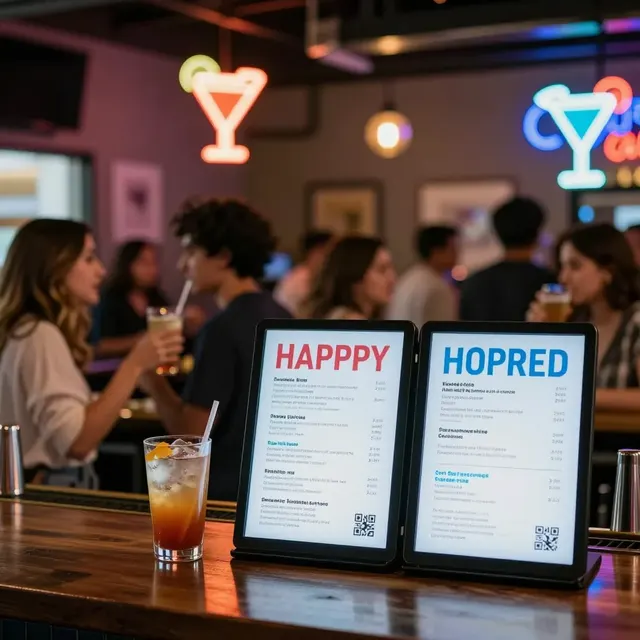
While adjusting for rising ingredient costs is the most common reason for menu changes, the benefits of dynamic pricing extend far beyond simple inflation hedging. Seasonal availability is another major factor. When strawberries are in season, you might want to highlight them and perhaps lower the price slightly to encourage volume. Conversely, when they are out of season and expensive, you raise the price. With a digital menu, you can also change the visual prominence of these items. You can make the strawberry shortcake the 'hero' of the page during peak season and easily swap it out later without reprinting anything. Furthermore, dynamic pricing allows for promotional agility. If you have a slow Tuesday night, you can instantly drop the price of appetizers by 15% to drive traffic, and revert to full price the moment the rush hits. This level of granular control is impossible with paper.
Another strategic advantage is the ability to test pricing models. You can run an A/B test where you offer a discount on a specific item to a segment of your audience and monitor the conversion rates. With paper, once the ink is dry, the experiment is over. With digital, you can change the price back within minutes. This data-driven approach to pricing helps you understand the elasticity of your customers' demand and optimize your revenue per cover. It transforms your menu from a fixed list of items into a powerful revenue management tool that responds to market conditions in real-time.
Enhancing the Customer Experience with Consistency
Customer experience is fragile, and a simple price discrepancy can shatter it. When a guest scans a QR code, they expect a seamless, professional experience. If the menu they see is outdated, it signals a lack of attention to detail, which can negatively impact their perception of the food quality and service. By ensuring that every guest sees the current prices, you protect your brand reputation. Consistency builds trust. When a customer orders a dish, they feel confident that the price charged will match what was displayed, eliminating any awkward moments at the end of the meal.
Moreover, digital menus allow for personalized experiences that can be updated instantly. For instance, if you introduce a new allergen warning or a special dietary note for a specific dish, you can update that across all locations in seconds. This level of transparency and care shows guests that you are attentive to their needs. It also streamlines the ordering process. If a dish is temporarily unavailable due to a supply chain issue, you can mark it as 'out of stock' or remove it entirely from the digital view, preventing the kitchen from receiving impossible orders. This reduces waste and frustration for both the staff and the customer, creating a smoother flow from ordering to plating.
Implementing a Smooth Transition to Digital Menu Management
Moving from paper to digital doesn't have to be a disruptive overhaul that takes months. You can start small and scale up. The first step is choosing a reliable platform that integrates easily with your existing POS system or works as a standalone solution. When selecting a provider, look for features that allow for bulk editing, easy image uploading, and a user-friendly interface that your staff can learn in minutes. Platforms like upQR offer templates that are professionally designed, so you don't need to be a graphic designer to create a beautiful menu.
Once you have your platform set up, create a standard operating procedure (SOP) for menu updates. Designate a specific person, perhaps the manager or the head chef, who has the authority to make price changes. This prevents accidental edits by staff who might not understand the implications of a price change. Schedule regular review times, perhaps weekly, to check for ingredient cost fluctuations and adjust prices accordingly. Train your waitstaff on how to explain the digital menu to guests who might be hesitant to scan a QR code. Show them that it is secure, easy to use, and offers the advantage of seeing the very latest specials. By embedding these habits into your daily operations, you ensure that the transition is smooth and that the benefits of digital menu management are realized quickly.
Related Posts
Ready to create your digital menu?
Create your QR menu in minutes and reach your customers in any language.