
Top POS Systems Integrating with QR Menus in 2026
Discover the best POS systems that seamlessly integrate with QR menu platforms to streamline operations, reduce errors, and boost sales for your restaurant.
Why POS Integration Matters for Your Digital Menu Strategy
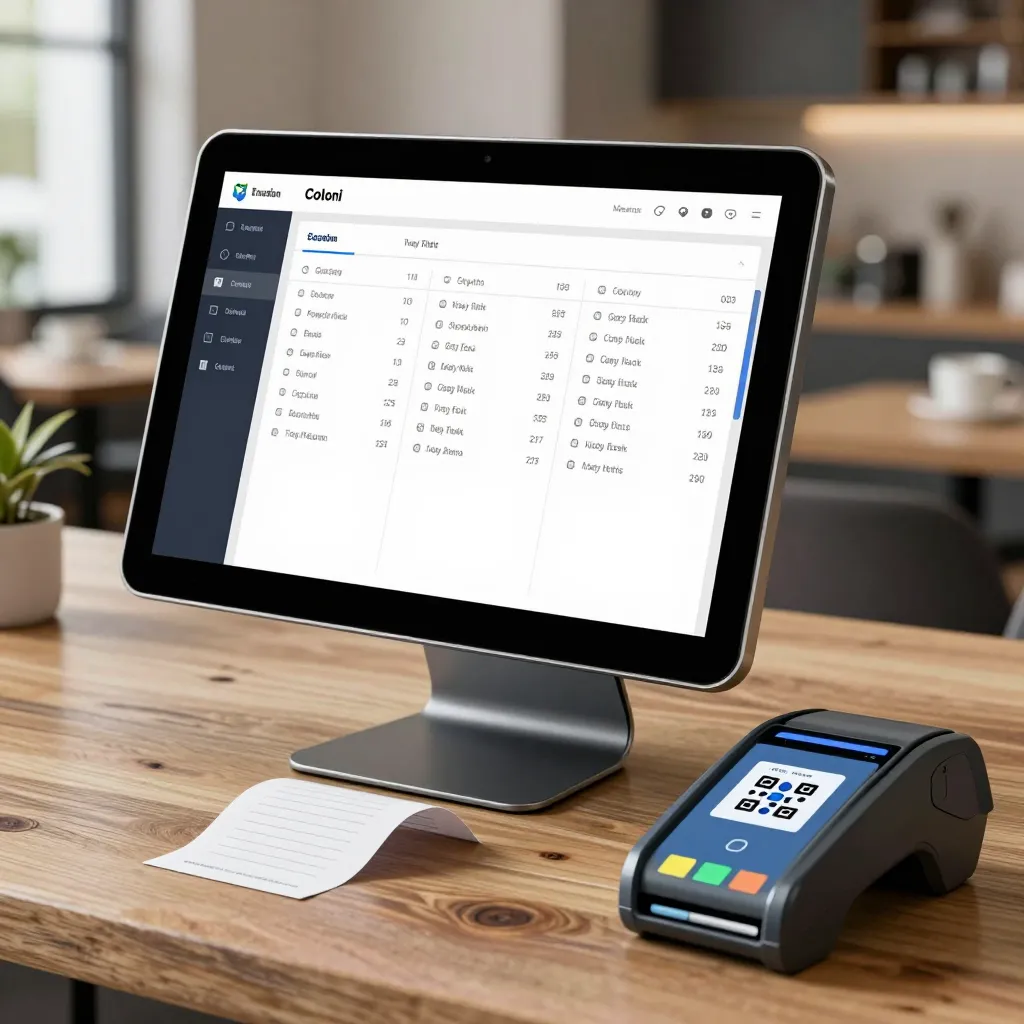
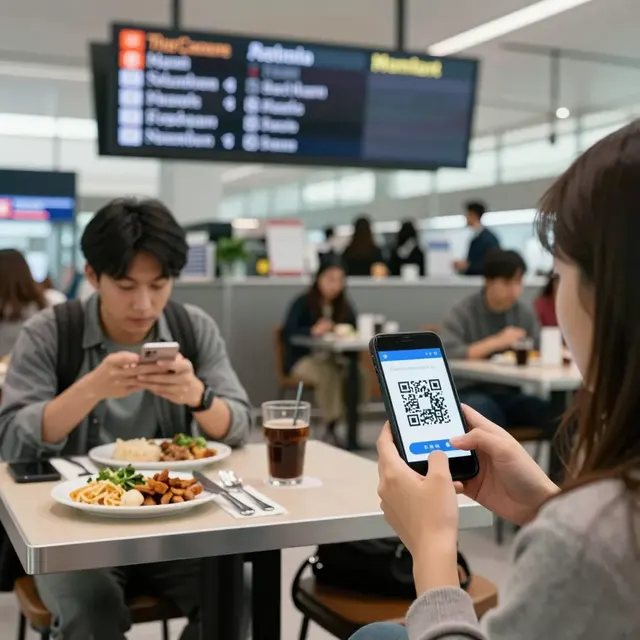
In the evolving landscape of 2026, the gap between a digital menu and your Point of Sale (POS) system is no longer a luxury; it is a critical operational requirement. When a customer scans a QR code and views a menu powered by upQR, the data captured must flow instantly to your backend to update inventory, reflect real-time table availability, and trigger kitchen orders. Without seamless integration, you risk order delays, inventory discrepancies, and a fragmented customer experience.
According to industry analysis, restaurants that fully integrate their digital ordering systems with their POS see a 20-30% increase in average order value compared to those that do not. This happens because integrated systems allow for dynamic upselling and accurate order routing. For instance, if a customer selects a specialty drink on the upQR menu, an integrated system can automatically suggest a matching snack based on your menu engineering data, all without manual intervention.
The core benefit of integration extends beyond convenience. It ensures that every click on a customer's screen translates into accurate financial data and operational efficiency. When a table is marked as 'occupied' in the upQR dashboard, the POS system should immediately reflect this status to prevent double-booking or sending orders to a table that is no longer available. This synchronization is the backbone of a modern, contactless dining experience that maintains the speed and accuracy customers expect.
Key Features to Look for in a 2026 POS Integration
As we move deeper into 2026, the features required in a POS system have evolved significantly. Gone are the days of simple CSV imports or basic API connections. Today's restaurant owners need systems that offer bi-directional synchronization, real-time inventory management, and robust reporting capabilities. Here are the specific features that define a top-tier integration:
- Real-Time Inventory Synchronization: This is perhaps the most critical feature. When an item is sold via the upQR menu, the inventory count in your POS must decrease instantly. This prevents the embarrassment of telling a customer an item is available on the digital menu only to find it out of stock at the register. Advanced systems also handle partial stock levels, allowing you to mark items as 'low stock' or 'out of season' on the menu automatically.
- Dynamic Table Management: Integrated systems allow the POS to control the digital menu's availability. If a table is cleaned and ready, the status updates across all devices instantly. Conversely, if a table is reserved for a specific party, the system can restrict access to that table's specific menu items or prevent new reservations via the QR scan.
- Unified Reporting and Analytics: Data silos kill growth. You need a single dashboard that combines sales from the counter, the kitchen display system (KDS), and the digital menu. An integrated POS provides a holistic view of your revenue, helping you identify which digital items are your best sellers and which are dragging down your margins.
- Seamless Payment Processing: In 2026, the frictionless payment experience is non-negotiable. The best integrations allow customers to pay directly through the upQR menu interface, with the transaction posting directly to the POS. This eliminates the need for staff to approach the table with a card reader, reducing labor costs and increasing table turnover rates.
Furthermore, look for systems that support custom field mapping. Every restaurant has unique workflows; a flexible integration allows you to map specific fields in the upQR menu to specific fields in your POS, ensuring that modifiers (like 'extra cheese' or 'no onions') are recorded correctly for both billing and allergen tracking.
Top POS Systems Compatible with upQR in 2026
Not all POS systems are created equal when it comes to third-party integrations. While many generic systems exist, the leaders in 2026 offer robust, dedicated partnerships with digital menu platforms like upQR. These systems are built to handle the complexities of modern dining, from high-volume cafes to full-service bistros.
Toast
Toast remains a dominant force in the restaurant technology space, particularly for full-service restaurants and cafes. Its strength lies in its cloud-native architecture, which makes integration with upQR highly reliable and fast. Toast's interface is intuitive, and its integration allows for deep customization of menu items. You can set up complex modifier rules in upQR that sync perfectly with Toast's order management system. For example, if a customer orders a burger with a specific sauce on the upQR menu, Toast automatically adjusts the allergen flags and cooking instructions, ensuring the kitchen receives the exact order the customer intended.
Square
Square is often the go-to choice for smaller cafes, food trucks, and boutique restaurants due to its accessibility and low cost. In 2026, Square has enhanced its API capabilities, making it a viable partner for upQR. The integration is straightforward, allowing merchants to manage their digital menu and point of sale from a single dashboard. Square's strength is its simplicity; it strips away unnecessary complexity, which is ideal for establishments that want to focus on food rather than managing complex software configurations. However, for larger operations requiring advanced inventory tracking, some users find the native features slightly less robust than competitors like Toast or Clover.
Clover
Clover offers a powerful suite of tools that appeals to mid-sized chains and franchises. Its integration with upQR provides a balance between the simplicity of Square and the advanced features of Toast. Clover's ecosystem is extensive, allowing you to connect with various third-party apps that further enhance your upQR experience. The system is known for its stability and strong reporting tools, giving you detailed insights into your sales performance across different channels, including your digital menu. If you operate a chain of locations, Clover's ability to manage inventory and pricing centrally across multiple upQR instances is a significant advantage.
Micros
For high-volume operations, such as fast-casual chains or busy lunch spots, Micros is a strong contender. While its interface can be more complex to set up initially, the backend power is unmatched. The integration with upQR ensures that high-speed order entry is maintained, even during peak lunch rushes. Micros supports advanced kitchen display systems that can be triggered directly from the upQR menu, reducing the time food spends in the queue. This speed is crucial for maintaining the high turnover rates required in fast-casual dining.
Implementation Best Practices for Seamless Integration
Choosing the right POS system is only the first step; implementing the integration correctly is where many restaurants stumble. A haphazard setup can lead to data inconsistencies that are difficult to resolve later. To ensure a smooth transition to an integrated upQR environment, follow these best practices:
Start with a Clean Data Audit: Before connecting upQR to your new POS, ensure your menu data is clean. Remove duplicate items, standardize naming conventions, and verify that all allergen information is accurate. When you first integrate the systems, you want to import a pristine dataset. This prevents the need for constant manual corrections and ensures that the initial sync is accurate.
Test the Full Order Flow: Do not go live until you have tested every possible scenario. Place an order via the upQR menu with various modifiers, then check if the order appears correctly in the POS. Test the payment process to ensure funds are captured correctly. Simulate a scenario where a table is closed in the POS to see if the upQR menu automatically updates to reflect that table is unavailable. These stress tests are essential to uncover bugs before your customers do.
Train Your Staff Thoroughly: Integration changes workflows. Your staff needs to understand how the new system works, not just how to use the POS or the menu in isolation. Train them on how to handle exceptions, such as when an item is out of stock in the POS but still shows as available in the menu. Empower them to use the integrated features to upsell effectively, turning the technology into a revenue driver rather than a distraction.
Establish a Routine Reconciliation Process: Even with the best integration, occasional discrepancies can occur. Establish a daily routine where a manager reviews the sales reports from both the POS and the upQR platform to ensure they match. This habit helps catch errors early, such as a failed payment that didn't register in the POS, allowing you to resolve the issue before it impacts your end-of-day numbers.
The Future of Integrated Dining Experiences
As we look toward the future of restaurant technology, the line between the digital menu and the POS will continue to blur. We are moving toward an era where the entire dining experience is managed through a single, unified ecosystem. In this future, AI-driven insights will analyze customer behavior from the upQR menu to suggest personalized promotions that automatically apply at the POS. Loyalty programs will be managed seamlessly, rewarding customers for scanning a QR code and completing a purchase, with points instantly redeemable on their next visit.
The restaurant industry in 2026 demands agility and precision. By selecting a POS system that integrates deeply with a platform like upQR, you are not just adopting a new tool; you are adopting a smarter way of operating. You gain the ability to serve more customers, reduce waste through accurate inventory tracking, and provide a transparent, honest dining experience that builds trust. The technology is ready, and the systems are in place. The question is no longer whether you can integrate, but whether you can afford not to in a competitive market.
Related Posts
Ready to create your digital menu?
Create your QR menu in minutes and reach your customers in any language.