
Best Practices for Restaurant QR Code Placement & Visibility
Maximize customer engagement and order conversion with strategic QR code placement. Learn the top locations, lighting tips, and design tricks to boost your digital menu success.
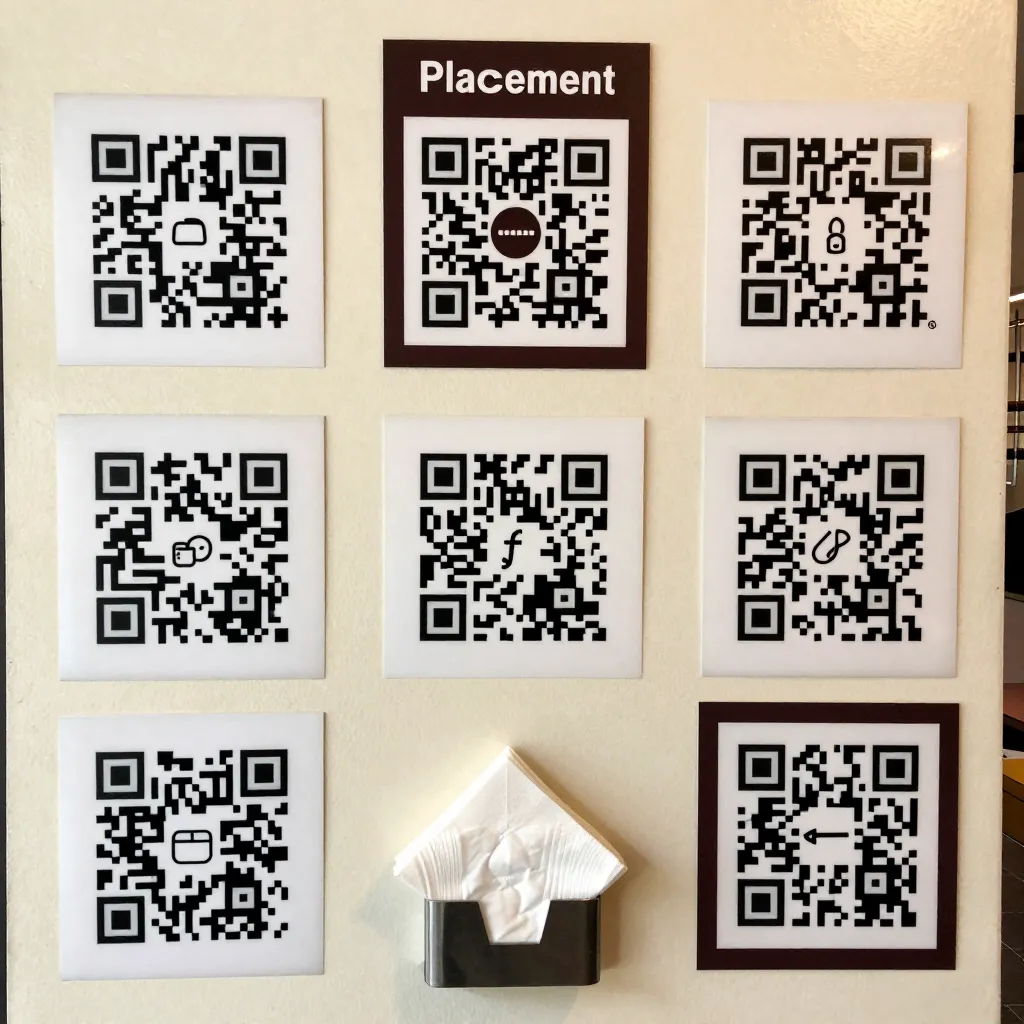
Why Strategic QR Placement Matters for Your Restaurant
When a customer enters your establishment, their journey begins the moment they spot your digital menu option. The placement of your QR code is not merely an aesthetic choice; it is a critical component of your operational efficiency and customer experience. According to recent industry data, restaurants that optimize their QR code visibility see a 30% higher conversion rate in converting foot traffic into digital orders. A poorly placed code can lead to frustration, abandoned carts, and a perception that your restaurant is outdated or disorganized.
Consider the scenario of a busy lunch rush. A customer walks in, hungry and looking for a seat. If they cannot find your QR code within the first 10 seconds, they may assume your service is lacking or that you do not offer a digital menu at all. This hesitation can cause them to leave and visit a competitor. Conversely, a strategically placed code acts as a silent waiter, guiding the guest immediately to your curated offerings. It signals transparency and modernity, aligning with the core values of providing honest, accessible information to every diner regardless of their background.
The goal is to make the QR code an intuitive part of the environment. It should be as easy to find as the restroom sign or the exit. By integrating the code into your physical space, you reduce the cognitive load on your customers. They do not need to ask staff for a code or search for a table number; the code is simply there, waiting to be scanned. This seamless integration respects the customer's time and energy, allowing them to focus on what matters most: deciding what to eat.
Optimal Locations: Tables, Booths, and High-Traffic Zones
The most effective placement for a QR code is directly on the surface of the table or booth where the order will be taken. This is the primary interaction point for the customer. However, the specific location within that zone requires careful consideration. Avoid placing the code near the edge of the table where it might be obscured by plates, glasses, or cutlery. Instead, aim for the center of the table or a dedicated placemat area where the phone can rest naturally.
For outdoor seating or patio areas, weather resistance and glare are significant factors. Do not place a printed QR code under an umbrella where it might get wet or where the sun creates a glare that makes scanning impossible. In these cases, consider using a laminated version or a UV-resistant material. If using digital signage for outdoor tables, ensure the brightness settings are adjustable to combat sunlight. A common mistake is placing the code on a napkin holder that is too small or too high. The code must be large enough to be scanned from a distance of at least 15-20 centimeters, which is the average reach of a smartphone held by a seated diner.
Another high-traffic zone is the entrance or the host stand. While this is not the primary ordering location, placing a code here serves as a great alternative for guests who do not want to wait for a table or for those standing outside in bad weather. This code should lead to a mobile-optimized landing page that allows for quick ordering or table reservation. This dual-layer approach ensures that no customer is left without access to your menu. Furthermore, consider placing a small, discreet code on the back of the menu card if you still distribute physical copies. This provides a backup option for guests who prefer to read a physical menu first but want to order digitally afterward, offering flexibility and transparency.
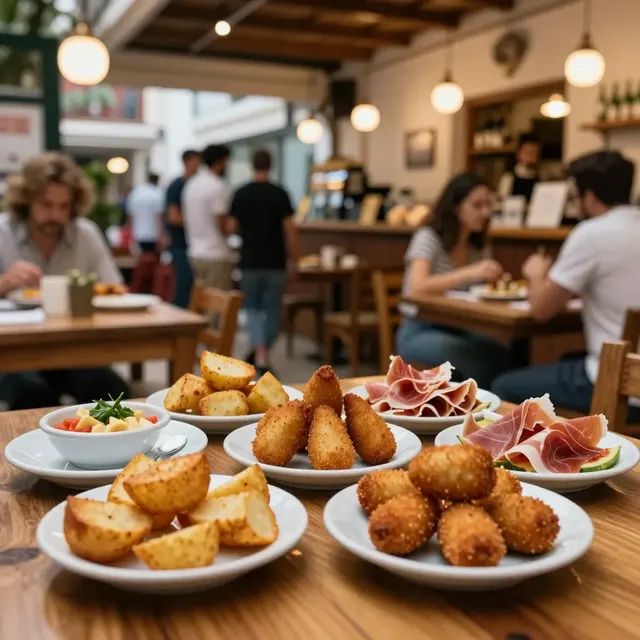
The Critical Role of Lighting and Contrast
Even the most perfectly placed QR code will fail if the lighting conditions are unfavorable. The human eye and camera sensors require specific lighting to decode the black and white pattern of a QR code. Direct sunlight can wash out the code, making the black squares appear gray, which confuses the scanning algorithm. Similarly, poor ambient lighting in dimly lit restaurants can make the code difficult to distinguish from the background.
To mitigate glare, ensure that your QR code is not placed directly under a harsh overhead light or a spotlight. Instead, position it in an area with soft, diffused lighting. If you are using a printed code, consider adding a subtle white border around the code to increase contrast against the table surface. This border helps the camera focus on the code rather than the texture of the wood or the fabric of the tablecloth. For digital displays, ensure the background is a neutral color, such as white or light gray, which provides maximum contrast for the black modules of the QR code.
Glare is also a major issue for outdoor patios. If a QR code is placed on a table where the sun reflects off the surface, the code becomes unreadable during peak hours. In such scenarios, using a matte finish for printed codes is essential. A glossy finish can create hotspots that reflect light directly into the camera lens, rendering the code invisible. Additionally, avoid placing codes near windows where the sun moves across the sky, as the changing angle of light can make the code readable in the morning but unreadable in the afternoon. Testing your placement at different times of the day is a crucial step in the implementation process. If possible, observe your tables for a few days to identify potential glare issues before finalizing the placement.
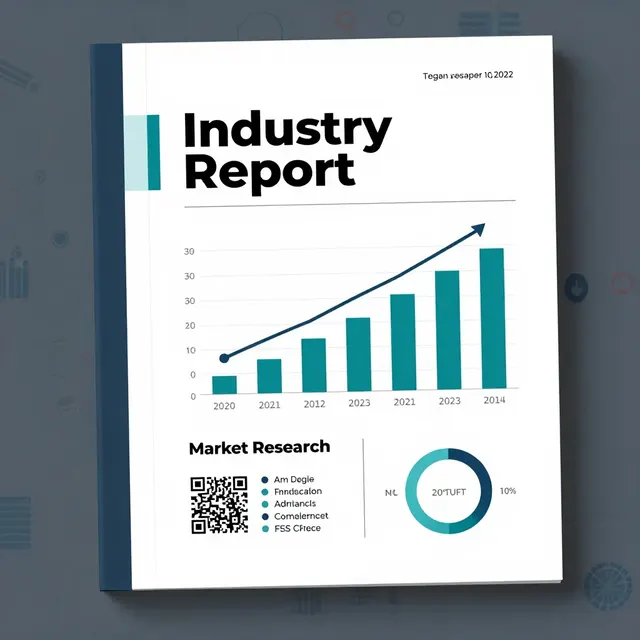
Design Principles for Maximum Scan Success
The design of your QR code and its immediate surroundings plays a pivotal role in scan success. While QR codes are technically robust and can withstand some damage, the context in which they are presented matters. A cluttered table with many items can make it difficult for the camera to focus on the code. Keep the area around the QR code relatively clear of other objects that might interfere with the scanning process. This includes avoiding placing water glasses, salt shakers, or decorative items directly over or next to the code.
It is also important to consider the size of the QR code. While smaller codes save space, they require a closer proximity to be scanned accurately. For a seated diner, a code that is at least 2x2 inches (5x5 cm) is generally recommended for printed materials. This size allows for scanning from a comfortable distance without needing to lean in too close. If you are using a digital display, ensure the resolution is high enough to prevent pixelation, which can make the code unreadable. Pixelated codes are a common cause of scan failures, especially on older smartphones.
Another design consideration is the inclusion of a clear call-to-action (CTA) text near the code. Simply placing a QR code without explanation can confuse some guests, particularly older demographics who may not be familiar with how to scan a code. Use text like "Scan to view our menu" or "Tap to order" to guide the user. This text should be legible and placed immediately adjacent to the code. You can also add a small icon, such as a smartphone or a scanning gun, to visually reinforce the action required. This combination of visual cues and text reduces friction and increases the likelihood of a successful scan. Remember that the goal is to make the process as effortless as possible, aligning with your commitment to universal access and honest information.
Integrating Technology and Backup Options
While QR codes are the standard for digital menus, relying solely on them can be risky. Technology can fail, batteries can die, or a customer's phone might not have a camera. Therefore, it is essential to have a robust backup plan. The most effective backup is a staff member ready to assist. Train your waiters to proactively offer to scan the code for guests who struggle or to provide a printed menu upon request. This human element adds a layer of service that enhances the customer experience and demonstrates your commitment to accessibility.
Furthermore, consider integrating your QR code system with other technologies, such as NFC (Near Field Communication) tags. NFC tags can be placed on tables and allow customers to tap their phones to instantly open your menu. This provides a seamless alternative to scanning a code, appealing to tech-savvy users who prefer a tap-over-scan method. While NFC is not yet ubiquitous, offering it as an option can position your restaurant as a leader in innovation. Another backup option is to ensure your digital menu platform, like upQR, has a fast loading time and a responsive design. Slow-loading pages can lead to high bounce rates, especially on mobile networks with limited bandwidth. Optimize your images and scripts to ensure the menu loads in under three seconds, even on slower connections.
Finally, regular maintenance of your QR code assets is crucial. Printed codes can fade, peel, or get damaged over time. Digital displays can malfunction. Implement a schedule to inspect and replace your codes every few months. Check for wear and tear, especially in high-traffic areas. If a code is damaged, replace it immediately to avoid customer frustration. This attention to detail reflects the transparency and honesty you promise to your guests. It shows that you care about providing a consistent, reliable experience. By combining strategic placement, optimal lighting, thoughtful design, and reliable technology, you create an environment where every customer can easily access your menu. This not only boosts sales but also strengthens your brand reputation as a modern, customer-centric establishment.
Conclusion
Effective QR code placement is a blend of art and science, requiring attention to location, lighting, design, and technology. By following these best practices, you ensure that your digital menu is accessible to everyone, from the tech-savvy diner to the first-time user. This accessibility is at the heart of your mission to provide universal access and honest information to all guests. When customers can easily find and scan your code, they are more likely to engage with your menu, leading to higher order volumes and better customer satisfaction.
At upQR, we believe that technology should serve people, not the other way around. Our platform is designed to support your efforts in creating a seamless, transparent, and sustainable dining experience. From high-resolution, glare-resistant code generation to real-time menu updates that reflect your true ingredients and prices, upQR empowers you to deliver on your promises of honesty and accessibility. By integrating upQR into your operations, you gain access to analytics that help you understand customer behavior, allowing you to refine your placement strategies further. Embrace digital transformation with confidence, knowing that upQR is there to help you build a restaurant that values every guest, every meal, and the planet.
Related Posts
Ready to create your digital menu?
Create your QR menu in minutes and reach your customers in any language.