
Boost Restaurant Revenue with Smart Cross-Selling on QR Menus
Discover proven strategies to increase average order value using digital QR menus. Learn how smart cross-selling techniques drive revenue without annoying customers.
Transforming Digital Menus into Revenue Engines
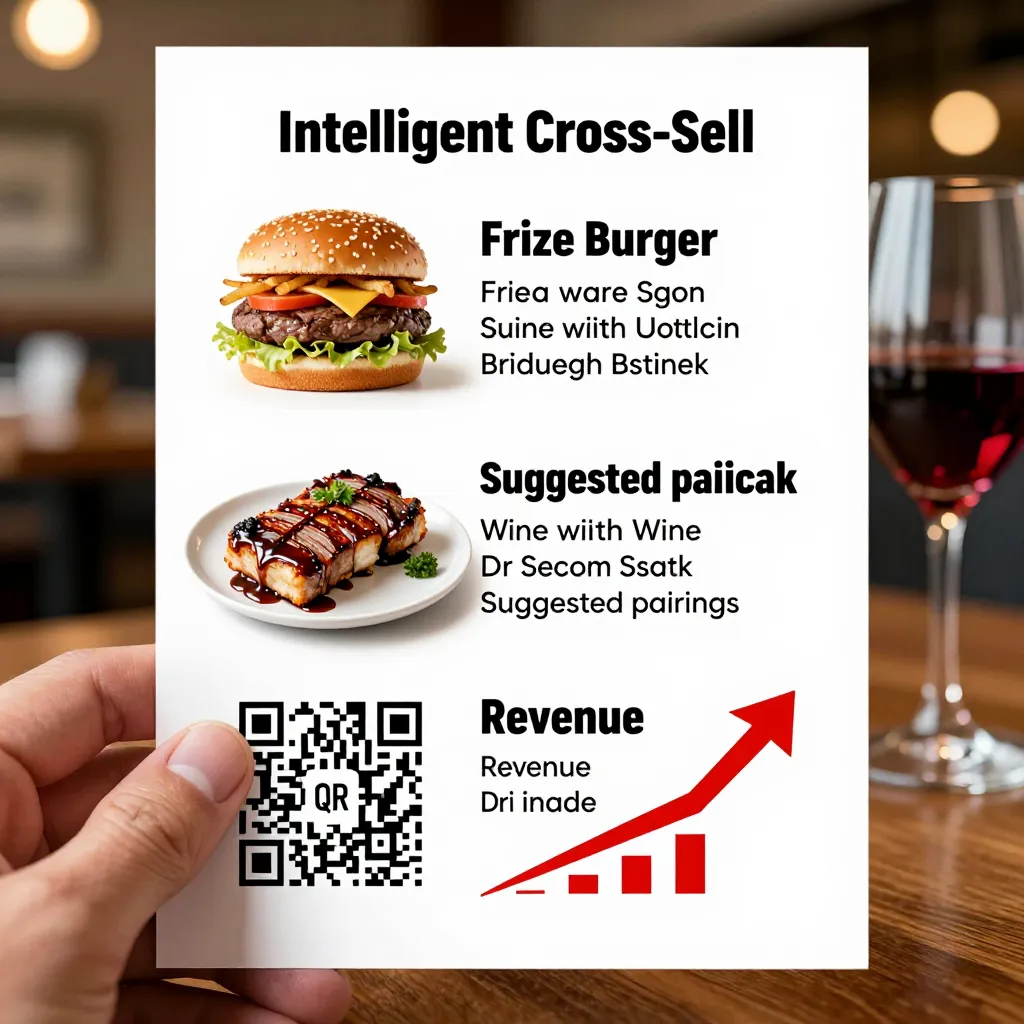
For restaurant owners and cafe managers, the transition to a digital QR menu is often viewed primarily as an environmental win or a convenience for guests. However, the true power of a platform like upQR lies in its ability to act as a dynamic sales tool. Unlike static paper menus that sit on a table, a digital interface can be programmed to guide customer behavior, highlight high-margin items, and suggest complementary products at the perfect moment. This is the essence of smart cross-selling.
Cross-selling is the practice of suggesting additional items to a customer who is already making a purchase. In the physical world, a waiter might suggest a dessert after a guest orders a main course. But there is a catch: waiters are under immense pressure to clear tables quickly, and customers are often hesitant to be pushed. Digital menus remove the social pressure while increasing the effectiveness of these suggestions. By leveraging the speed and clarity of upQR, you can present offers that feel helpful rather than intrusive, directly impacting your bottom line.
The potential for revenue growth is significant. Industry data suggests that effective cross-selling can increase the average check size by anywhere from 15% to 30%. When a customer is browsing a digital menu on their phone, they are in a receptive state, scrolling through options with a high degree of focus. This is the ideal environment to introduce upsells and cross-sells that might be overlooked in a crowded, noisy dining room. The goal is not just to sell more, but to sell smarter, ensuring every item added to the cart enhances the dining experience while boosting profitability.
Strategic Placement: Where to Highlight Your Cross-Sells
One of the most critical aspects of smart cross-selling on a QR menu is timing and placement. You cannot simply add a $15 coffee to every order without considering the flow of the customer's decision-making process. The upQR platform allows for sophisticated menu engineering, where you can strategically place suggestions at key decision points.
First, consider the "Pre-Main" moment. Before a customer selects their entrée, the menu can display a section for appetizers or small plates. If a customer is looking at a heavy steak, a suggestion for a crisp salad or garlic bread can be placed immediately adjacent to the steak item or in a dedicated "Pairings" section. This visual proximity works because the customer is already thinking about their meal. It frames the cross-sell as a natural part of the meal rather than an afterthought.
Second, leverage the "Post-Order" screen. Once a customer has finished selecting their items, the digital menu often presents a final screen before checkout. This is the prime real estate for dessert, beverage, and dessert add-ons. Here, you can display a rotating carousel of daily specials or high-margin items. For example, if a customer orders a spicy curry, the system can automatically suggest a cooling mango lassi or a specific cooling sauce available in the kitchen. This contextual suggestion feels personalized and thoughtful, increasing the likelihood of acceptance.
Third, utilize the "Category" level cross-sell. If a customer is browsing the drinks section, you can highlight a bundle offer. Instead of just listing individual coffees, show a "Morning Brew Bundle" that includes a pastry. This simplifies the decision for the customer and encourages them to take a larger item rather than two smaller ones. By organizing your digital menu to flow logically from appetizers to mains to desserts, you create a narrative that guides the customer toward higher-value purchases without them realizing they are being steered.
Leveraging Contextual Suggestions for Higher Conversion
The most successful cross-selling strategies are contextual. They rely on understanding what the customer is already buying and suggesting something that naturally complements it. With upQR, you can create these connections through smart categorization and tagging. This goes beyond simple static images; it involves data-driven insights into what sells well together.
Imagine a customer ordering a burger. A generic suggestion might be "Ice Cream." While delicious, it doesn't solve an immediate need. A smart, contextual cross-sell would be a "Crispy Fries" or a "Spicy Pickle." These items are often cheaper to produce than the main course but have a higher perceived value, improving your food cost margin. The key is to understand your kitchen's capabilities and your customers' preferences.
To implement this, you can set up specific rules in your upQR menu settings. For instance, you can tag certain items as "Pairs Well With." When a user adds a specific pasta dish, the system can automatically surface a choice of wine or a specific sauce at the bottom of the screen. This requires a bit of initial setup but pays off in recurring sales. It transforms the menu from a simple list of ingredients into a curated dining experience.
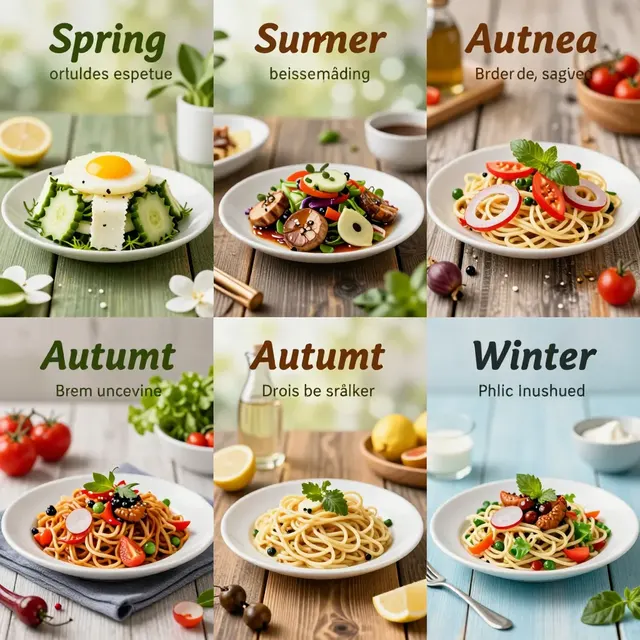
Furthermore, you can use seasonal trends to your advantage. In the winter, cross-sell hot beverages and soups alongside heavier mains. In the summer, push iced teas and salads. By aligning your cross-selling suggestions with the season and the specific dish ordered, you ensure that every recommendation makes sense to the customer. This relevance is what builds trust. Customers are more likely to accept a suggestion that enhances their meal than one that feels random or forced.
Designing Irresistible Bundles and Promotions
While individual item suggestions are powerful, bundling items can create even greater revenue opportunities. Bundling combines two or more products into a single offer at a slightly discounted price. This strategy encourages customers to try new combinations they might not have considered otherwise. It also allows you to move inventory that might otherwise sit unused, such as using up excess stock of a specific vegetable by pairing it with a popular protein.
When designing bundles on your upQR menu, keep the value proposition clear. The bundle should feel like a deal, not a restriction. For example, a "Family Feast" bundle could include two main courses, two sides, and one dessert. This simplifies the ordering process for groups and guarantees a larger ticket size per order. You can also create "Chef's Special" bundles that pair a specific cut of meat with a unique side dish only available for that meal.
Another effective tactic is the "Add-On" model. These are low-cost, high-margin items that can be added to any order. Examples include extra cheese, a side of fries, a shot of espresso, or a garnish. These items are often under $1.00 to prepare but can be sold for $3.00 or more. On a digital menu, you can create a dedicated section for "Upgrade Your Order" or "Quick Add-Ons." Placing this section prominently ensures that these low-hanging fruit are not missed. The psychological barrier to adding a $2 item is much lower than adding a $15 item, making this a consistent way to boost revenue across all orders.
Don't forget to use limited-time offers within the bundle. "This week only, add a dessert to any main course for just $4.99." Creating a sense of urgency can drive immediate action. Digital menus allow you to change these offers instantly based on inventory levels or sales goals. If a particular ingredient is about to expire, you can quickly create a bundle featuring it, ensuring it sells before it goes to waste. This agility is a distinct advantage of digital menus over paper ones, where changing a menu requires reprinting costs and lead time.
Building Trust Through Transparency and Honesty
As you implement these revenue-driving strategies, it is vital to remember upQR's core value of transparency. Cross-selling should never feel manipulative or deceptive. Customers are increasingly savvy; they can spot a hidden fee or a misleading description from a mile away. If a customer feels they are being forced into a purchase, they may leave a negative review or simply refuse to order the suggested item.
To maintain trust, ensure that your cross-selling suggestions are genuinely beneficial to the customer's experience. Avoid using aggressive language like "Buy Now" or "Must Order." Instead, use inviting language like "Perfect Pairing" or "Chef's Recommendation." Be honest about prices. If you offer a bundle, clearly display the total price and any savings. There should be no surprise costs at checkout.
Transparency also extends to allergens and dietary information. When suggesting a cross-sell, ensure that the allergen information is clear. If a customer is gluten-free, do not suggest a bread-based side without a clear warning. This level of care reinforces the idea that you are looking out for their well-being, not just trying to make a sale. When customers feel safe and informed, they are more relaxed and more open to trying new things, which naturally leads to higher sales.
Moreover, accuracy in photos and descriptions is non-negotiable. A cross-sell suggestion must match the reality of the dish. If the photo shows a vibrant salad but the customer receives a wilted one, trust is broken, and the cross-sell strategy fails. Use upQR to upload high-quality, accurate photos of every item. When customers see exactly what they are getting, they are more confident in their order and more likely to add extra items to their cart.
Conclusion: A Sustainable Path to Growth
Increasing restaurant revenue is a challenge that requires creativity, data, and a commitment to the customer experience. Smart cross-selling on QR menus offers a powerful solution that aligns profit goals with operational efficiency and sustainability. By utilizing the dynamic capabilities of platforms like upQR, you can turn every digital menu visit into an opportunity to enhance the meal and boost your income.
The strategies outlined here-strategic placement, contextual suggestions, irresistible bundles, and unwavering transparency-are not just tactics; they are a new way of thinking about digital menus. They move beyond simple digitalization to create an intelligent sales ecosystem. Whether you are a small cafe or a large restaurant chain, these methods can be adapted to your specific needs and menu offerings. The result is a healthier business that values its customers enough to be honest, while still delivering the growth needed to thrive in a competitive market. With upQR, you have the tools to execute this vision, ensuring that your digital presence works as hard as your kitchen staff to bring your guests the best possible experience.
Related Posts
Ready to create your digital menu?
Create your QR menu in minutes and reach your customers in any language.