
Master Group Ordering with QR Code Menus
Learn how to streamline group dining experiences using digital QR menus. Reduce friction, manage orders efficiently, and boost revenue with upQR.
Transforming Group Dining with Digital Technology
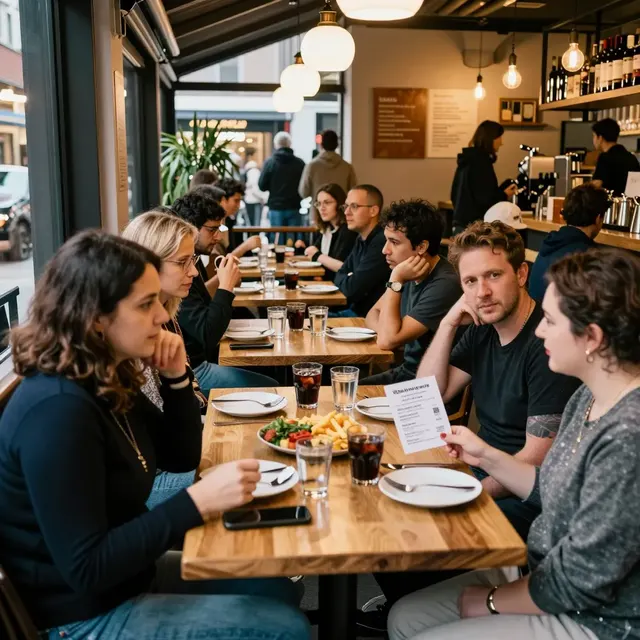
There is nothing quite like the buzz of a packed restaurant table. Whether it is a family reunion, a corporate team-building lunch, or a birthday celebration, group dining represents a significant opportunity for revenue. However, it also presents unique operational challenges. Traditional paper menus often lead to fragmented orders, where one person orders at the table while others wait, or multiple people order separately at different times. This fragmentation not only slows down service but can also lead to confusion regarding dietary restrictions or shared dishes.
By integrating a digital QR code menu system, restaurants can completely transform this experience. The shift from static paper to dynamic digital screens allows for synchronized ordering, real-time inventory management, and a seamless flow of information between the kitchen and the server. For restaurant owners and cafe managers, adopting this technology is no longer just a trend; it is a necessary evolution to handle the complexity of modern group dining. With the right setup, you can ensure that every guest feels valued, regardless of their language or dietary needs, aligning perfectly with the mission of providing universal access and honest information.
Streamlining the Ordering Process for Large Tables
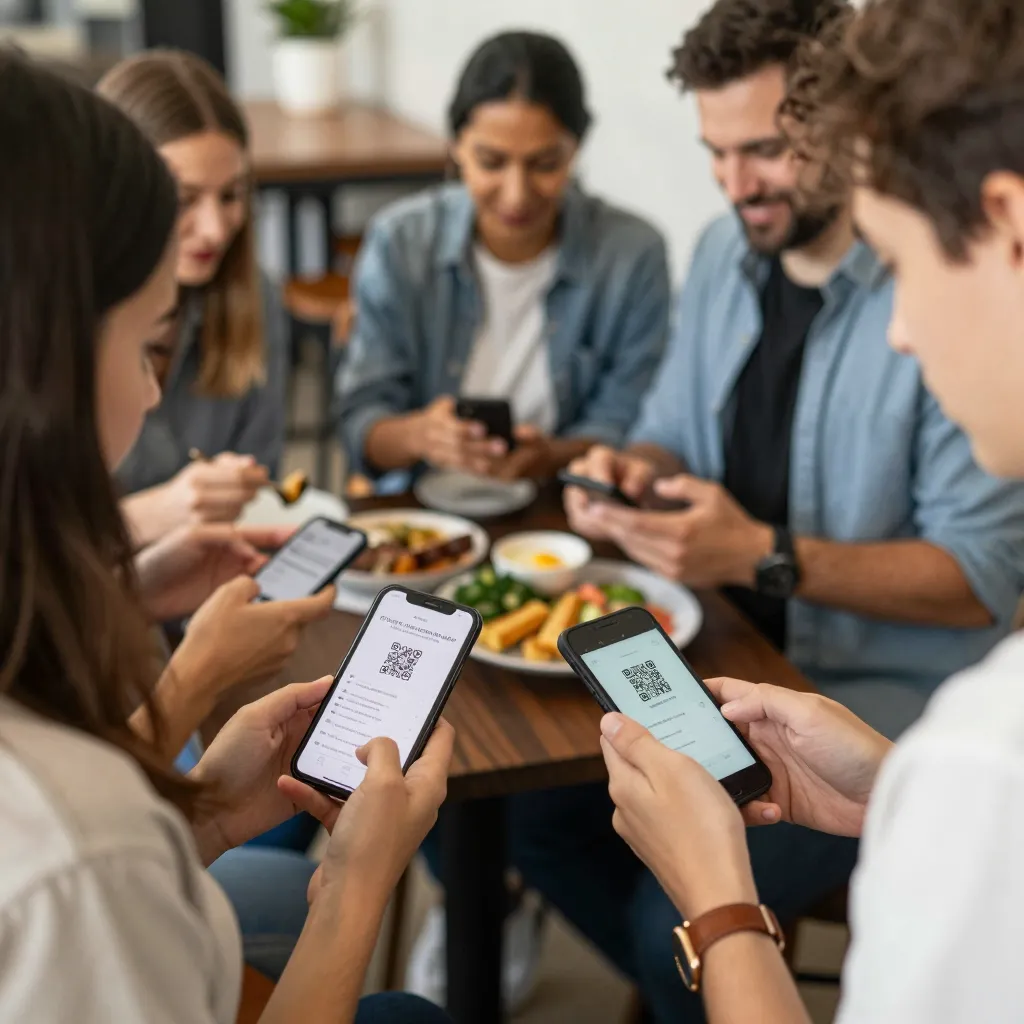
The primary benefit of setting up group ordering with a QR code menu is the ability to synchronize the experience for all diners. When a large group arrives, they can scan a single QR code that directs them to a shared digital interface. Instead of navigating through a mobile app or a third-party platform, the digital menu allows the entire table to view the same items simultaneously. This is crucial for groups trying to decide on shared appetizers or main courses.
Consider a scenario where a group of ten people is deciding on a pizza dinner. With a paper menu, one person might read the ingredients while another looks at the price, leading to a disjointed conversation. With upQR, the menu can highlight specific allergens clearly, ensuring transparency. If the group wants to split a large family-style platter, the digital interface can display the full cost of the item and allow multiple users to add it to the cart simultaneously. This prevents the common issue of "who is paying for what" or items being added twice by accident.
Furthermore, the setup allows for "table-wide" actions. A manager can enable a feature where one person can place an order on behalf of the entire table, or the system can automatically calculate the total bill for a specific dish and assign it to the table's account. This level of coordination reduces the burden on waitstaff, allowing them to focus on hospitality rather than managing a chaotic list of individual orders. It ensures that everyone knows exactly what they are ordering, adhering to the core value of honesty and accuracy. No hidden fees, no misleading descriptions-just a clear, shared view of the menu.
Managing Dietary Needs and Language Barriers
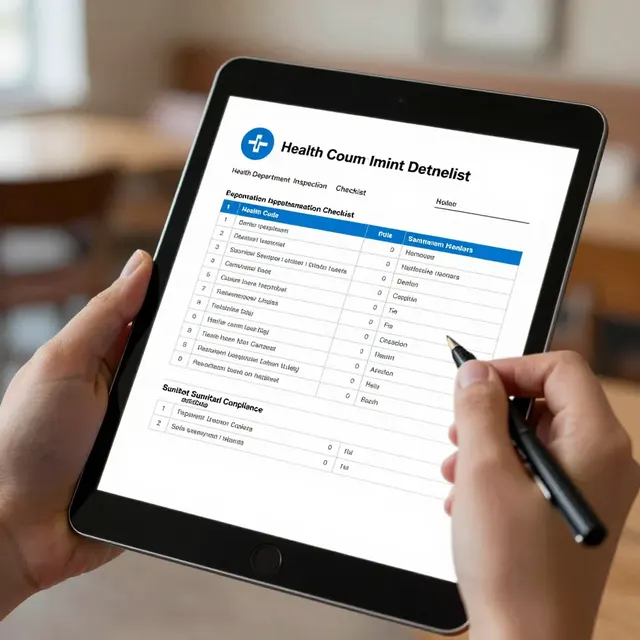
Group dining often brings together people with diverse backgrounds, dietary restrictions, and language preferences. This diversity can be a source of stress if the menu does not provide clear information. Paper menus are notoriously poor at conveying detailed ingredient lists or allergen warnings. Guests with gluten intolerance or nut allergies might accidentally order a dish they cannot eat, leading to a potentially dangerous and unpleasant experience. A digital QR menu solves this by allowing you to tag specific ingredients and clearly mark allergens next to every item.
When setting up your group ordering feature, ensure that the digital menu includes a robust filter system. Guests can filter the menu to show only "Gluten-Free," "Vegan," or "Nut-Free" options instantly. This empowers diners to make safe choices without having to ask the server repeatedly, which can be intrusive. For international guests, the universal access aspect of a digital menu shines. You can offer a multi-language toggle that instantly translates the menu into the guest's preferred language without changing the underlying product information. This ensures that a group consisting of locals and tourists can order confidently, knowing that the information they see is accurate and easy to understand.
For example, a corporate event might include guests from Japan, Brazil, and the United States. With upQR, the menu can be set to default to English but allow users to switch to Japanese or Portuguese with a single tap. The ingredient descriptions remain consistent, but the translation ensures that everyone understands exactly what is in their food. This transparency builds trust and enhances the overall dining experience, proving that your restaurant cares about the safety and comfort of every guest.
Operational Efficiency and Kitchen Workflow
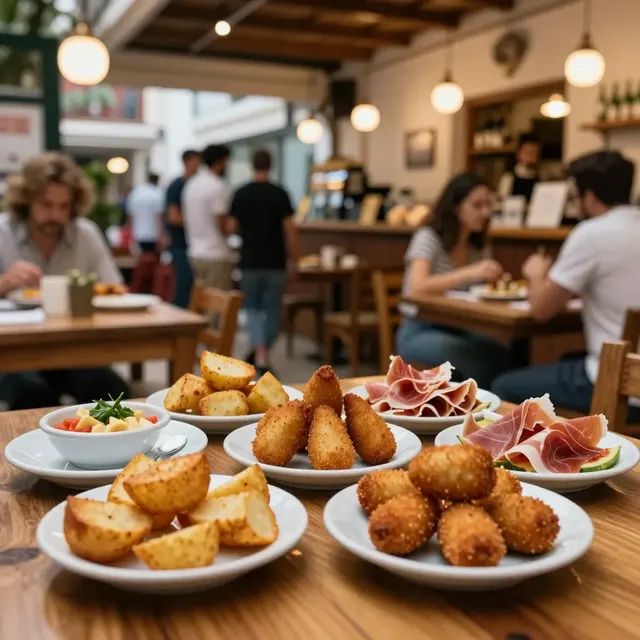
From an operational standpoint, group ordering with a digital QR menu significantly improves kitchen workflow. In a traditional setup, a large group might call out their order to the server, who then has to manually write it down on a ticket or a notepad. This process is prone to human error; a misheard order or a forgotten item can lead to kitchen delays and unhappy customers. With a digital system, the order is captured instantly and sent directly to the kitchen display system (KDS).
When a large group orders multiple items, the system can automatically batch similar orders. If five people order the same pasta dish, the kitchen receives a single line item for "5x Pasta" rather than five individual tickets. This batching reduces prep time and ensures that food is ready faster, which is critical for maintaining a good table turn rate. Additionally, the system can flag items that are out of stock or low on inventory in real-time. If a group tries to order a dish that has run out, the digital menu can instantly update to show it as unavailable, preventing the kitchen from wasting time preparing food that cannot be served.
Real-world data supports the efficiency gains of this approach. Restaurants utilizing digital ordering systems often report a 20-30% reduction in order errors. Furthermore, the ability to push updates instantly means that if a special promotion is running for a specific dish, you can highlight it for the entire group simultaneously. This targeted marketing within the group ordering flow can increase the average order value, as groups are more likely to try new items when they are presented clearly and appealingly.
Strategies for Implementation and Customization
To get the most out of your group ordering setup, you must customize the experience to fit your restaurant's specific needs. Start by defining your "group" rules. Do you want to allow individual orders for each person, or do you prefer a shared cart for the whole table? The flexibility of a digital platform like upQR allows you to configure these settings. You can set the menu to require a total payment at the end of the meal, or allow individual split payments if the group prefers.
Customization also extends to the visual presentation. Group dining often requires a different vibe than solo dining. You can create a specific "Group Menu" layout that highlights sharing platters, large portions, and communal dishes. Use high-quality images that show the food in a way that encourages sharing. Avoid stock photos that look fake; instead, use honest, accurate photography that reflects the real quality of your food. This aligns with the value of providing honest and accurate information, ensuring that what customers see on the screen is exactly what they get on their plate.
Another key strategy is to train your staff on how to assist guests with the digital menu. While the system is designed to be user-friendly, some guests may need a quick nudge. Your servers should be empowered to help guests filter by dietary needs or explain the multi-language options. This human touch, combined with the efficiency of the digital system, creates a seamless experience. Regularly review your analytics to see which group items are most popular and adjust your inventory or menu offerings accordingly.
Conclusion
Setting up group ordering with a QR code table menu is a strategic move that enhances both the customer experience and operational efficiency. By eliminating paper waste, you support sustainability, while the transparent display of ingredients and allergens ensures safety and trust. The ability to provide universal access through multi-language support and clear dietary filters makes your restaurant inclusive for everyone.
With upQR, you gain a powerful tool to manage the complexities of group dining without sacrificing the personal touch that makes dining out special. The platform's commitment to honesty, accuracy, and environmental responsibility ensures that your restaurant stands out in a crowded market. Whether you are hosting a casual lunch or a formal event, upQR provides the infrastructure needed to deliver a flawless experience for every guest, turning every group order into an opportunity for loyalty and growth.
Related Posts
Ready to create your digital menu?
Create your QR menu in minutes and reach your customers in any language.