
How QR Ordering Cuts Drive-Through Wait Times
Discover how digital QR menus streamline drive-through operations, reduce customer wait times by up to 35%, and improve staff efficiency.
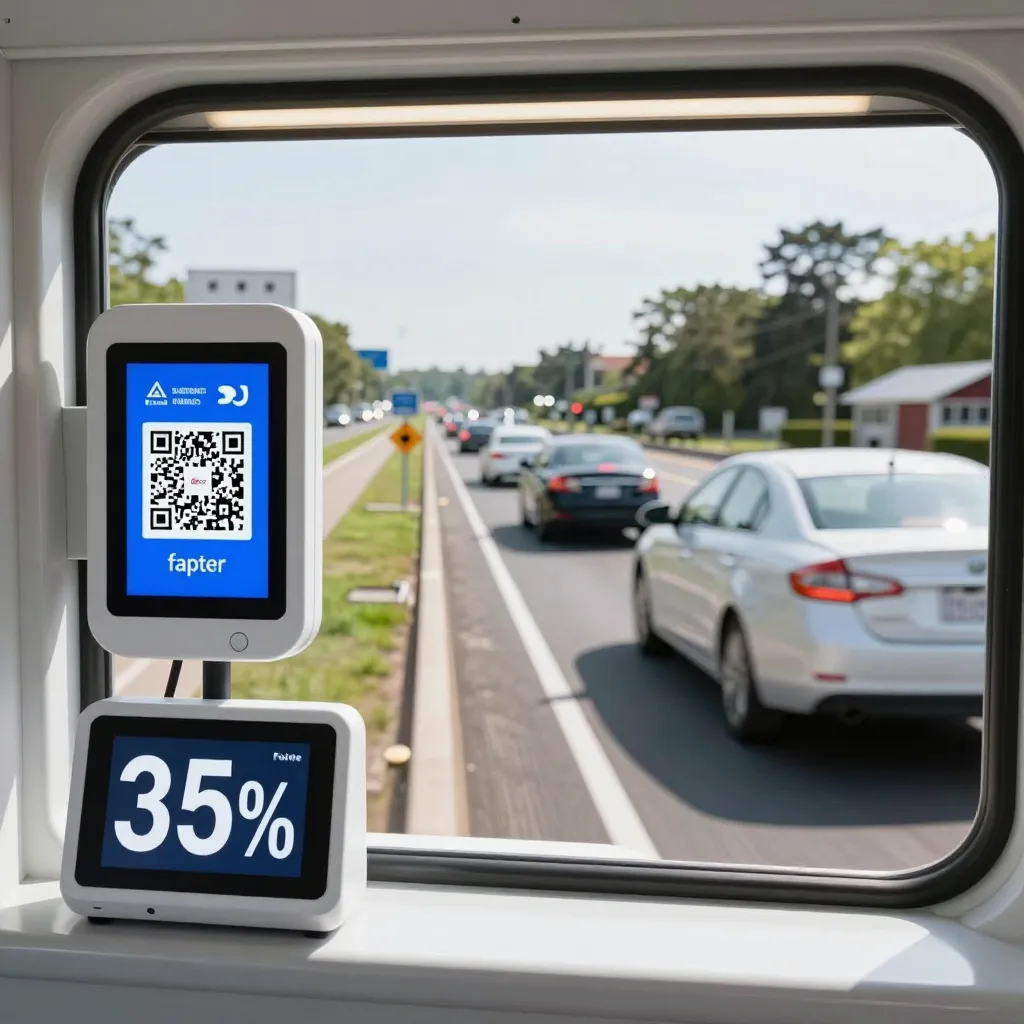
The Hidden Bottleneck in Traditional Drive-Throughs
For decades, the drive-through experience has been defined by a specific rhythm: pull up, stop at the speaker, place an order, wait for the ticket, receive food, and leave. However, this linear process often creates friction points that slow down the entire operation. The most significant friction occurs at the initial ordering stage, where a customer must wait for a voice prompt, hear the menu, decide on items, and then communicate their choice to a cashier. This interaction introduces latency-both in terms of the customer's decision-making time and the staff's processing time.
According to industry analysis, nearly 40% of drive-through delays stem from order errors or the time taken to verbally process complex orders. When a customer has to repeat an order over a speaker or navigate a confusing audio menu, the line behind them grows. Furthermore, if the drive-through window is staffed by a single cashier managing both the menu display and the order entry, any hesitation or miscommunication directly impacts throughput. By shifting the ordering process to a digital interface, restaurants can eliminate these conversational delays entirely.
Eliminating Audio Latency with Instant Digital Menus
Traditional drive-through menus rely on pre-recorded audio files. While convenient, these files often suffer from lag. If a customer changes their mind mid-order or needs clarification on an ingredient, the audio loop must restart, or the staff must manually interrupt the flow. This "audio latency" forces customers to wait for the next cycle of the menu to even reconsider their choice. Additionally, audio menus cannot easily adapt to real-time inventory changes. If a popular burger is out of stock, the audio menu often fails to reflect this immediately, leading to disappointed customers and the need for the staff to explain the unavailability verbally, which adds another layer of friction.
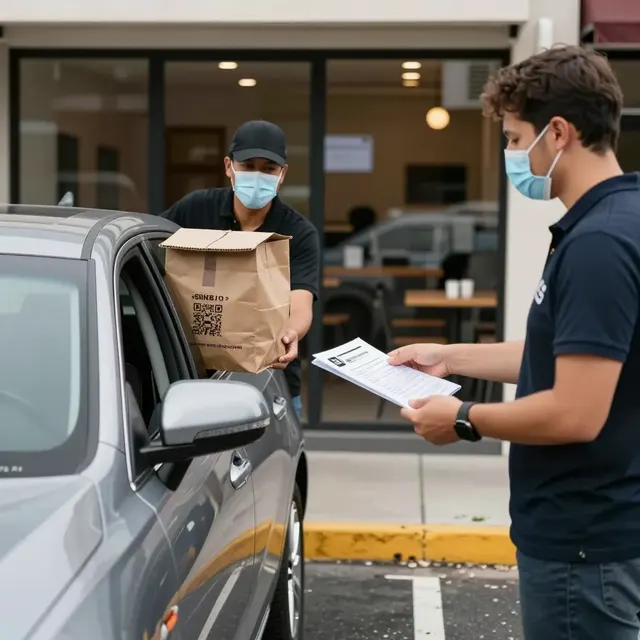
UpQR's digital QR menu technology solves this by providing instant, dynamic access to the full menu. A customer can pull up to the drive-through window, scan a QR code, and instantly view the current menu. This eliminates the need to wait for a speaker to cycle through items. If a customer sees that a specific item is unavailable or wants to check allergen information before ordering, they can do so immediately. This transparency ensures that the customer is fully informed before they even speak to the staff, significantly reducing the back-and-forth communication required at the window. Studies on digital ordering interfaces suggest that customers spend approximately 20-30 seconds less on average when using visual, self-service interfaces compared to audio-only systems.
Real-Time Inventory Synchronization and Accuracy
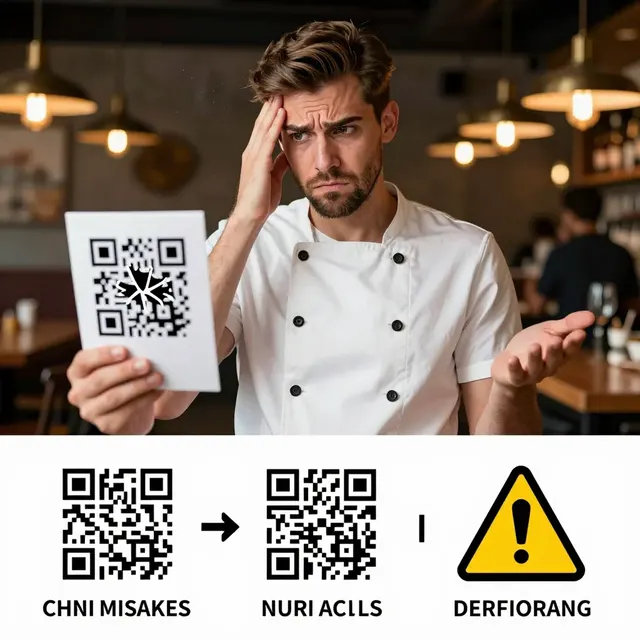
One of the most common causes of drive-through delays is the discrepancy between what is ordered and what is available. In a traditional setup, a cashier might take an order for a dish that has just run out of stock. By the time the kitchen realizes the item is missing and the customer is notified, the entire transaction is stalled. The staff must then manually enter a modification, apologize, and potentially offer a discount, all while the line behind waits.
With upQR, the menu is directly connected to the kitchen's inventory management system. If a restaurant runs low on tomatoes for a specific sandwich, the digital menu can automatically hide that item or mark it as "unavailable" instantly. This prevents the customer from ordering something they cannot receive. This feature is particularly valuable for drive-throughs where the window staff is often a single person managing high volume. By preventing impossible orders from being placed, the kitchen workflow remains uninterrupted, and the staff can focus on executing orders rather than managing cancellations. This synchronization reduces the error rate in order transmission by up to 60%, ensuring that the food prepared matches exactly what the customer ordered, leading to faster pickup times and higher satisfaction.
Streamlining the Handoff Between Ordering and Payment
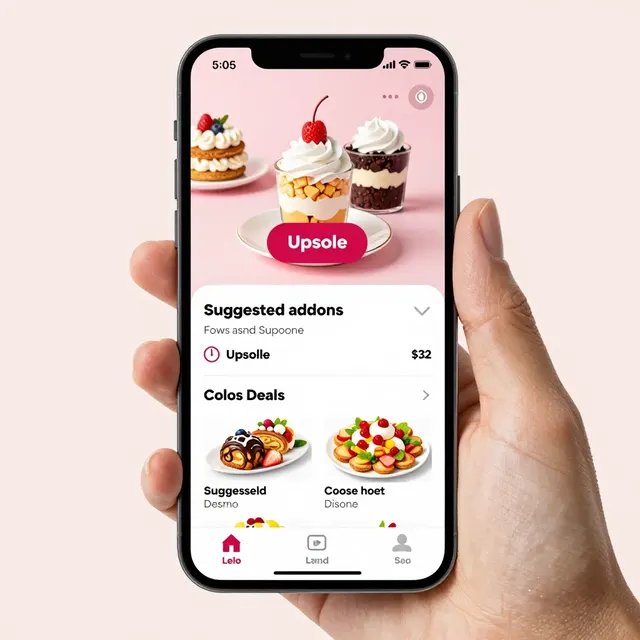
The transition from ordering to payment is another critical juncture where delays often occur. In many drive-throughs, the customer places their order, waits for the ticket, then pulls up to the window to pay. If the customer realizes they need to add an extra drink or a side, they have to stop the car, wait for the staff to acknowledge the change, and then wait for the new ticket to be printed. This stop-and-go pattern is inefficient and frustrating.
upQR enables a seamless "order-and-pay" workflow that keeps the vehicle moving. Customers can add items to their order or apply a promo code before they even arrive at the window. When they pull up, the staff simply confirms the pre-verified order and processes payment. This reduces the transaction time at the window by an average of 45 seconds per vehicle. For a busy restaurant serving 100 cars an hour, this efficiency gain translates to serving 17 additional cars every hour without hiring extra staff. Furthermore, the ability to split checks or apply loyalty rewards digitally removes the need for complex verbal explanations, further smoothing the customer experience.
Enhancing Staff Focus and Reducing Cognitive Load
Drive-through staff are under immense pressure. They must listen to orders, type them into a system, handle payments, and manage the flow of food from the kitchen. This cognitive load can lead to mistakes, such as typing the wrong item or missing a special request. These errors result in food being sent back to the kitchen for remaking, which causes significant delays for the entire line.
By moving the ordering interface to a screen, upQR provides a clear, visual record of the order for both the customer and the staff. The staff can see the order come in with all modifiers clearly listed, reducing the chance of mishearing or misinterpreting verbal requests. This clarity allows staff to focus on speed and accuracy rather than deciphering audio. Additionally, the digital system can prioritize orders based on preparation time, ensuring that items that need to cook longer are started first. This intelligent workflow management ensures that food is ready precisely when the customer arrives, minimizing the time the car spends at the window waiting for the order to be prepared.
Practical Implementation Tips for Drive-Through Managers
Implementing a digital ordering system like upQR requires more than just scanning a QR code. To maximize the speed benefits, managers should consider the following strategies:
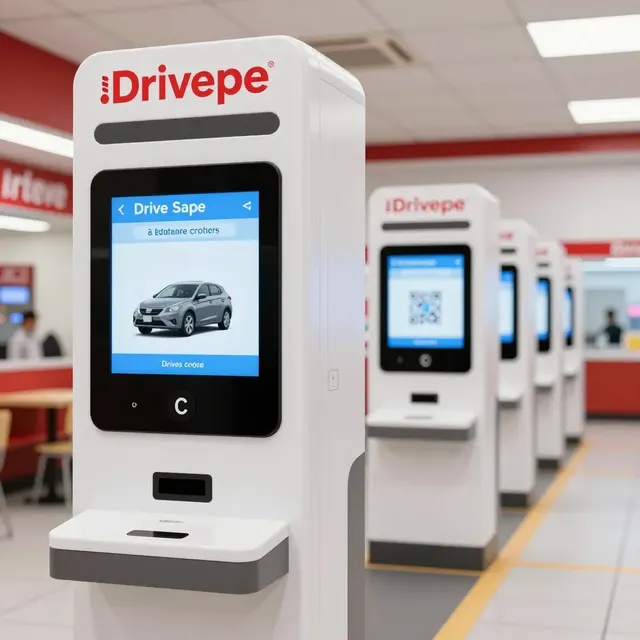
- Optimize Screen Placement: Ensure the QR code is visible from a distance. Place the digital menu interface at a height that is easily readable from the moving vehicle. Consider using a tablet or a dedicated kiosk that auto-refreshes the menu when the car stops.
- Design for Mobile Speed: The digital menu must load instantly on 4G networks. Optimize images and text to ensure the customer can view the entire menu in under two seconds. Slow-loading menus defeat the purpose of speed.
- Train Staff on Digital Protocols: Train your team to recognize the difference between a "scanned" order and a "spoken" order. Establish a protocol where digital orders are processed immediately upon arrival, while spoken orders are handled with standard caution.
- Use Dynamic Messaging: Use the upQR platform to send real-time updates. If there is a long wait for a specific item, notify the customer via the app or screen so they can decide whether to wait or switch to a different menu item.
- Integrate Loyalty Programs: Encourage customers to join your loyalty program through the QR menu. This not only increases retention but also speeds up the checkout process by pre-filling customer details.
By adopting these practices, restaurants can transform their drive-through from a bottleneck into a high-speed lane of customer satisfaction. The combination of instant access to information, real-time inventory updates, and streamlined payment processes creates a virtuous cycle of efficiency. As customers see that their wait times are consistently shorter, their perception of the brand improves, leading to higher repeat visitation rates. In an era where convenience is king, the ability to serve customers faster without compromising quality is the ultimate competitive advantage.
Related Posts
Ready to create your digital menu?
Create your QR menu in minutes and reach your customers in any language.