
Master QR Menu Upselling: Boost Average Check Size
Learn proven strategies to increase your average check size using digital QR menus. Discover how to cross-sell, upsell, and delight customers with upQR.
Why Digital Menus Are Your New Best Sales Tool
For decades, the paper menu was the primary vehicle for driving restaurant revenue. While it served its purpose, it was static, expensive to reprint, and offered zero opportunity for real-time engagement. Today, digital QR menus have transformed from a mere convenience into a powerful sales engine. According to recent industry data, restaurants utilizing interactive digital menus see an average check increase of 15% to 25% compared to those relying solely on paper.
The shift to digital isn't just about going paperless; it's about changing the psychology of the dining experience. When a customer scans a QR code, they are no longer just looking at a list of ingredients. They are engaging with a dynamic interface that can guide their decision-making process, highlight high-margin items, and suggest perfect pairings instantly. This interactivity removes the friction of asking a server for a recommendation, which often leads to customers sticking to their comfort foods.
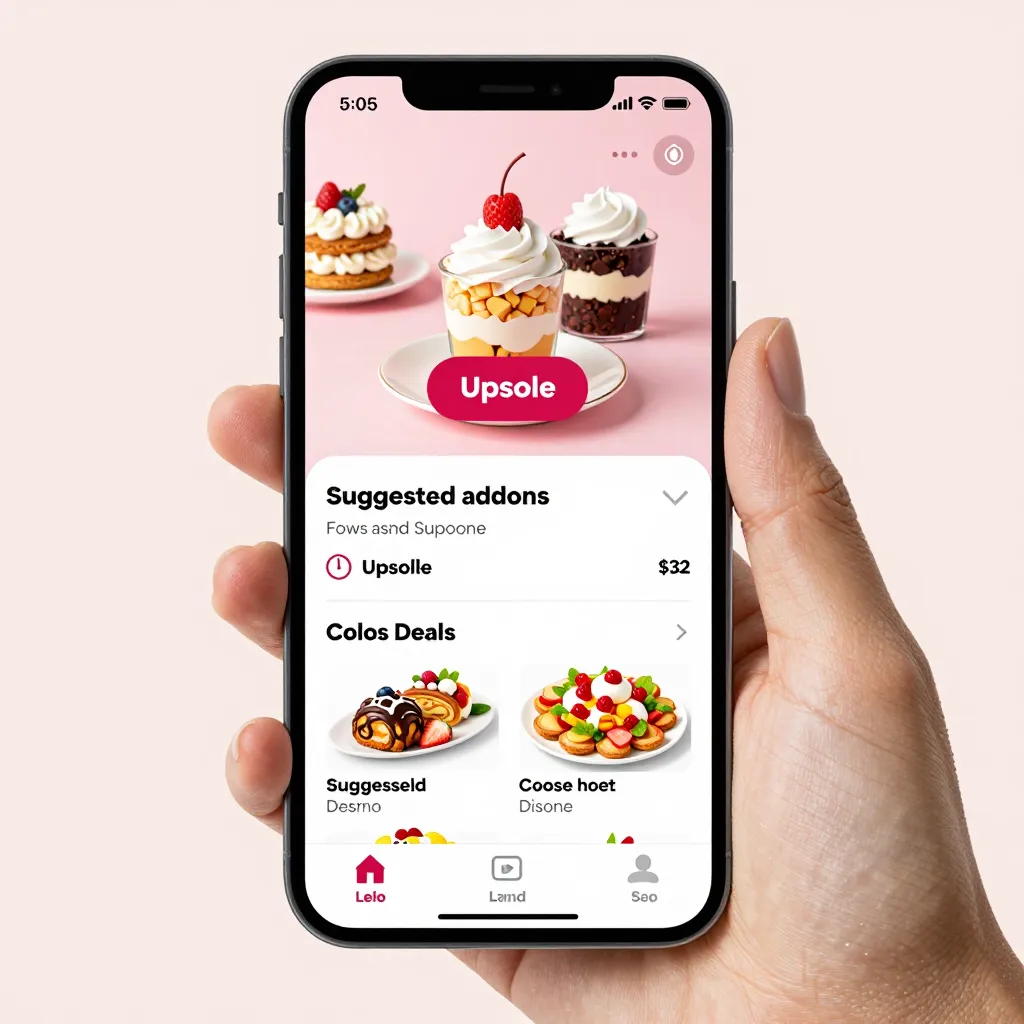
At upQR, we design our digital platforms with conversion in mind. By leveraging features like custom backgrounds, high-quality photography, and strategic placement of promotional items, you can turn a simple scan into a personalized sales pitch. The goal is to make the upsell feel like a helpful suggestion rather than a sales tactic, ensuring that guests feel valued while increasing your revenue per seat.
Strategic Placement: The Art of Digital Real Estate
One of the most effective ways to drive sales is through strategic placement within your digital menu layout. In a paper menu, the eye naturally scans from top to bottom and left to right, often landing on the most visible items first. Digital menus offer you control over this visual hierarchy. You don't need to force a customer to look at a specific item; you simply need to make the right item the most attractive option.
Consider the "Hero Section" concept. This involves placing your highest-margin or signature dish at the very top of the menu or in a visually distinct section. When a guest first opens the digital menu, their attention is immediately captured by your best sellers. To make this effective, ensure these items are accompanied by mouth-watering, high-resolution images. Studies show that dishes with professional photography are 13% more likely to be ordered than those with text-only descriptions or low-quality images.
Another powerful technique is the use of "Sticky" or always-visible banners. These can be placed at the top of the screen or near the "Add to Order" button. For example, if you have a special of the day or a limited-time offer, a bright, animated banner can draw the eye immediately. You can also utilize the "Related Items" feature to automatically suggest a dessert or a drink whenever a savory dish is selected. This mimics the natural conversation a server would have but happens instantly, keeping the customer engaged and open to suggestions.
Don't forget the bottom of the menu. This is often where the "low-hanging fruit" for upselling lies. Place your high-margin add-ons, such as premium sauces, extra cheese, or artisanal bread, in a dedicated section near the bottom or as a pop-up suggestion after the main course is selected. By the time a customer reaches the end of their scrolling journey, they are often more relaxed and ready for a sweet treat or a final upgrade.
Psychological Triggers and Copywriting Techniques
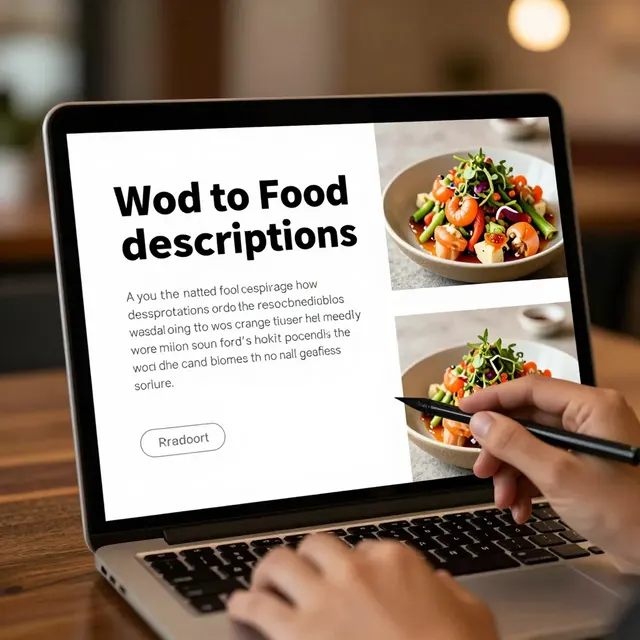
The text you use to describe your food is just as important as the images. In the world of digital menus, copywriting is your secret weapon for influencing purchasing behavior. Avoid dry, clinical descriptions like "Grilled chicken breast with vegetables." Instead, use sensory language that evokes emotion and appetite. Describe the texture, the aroma, and the experience. Words like "crispy," "tender," "smoky," and "fresh" trigger the brain's reward centers, making the customer crave the item more.
When it comes to upselling, the framing of the price is critical. Instead of listing a base price and then adding costs for extras, use a "value bundle" approach. For instance, rather than listing a burger for $15 and fries for $6, present a "Burger & Fries Combo" for $19.50. This technique, known as anchoring, makes the combo price feel like a steal compared to buying items separately. It simplifies the decision-making process for the customer and guarantees you sell the higher-margin combination.
Another psychological trigger is the use of scarcity and urgency. Digital menus allow you to update content in real-time. If you have a limited quantity of a specific ingredient, such as fresh truffle oil or seasonal berries, explicitly state this. Phrases like "Only 5 left in stock" or "Available until 8 PM" create a fear of missing out (FOMO) that can prompt immediate action. This is particularly effective for cross-selling seasonal items or clearing out inventory before the next shift.
Finally, leverage social proof. If you have a section for customer reviews, ensure that your upsell items or signature dishes have glowing testimonials attached to them. Seeing a note like "The best dessert I've ever had!" next to a specific item validates the upsell and reduces the perceived risk for the customer trying something new.
Leveraging Seasonality and Dynamic Content
One of the biggest advantages of a digital QR menu over a paper one is the ability to update content instantly. This allows you to capitalize on seasonality, which is a massive opportunity for both upselling and cross-selling. When summer arrives, your menu can shift to highlight cold salads, frozen desserts, and refreshing beverages. In the winter, you can promote hearty soups, stews, and warm cocktails.
Seasonal menus also allow you to create exclusive experiences. For example, during the holidays, you can introduce a limited-edition menu featuring festive flavors like eggnog-spiced lattes or cranberry-glazed meats. By making these items available only during specific windows, you create a sense of exclusivity that encourages customers to try them before they disappear. This not only boosts sales but also generates buzz and social media engagement, as customers love sharing unique, time-sensitive offerings.
Furthermore, dynamic content enables you to react to weather conditions or local events. If it's raining heavily, your digital menu can automatically highlight hot comfort foods and cozy drinks. If a major sports event is happening in town, you can feature game-day specials and shareable platters. This level of agility ensures that your menu is always relevant to the current context, keeping customers interested and increasing the likelihood of additional orders.
At upQR, our platform makes managing these updates effortless. You can change prices, descriptions, and images from your dashboard without ever touching a printer. This means you can test different offers, A/B test different menu layouts, and optimize your sales strategy based on real-time performance data. If a certain upsell strategy isn't working, you can pivot instantly, ensuring that you are always maximizing your revenue potential.
Personalization and Data-Driven Optimization
The future of restaurant sales lies in personalization. While full AI-driven personalization based on individual customer history is still emerging, digital menus can already offer a level of customization that paper menus cannot match. You can segment your menu based on dietary preferences, such as creating a dedicated section for vegetarians, gluten-free options, or keto-friendly meals. When a customer selects a filter, the menu updates instantly to show only relevant items. This improves the user experience and reduces the time spent scrolling, making the customer more likely to order more.
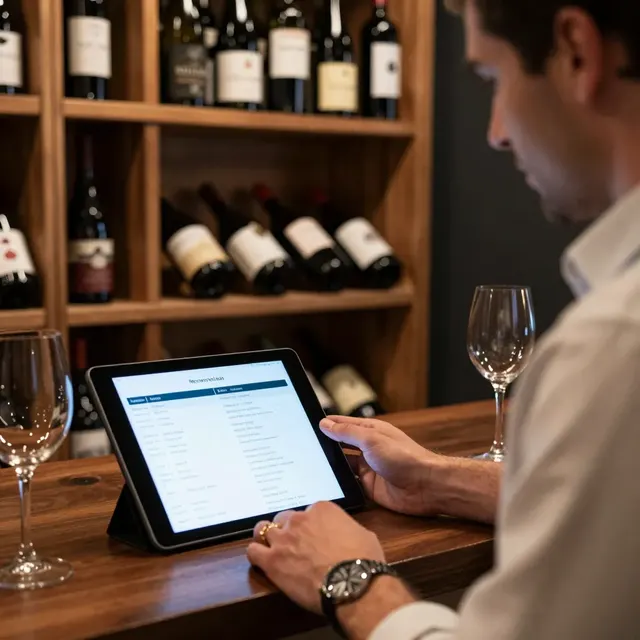
Data analytics is another game-changer. Digital QR menus come equipped with tracking capabilities that allow you to see exactly which items are being ordered, at what time of day, and by which demographics. If you notice that a particular high-margin appetizer is consistently underperforming, you can experiment with new descriptions, better photos, or a slight price adjustment. Conversely, if a cross-sell item like a specific wine pairing is flying off the shelves, you can feature it more prominently or create a bundle around it.
Use this data to refine your upselling tactics continuously. For instance, if data shows that customers who order coffee often add a pastry, you can create a "Morning Brew & Bake" bundle that is always visible on the menu. By analyzing trends, you can identify patterns in customer behavior and tailor your digital menu to cater to those specific needs. This data-driven approach removes the guesswork from your sales strategy, allowing you to make informed decisions that directly impact your bottom line.
Remember, the ultimate goal is to enhance the guest experience while driving revenue. When done correctly, upselling and cross-selling feel like natural extensions of the dining experience rather than intrusive sales pitches. By combining strategic placement, compelling copy, dynamic content, and data insights, you can transform your digital QR menu into a revenue-generating asset. With upQR, you have the tools to execute these strategies seamlessly, helping your restaurant stand out in a competitive market and delight every guest who scans the code.
Related Posts
Ready to create your digital menu?
Create your QR menu in minutes and reach your customers in any language.