
5 Common Mistakes With Digital Menus
Discover the top 5 errors restaurant owners make when switching to QR menus and learn how to avoid them for maximum impact.
1. Neglecting Mobile Optimization and Speed
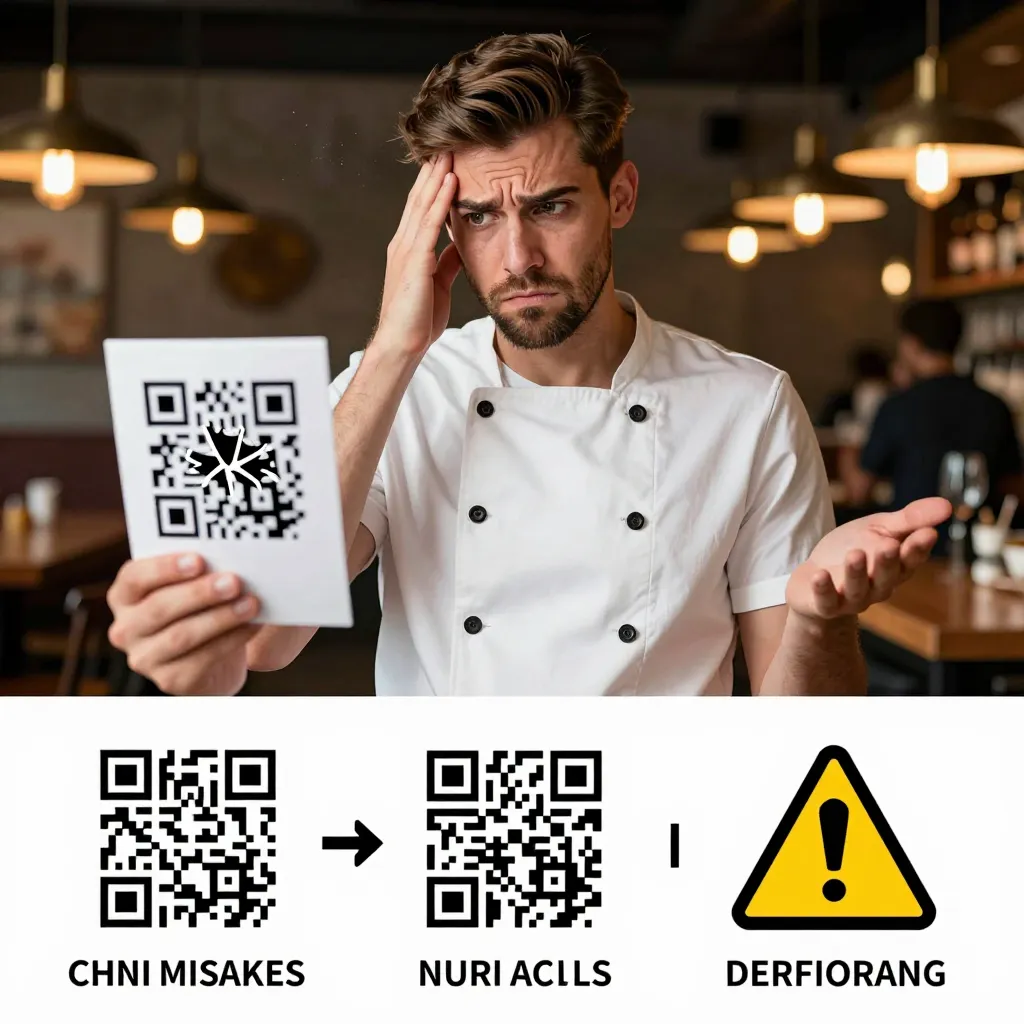
When a customer scans a QR code at a table, their primary expectation is instant access to the menu. If the digital menu loads slowly or displays poorly on mobile devices, you risk losing a sale before the food even arrives. According to recent industry data, nearly 53% of mobile users will abandon a website if it takes longer than three seconds to load. For a restaurant, this statistic translates directly to revenue loss.
Many owners make the mistake of simply uploading a PDF of their existing print menu. While this seems like an easy transition, PDFs are notoriously difficult to navigate on smartphones. Users cannot easily zoom in on images, tap to expand text, or skip sections. They must scroll endlessly, often resulting in frustration and a poor dining experience.
To avoid this error, your digital menu must be a responsive web page designed specifically for mobile screens. It should load instantly, even on slower cellular connections found in older cafes. Use compressed images for food photography to maintain quality while minimizing file size. Ensure that buttons for ordering, viewing the full menu, and accessing allergen information are large enough to be tapped with a thumb. A seamless user experience keeps diners engaged and encourages them to order more items.
2. Ignoring Allergen and Dietary Information
In the modern dining landscape, dietary restrictions are no longer niche concerns; they are a standard part of the customer journey. A significant number of diners now check menus for gluten-free, vegan, nut-free, or keto options before even arriving at a restaurant. Failing to provide clear, accessible information on these topics can lead to health risks, customer complaints, and potential legal liability.
Restaurants often overlook this by listing ingredients in small print on a physical menu that customers might miss, or by having no information at all on a digital version. The correct approach is to integrate a dedicated section or tags for dietary needs directly into the digital interface. Use icons or color-coding to quickly identify which dishes are suitable for specific diets. For example, a green leaf icon could denote vegan options, while a wheat-free symbol highlights gluten-free items.
Furthermore, include a clear disclaimer or link to a detailed allergen guide. Transparency builds trust. When a customer sees that you have thoughtfully categorized your menu items based on dietary requirements, it signals that you care about their well-being. This attention to detail can be the deciding factor between a customer choosing your establishment over a competitor's. Always double-check with your kitchen team to ensure the information displayed matches the actual preparation methods used in your kitchen.
3. Failing to Update Content in Real-Time
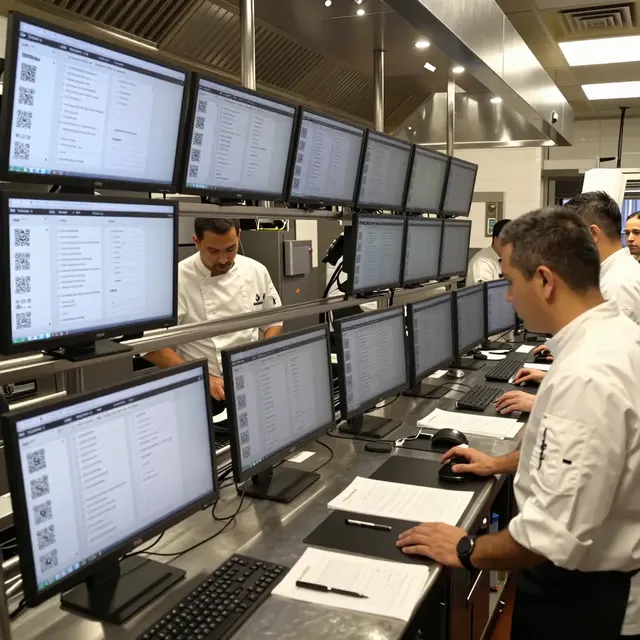
One of the greatest advantages of switching to a digital menu platform is the ability to update information instantly. However, a common mistake is treating the digital menu as a static document that rarely changes. If a dish is out of stock due to a supplier issue, or if a seasonal ingredient has run out, you must update the menu immediately. Leaving a "sold out" item listed for days leads to disappointment when customers order it and receive nothing, resulting in refunds and negative reviews.
Consider the scenario where a popular appetizer is temporarily unavailable. In a traditional paper menu, you must reprint the entire document, which costs time and money. With a digital system, you can toggle the item's status to "unavailable" in seconds. You can also add a note explaining why it is missing, such as "temporarily out of stock due to high demand," which manages customer expectations effectively.
Updates should also include daily specials, happy hour pricing, and new seasonal additions. A dynamic menu keeps your offering fresh and exciting. If you have a limited-time offer, make sure it is highlighted prominently on the digital version. Regularly reviewing and updating your menu ensures that your inventory management is reflected accurately, preventing kitchen chaos and maintaining customer satisfaction. This agility is a key differentiator in the competitive restaurant industry.
4. Overlooking the Importance of High-Quality Visuals
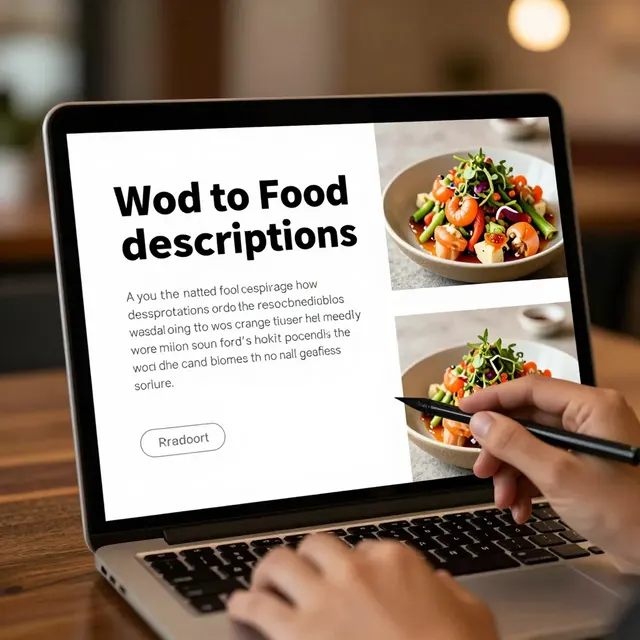
Food is visual, and the first thing a customer sees on a digital menu is often the photography. Many restaurant owners make the mistake of using low-resolution images, dark photos, or pictures taken years ago that do not reflect the current look of the food. Poor quality images can make your dishes look unappetizing, causing customers to hesitate before ordering.
When switching to digital menus, invest in professional food photography or hire a skilled photographer. The images should be bright, colorful, and taken with natural light to make the food look fresh and inviting. Ensure that the images are high-resolution but optimized for web speed. Avoid using stock photos that do not match your actual menu items; authenticity is crucial.
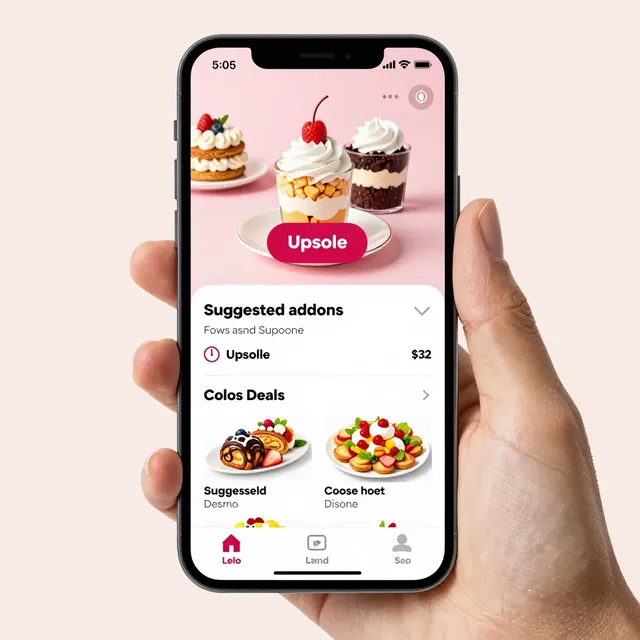
Additionally, consider the layout of the images. Instead of a simple grid, you might want to feature a "hero image" of your signature dish at the top of the menu. Use captions to describe the dish briefly, perhaps mentioning the origin of key ingredients or the chef's inspiration. High-quality visuals not only enhance the aesthetic appeal but also increase the perceived value of your food, potentially allowing you to command higher prices or sell more high-margin items.
5. Disregarding Analytics and Customer Feedback
Perhaps the most significant mistake is ignoring the data that a digital menu platform can provide. Unlike a paper menu, a digital solution offers insights into customer behavior. You can track which items are viewed the most, which are ordered frequently, and where users drop off in the ordering process. Without leveraging these analytics, you are flying blind regarding your menu performance.
Use this data to make informed decisions. If a specific dish is viewed hundreds of times but rarely ordered, it might need a better description, a more attractive photo, or a price adjustment. Conversely, if a high-margin item is underperforming, analyze the placement or the wording of its description. Some platforms also allow you to embed surveys or feedback forms directly on the menu, asking customers what they liked or disliked about their meal.
Actionable tip: Review your analytics weekly. Look for trends in seasonal preferences. If you notice a spike in vegetarian orders during a specific week, consider adding a new plant-based option to capitalize on that demand. By actively listening to your customers through data and feedback, you can continuously refine your menu to better suit their tastes. This proactive approach turns your digital menu into a powerful tool for growth and retention, rather than just a replacement for paper.
Conclusion
Transitioning from paper to digital is a strategic move that can elevate your restaurant's operations and customer experience. However, success depends on avoiding common pitfalls like poor mobile optimization, neglecting dietary info, and ignoring real-time updates. By focusing on speed, transparency, visual appeal, and data-driven improvements, you can create a digital menu that works as hard as your kitchen staff.
At upQR, we provide the robust infrastructure needed to avoid these mistakes. Our platform offers blazing-fast loading times, easy-to-manage content updates, and powerful analytics dashboards tailored for restaurant owners. With upQR, you get a professional, mobile-first solution that handles allergen tags, image optimization, and inventory syncing automatically. Stop making these common errors and start maximizing your revenue with a digital menu built for success.
Related Posts


Ready to create your digital menu?
Create your QR menu in minutes and reach your customers in any language.