
Setting Up QR Menus for Campus Dining Success
Discover how to implement QR menu ordering in college cafeterias. Boost student engagement, reduce paper waste, and streamline operations with our guide.
Transforming Campus Dining with Digital Solutions
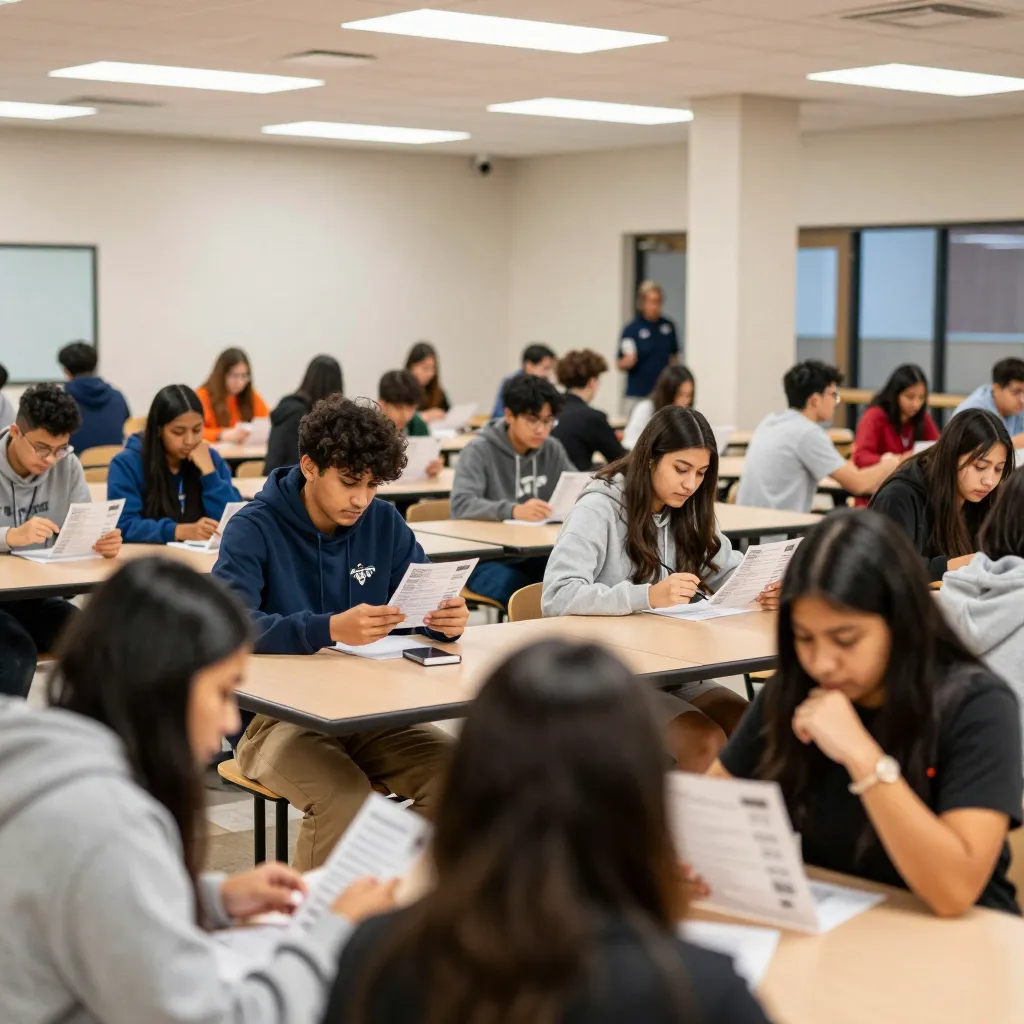
College dining halls are the heart of student life, serving as hubs for social interaction and nutritional needs. However, traditional paper menus often fail to meet the modern demands of today's student body. With over 40% of college students relying on smartphones for daily tasks, a static paper menu represents a missed opportunity for engagement. Implementing a digital QR menu system transforms this interaction, offering a seamless experience that aligns with the tech-savvy nature of the student population.
The shift towards digital menus in higher education institutions is not just a trend; it is a necessity driven by sustainability and efficiency. According to recent industry reports, digital menus can reduce food waste by up to 30% by allowing real-time inventory adjustments. For campus administrators, this means not only saving on printing costs but also aligning with the growing environmental consciousness of Gen Z and Millennial students. By adopting a platform like upQR, restaurants can eliminate the need for constant reprinting due to price changes or menu updates, ensuring that every student sees the most current offerings instantly.
Ensuring Transparency and Universal Access for All Students
One of the most significant challenges in campus dining is ensuring that all students can access food safely and confidently. A digital menu powered by upQR excels here by providing unparalleled transparency. Unlike traditional menus that might obscure allergen information or use vague descriptions, a digital interface can display detailed ingredient lists, nutritional facts, and clear allergen warnings for every single item.
This level of honesty is crucial for students with dietary restrictions, such as those with celiac disease, nut allergies, or specific vegan requirements. Imagine a student with a severe peanut allergy scanning a code and immediately seeing a highlighted warning and a full list of ingredients for a popular campus burger. This eliminates the guesswork and anxiety often associated with dining out. Furthermore, universal access becomes a reality; a QR code works regardless of the student's language background. If a university has an international student body, the menu interface can be easily switched to multiple languages, ensuring that every student understands exactly what they are ordering, fostering an inclusive dining environment.
Practical Tip: When setting up your digital menu, prioritize the 'Allergens' and 'Nutritional Info' sections. Place them prominently so students don't have to dig for them. Use bold text and icons to make this information stand out, ensuring that safety is never compromised for the sake of aesthetics.
Streamlining Operations and Reducing Administrative Burden
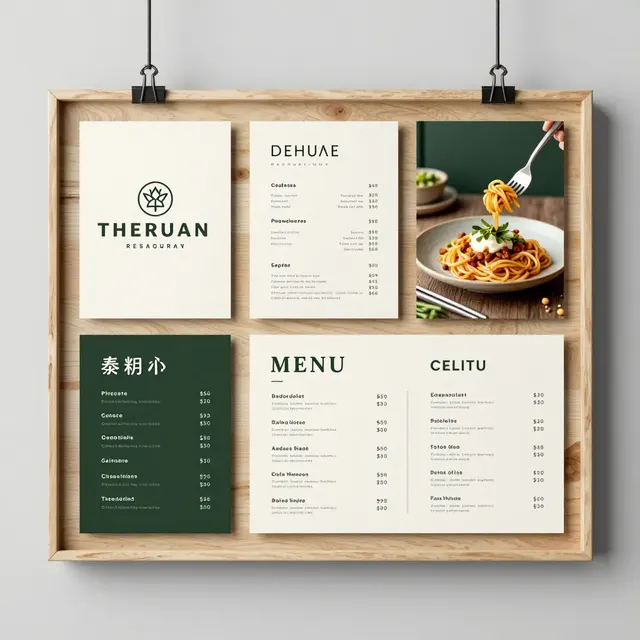
For food service professionals managing a busy campus restaurant, the operational benefits of a QR menu system are substantial. Traditional paper menus require frequent updates whenever prices change, new items are added, or seasonal ingredients are swapped. This process often leads to errors, where staff must manually rewrite boards or distribute new printed menus, causing delays and confusion at peak lunch hours.
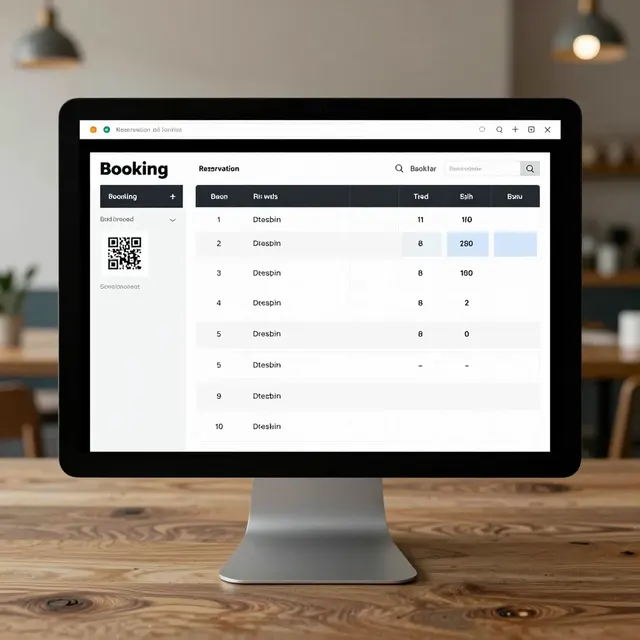
With a digital solution, updates happen in real-time. If the price of coffee increases due to inflation, the manager simply adjusts the price in the backend dashboard, and the change is reflected on every student's phone instantly. This accuracy prevents disputes at the register and maintains trust between the dining hall and the student body. Additionally, digital menus can integrate with inventory management systems. If a specific ingredient runs out, the item can be marked as 'unavailable' instantly, preventing students from ordering items that cannot be prepared.
Consider the scenario of a large university with multiple dining locations. Each location can have its own unique menu tailored to local preferences while maintaining a central brand identity. This flexibility allows for A/B testing different menu layouts or descriptions to see what resonates best with the student demographic, driving higher engagement and sales without the cost of printing multiple versions of a physical menu.
Enhancing Student Engagement Through Interactive Features
Students today expect more than just a list of food; they expect an experience. A static paper menu offers a passive experience, whereas a digital QR menu can be an interactive platform that enhances engagement. Platforms like upQR allow for rich media integration, such as high-quality videos showing how a dish is prepared or photos of the actual ingredients used. This visual appeal can stimulate appetite and help students make better choices based on what they actually want to eat, rather than just what is available.
Engagement can also be driven through gamification and loyalty programs integrated directly into the menu. For instance, students can scan a code to earn points for every purchase, redeemable for discounts on future meals. This not only encourages repeat visits but also builds a sense of community around the dining hall. Additionally, the menu can include polls or feedback forms, allowing students to vote on new menu items or suggest changes. This direct line of communication makes students feel valued and heard, fostering a positive relationship between the administration and the dining services.
Real-World Example: A mid-sized university implemented a digital menu system that included a 'Student Choice' section. Students could vote on new recipes via their phones. The top-voted recipe was featured prominently on the digital menu and offered at a discounted price for the first week. This strategy increased foot traffic by 15% and significantly reduced food waste by ensuring popular items were highlighted while less popular items were adjusted or removed based on data.
Implementing Best Practices for Your Campus Rollout
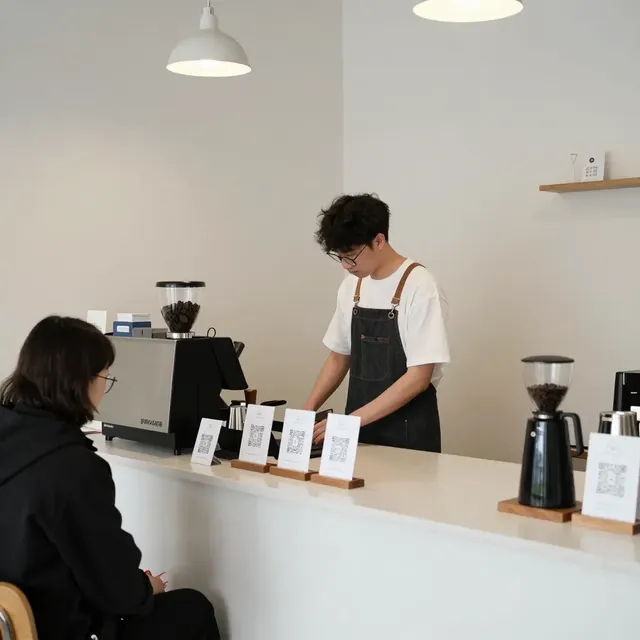
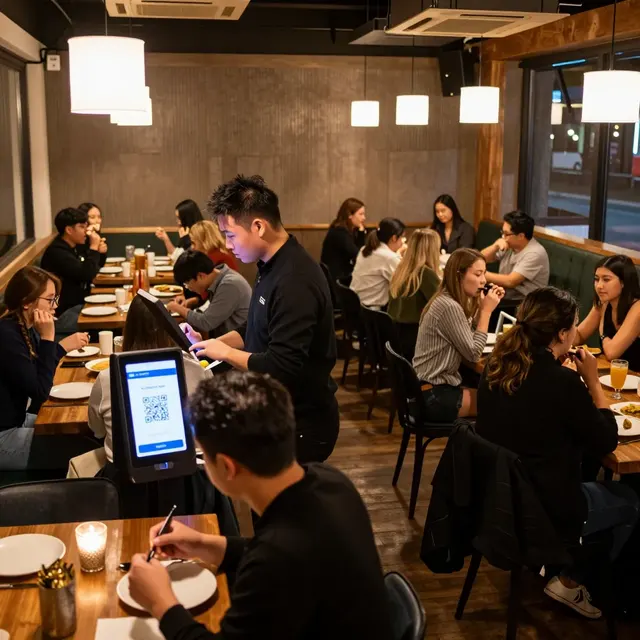
Successfully rolling out a QR menu system requires careful planning and execution to ensure adoption among the student body. The first step is to ensure the QR codes are easily accessible. They should be placed at eye level on tables, near entrances, and on digital screens at the ordering stations. It is also helpful to include a brief instruction on the first scan, explaining how to navigate the menu and access nutritional information.
Training your staff is equally important. Front-of-house staff should be knowledgeable about the system so they can assist students who might be struggling with the interface, particularly those less familiar with technology. They should also be trained to explain the benefits of the digital menu, such as the ability to customize orders or view allergen information, encouraging students to switch from paper to digital.
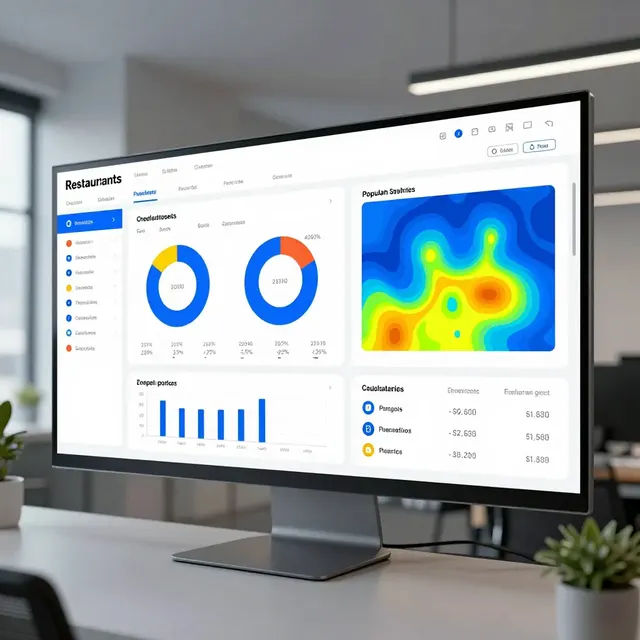
Finally, monitor the data provided by your platform. Analytics can show which items are most viewed, what time of day traffic is highest, and which students are using the digital menu versus ordering at the counter. Use this data to refine your menu strategy. For example, if a specific healthy option is rarely ordered, consider repositioning it or highlighting its benefits more clearly. Continuous improvement based on data ensures that the dining hall remains relevant and responsive to the needs of the student population.
Conclusion
Setting up a QR menu for a campus college restaurant is a strategic move that benefits students, staff, and the institution as a whole. By choosing a platform that prioritizes sustainability, transparency, and universal access, dining halls can create a dining environment that is safe, engaging, and efficient. upQR provides the robust infrastructure needed to achieve these goals, offering tools for real-time updates, detailed allergen information, and interactive student engagement. As colleges continue to evolve to meet the needs of a modern student body, digital menus are no longer a luxury but a standard expectation. Embrace this technology today to lead your campus in innovation and service excellence.
Related Posts

Ready to create your digital menu?
Create your QR menu in minutes and reach your customers in any language.