
How to Create a Digital Tea House and Matcha Shop Menu
Transform your tea house with a digital menu that highlights matcha grades, brewing methods, and dietary info while reducing waste and boosting sales.
Why Your Tea House Needs a Specialized Digital Menu
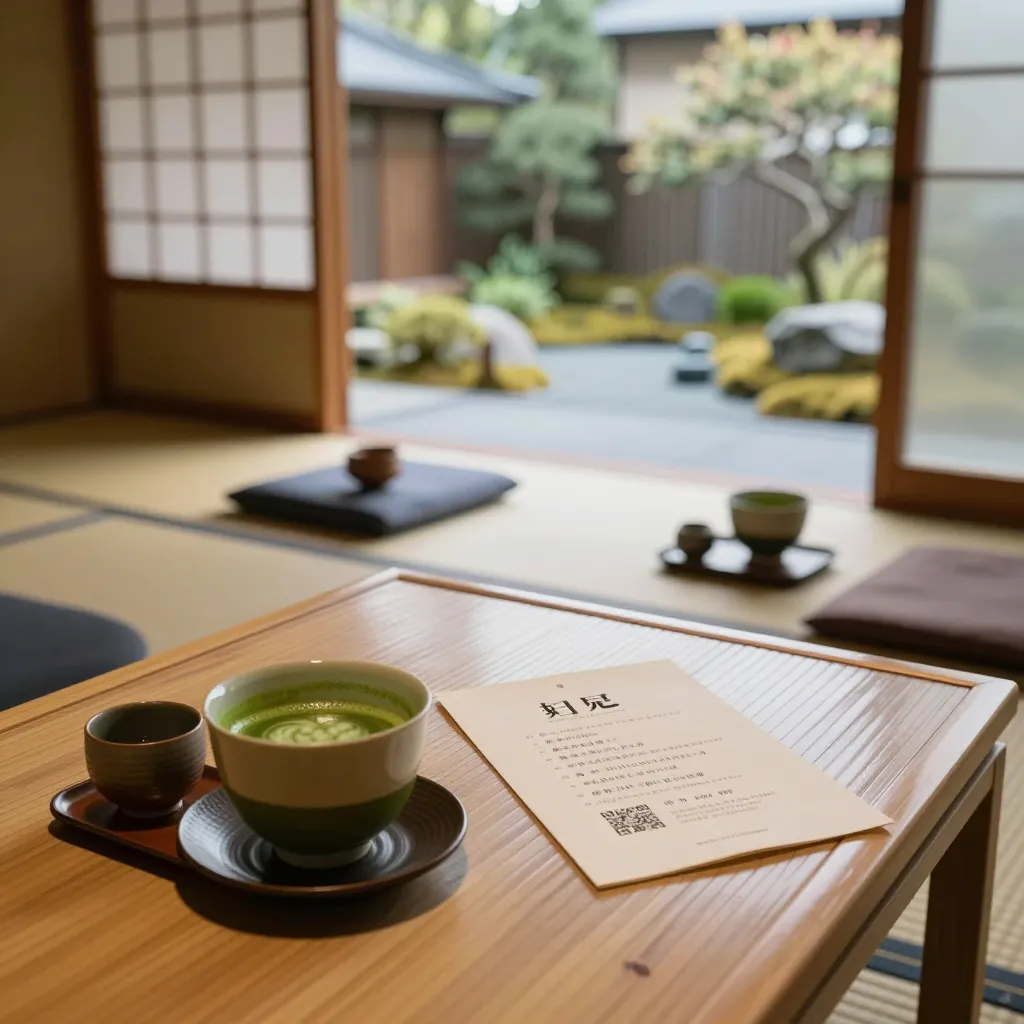
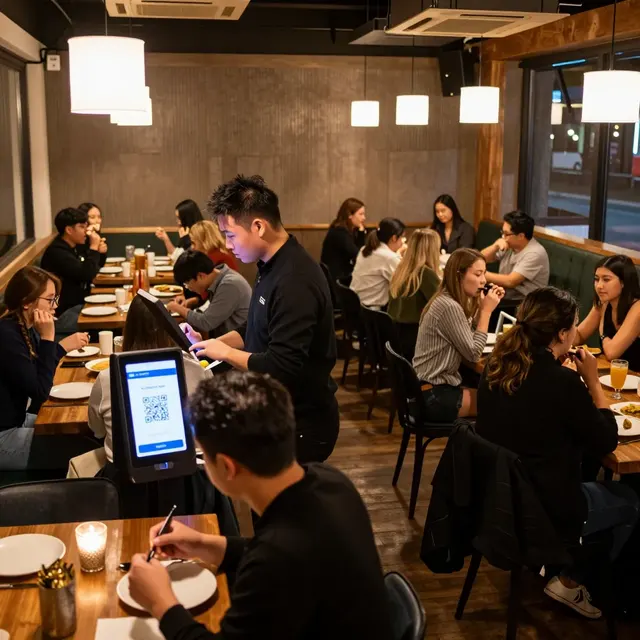
Creating a menu for a traditional tea house or a modern matcha shop is fundamentally different from designing a standard coffee or restaurant menu. While a coffee shop focuses on espresso shots and milk textures, a tea house must navigate the complex world of leaves, terroir, processing methods, and steeping times. Customers visiting a tea house are often seeking a deeper connection to the product, whether they are sipping a delicate Gyokuro, a robust Hojicha, or a ceremonial grade Matcha. A digital QR menu is not just a digital replacement for paper; it is an educational tool that can elevate the entire customer experience.
The industry shift toward digital menus is driven by more than just cost savings; it is about accessibility and sustainability. According to recent hospitality trends, over 60% of consumers prefer venues that offer digital ordering options, citing convenience and the ability to view items in detail. For a tea house, this means you can provide high-resolution images of tea gardens, detailed descriptions of the harvest season, and clear allergen information without the space constraints of a printed page. This transparency builds trust, ensuring that customers feel confident in what they are drinking, from the first sip to the last.
Structuring Your Menu for Clarity and Education
One of the biggest challenges in a tea house is the sheer volume of information. A printed menu often forces you to truncate descriptions, but a digital platform like upQR allows you to be exhaustive. The structure of your digital menu should guide the customer from the basics to the advanced, ensuring that both a novice and a connoisseur find what they need.
- The Basics Section: Start with your staple items. This is where you list your core Matcha grades (Ceremonial, Premium, Culinary) and your classic blends like Genmaicha or Hojicha. Keep descriptions concise here, focusing on flavor profiles like "umami-rich" or "toasted notes." Use high-quality photos to show the color and texture of the powder.
- The Origin Stories: This is where digital menus shine. Dedicate a section to your specific harvests. Explain the difference between a first flush (Ichibancha) and a second flush (Nibancha). Mention the region, such as Uji or Nishio, and describe the specific farming practices used. This storytelling aspect adds value and justifies premium pricing.
- The Brewing Guide: A unique feature for a tea house is providing brewing instructions. Instead of just listing the tea, include a small icon or link to a tooltip explaining the optimal water temperature for that specific leaf. For example, indicate that delicate Gyokuro should be brewed at 175°F (80°C) to avoid bitterness, while robust Hojicha can handle near-boiling water.
By organizing your menu this way, you empower your baristas to recommend items confidently. When a customer asks, "What should I try?", your staff can direct them to a specific section in the digital menu that matches their palate, turning the ordering process into a personalized consultation.
Highlighting Ingredients and Dietary Transparency
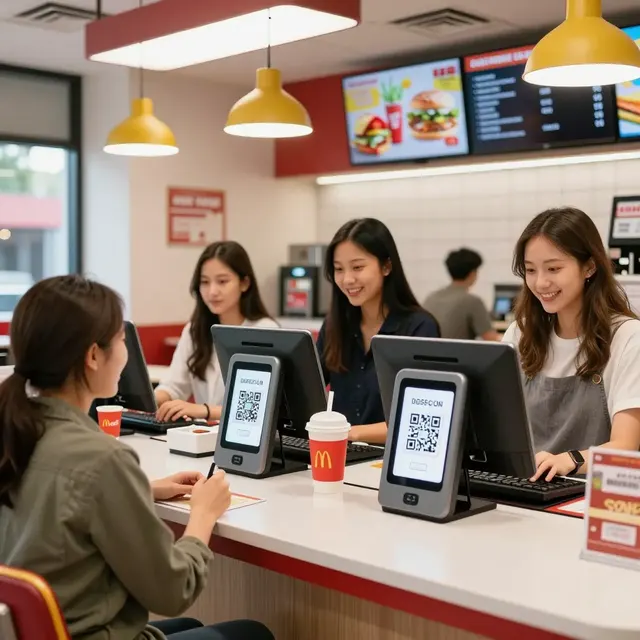
Transparency is a core value for modern tea houses, and a digital menu makes this incredibly easy to achieve. Unlike a printed menu where an allergen icon might be small and easily missed, a digital interface allows for dedicated sections or pop-up details regarding ingredients. This is crucial for customers with dietary restrictions or those sensitive to certain additives.
Consider the common additives in matcha lattes. Some shops use sweeteners, milk alternatives, or flavored syrups that may contain allergens like soy or gluten. In a digital format, you can clearly list: "Contains: Soy (Soy Milk), Sugar (Beet Sugar), Natural Flavors." You can even expand on the sourcing, stating, "Our milk is sourced from local dairy farms practicing regenerative agriculture." This level of honesty resonates deeply with health-conscious consumers who want to know exactly what enters their body.
Furthermore, you can address the "what is in my tea" question directly. Many customers are curious about the tea leaves themselves. You can include a section detailing that your matcha is stone-ground to preserve L-theanine and antioxidants, or that your sencha is shade-grown to enhance sweetness. This educational transparency differentiates your brand from competitors who might use pre-mixed powders or lower-grade leaves without disclosure. By being upfront about ingredients, you reduce the likelihood of adverse reactions and build a loyal customer base that trusts your integrity.
Optimizing Visuals and Mobile Experience
A tea house menu relies heavily on visuals to convey the beauty of the product. A cup of matcha is about the vibrant green color and the frothy texture of the foam; a sencha is about the aroma and the clarity of the liquor. A digital menu allows you to showcase these elements with stunning photography that is impossible to replicate on a single sheet of paper.
When designing your images, focus on lighting and composition. Use natural light to show the true color of the tea, avoiding heavy filters that make the green look neon or artificial. Show the tea in context: a bamboo whisk (chasen) in action, steam rising from a bowl, or the tea garden in the background. These images set the mood and prepare the customer for the sensory experience they are about to have.
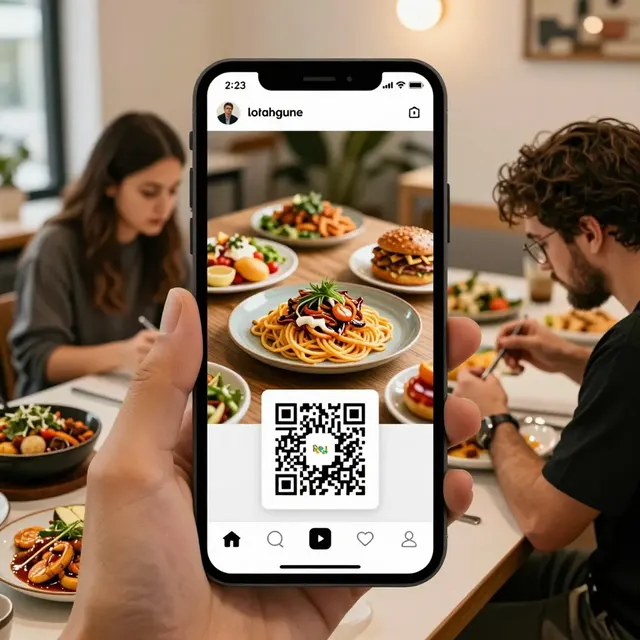
Mobile optimization is equally critical. Most customers will scan your QR code and view the menu on their phones while standing or sitting. Ensure your images load quickly and are not so large that they slow down the page. Use a responsive design that adjusts text sizes for small screens. If a customer is trying to order while waiting for their table, they need to be able to read the descriptions and see the photos without zooming in excessively. A smooth, fast-loading digital menu reflects well on your brand's professionalism and respect for the customer's time.
Driving Sales with Smart Menu Engineering
Creating a digital menu offers more than just information; it is a powerful tool for increasing sales and managing inventory. In a traditional tea house, high-margin items like loose-leaf teas or specific seasonal blends might sit unsold. With a digital menu, you can strategically place these items to encourage discovery.
Use the flexibility of a digital platform to create "Staff Picks" or "Chef's Recommendations" sections. If you have a limited batch of a rare vintage tea, highlight it prominently with a badge that says "Limited Edition" or "Harvest of the Month." You can also use dynamic pricing or promotions, such as "Buy one, get one 50% off on Hojicha this week." This allows you to clear inventory without permanently lowering the perceived value of your products.
Another effective strategy is cross-selling. If a customer orders a simple Sencha, the menu can suggest, "Pair with our house-made wagashi or a side of roasted rice crackers." These suggestions are calculated to increase the average ticket size. By analyzing your sales data over time, you can see which teas are popular and which are not, then adjust the menu layout or descriptions to better market the slower-moving items. This data-driven approach ensures that your menu evolves to meet customer preferences while maintaining profitability.
Sustainability and the Future of Tea Service
Tea culture is deeply rooted in nature, and the environmental impact of service should reflect that philosophy. Printing menus requires paper, ink, and frequent reprinting when items change, contributing to waste. A digital QR menu eliminates this entirely, aligning your business with the growing demand for sustainable practices. Customers who care about the environment will appreciate that your tea house is committed to reducing its carbon footprint.
Moreover, the digital format supports the "universal access" value of your brand. Tea houses often attract a diverse crowd, including tourists who may not speak the local language or individuals with visual impairments. A well-designed digital menu can include text-to-speech functionality or simple, clear language that transcends language barriers. You can also easily update the menu to reflect seasonal availability, ensuring that customers always see what is actually in stock, eliminating the frustration of ordering an item that is out of season or sold out.
By adopting a digital solution like upQR, you are not just updating a piece of paper; you are upgrading the entire relationship between your tea house and its patrons. You are creating a space where tradition meets technology, where transparency is the norm, and where every cup of tea tells a story. Start your transition today, and watch as your customers engage more deeply with your products, leading to higher satisfaction and repeat visits.
Related Posts
Ready to create your digital menu?
Create your QR menu in minutes and reach your customers in any language.