
Dynamic QR Menu Pricing: Lunch vs Dinner Setup Guide
Learn how to configure time-based pricing on your digital QR menu to boost lunch sales and manage dinner costs effectively with upQR.
Understanding the Strategic Value of Time-Based Pricing
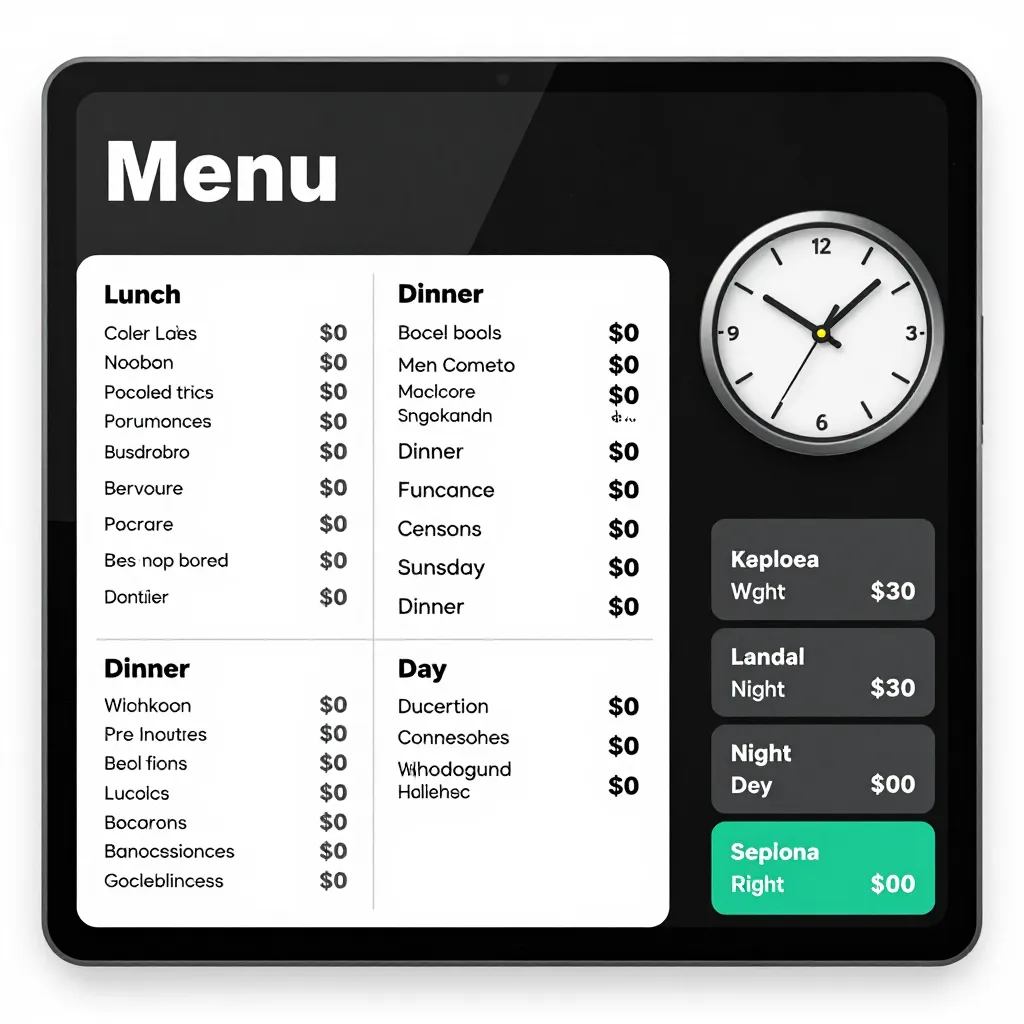
Implementing dynamic pricing strategies is no longer just a luxury for large chains; it is a vital tool for independent restaurants and cafes looking to optimize revenue and control food costs. By adjusting prices based on the time of day, you can align your menu offerings with customer demand patterns while managing inventory more efficiently. For instance, lunch service often operates on a high-volume, lower-margin model, whereas dinner service allows for a lower volume but higher-margin approach.
When you utilize a digital QR menu platform like upQR, setting up these fluctuations becomes seamless. You can create distinct menu versions that automatically switch based on the current hour, ensuring your customers always see the correct pricing without any manual intervention. This automation eliminates the confusion of having two physical menus or forgetting to update a laminated sheet after a shift change.
Configuring Your Digital Menu for Lunch Service
Lunch is typically characterized by a rush hour mentality. Customers want to eat quickly, and the kitchen needs to turn over orders fast. To capitalize on this, your digital menu should reflect a streamlined approach. When setting up your upQR menu for the lunch period, consider highlighting quick-prep items, sandwiches, and salads that have high turnover rates.
One effective strategy is to slightly reduce the perceived value of lunch items compared to dinner, which can encourage impulse buys from office workers or students. For example, a sandwich that costs $12 at dinner might be listed at $9.50 during lunch hours. This psychological pricing encourages volume without significantly impacting your bottom line, as the cost of goods sold (COGS) for these items is likely lower during the day due to reduced overhead costs like utilities or staffing.
To set this up in upQR, you would create a specific "Lunch Menu" version. Within this version, you can assign specific price points to items that are only available or discounted during the day. You can also hide expensive, labor-intensive dishes that are better suited for the dinner service, simplifying the decision-making process for your lunch crowd. This not only speeds up ordering but also helps your kitchen focus on the items they need to prepare most efficiently during the short lunch window.
Optimizing Dinner Pricing for Higher Margins
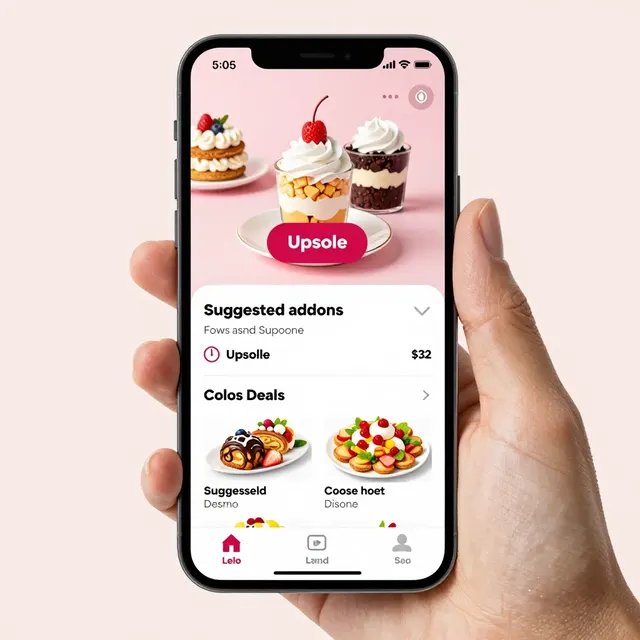
The dinner service is where many restaurants build their profitability. Customers are more willing to spend time and money on a leisurely meal, often dining with family or friends. This is the perfect opportunity to introduce premium ingredients, complex dishes, and higher price points. When configuring your evening menu in upQR, you can enable dynamic pricing that reflects the higher perceived value of these items.
For example, a steak or a gourmet pasta dish that is priced at $18 for lunch might jump to $24 for dinner. This difference isn't arbitrary; it accounts for the higher quality ingredients used, the more skilled labor required for preparation, and the ambiance that customers expect in the evening. By using upQR's time-based settings, you ensure that these price increases are automatically applied, preventing errors that might occur if you were trying to remember to change prices manually.
Furthermore, you can use the evening menu to introduce limited-time specials or seasonal items that command a premium. Since the dinner menu is often viewed more carefully by customers, providing full transparency about ingredients and sourcing (a core upQR value) builds trust. Customers appreciate knowing exactly what they are paying for, especially when the price reflects a higher quality experience. This honesty ensures that your premium pricing is justified and accepted by your diners.
Managing Inventory and Reducing Waste with Dynamic Switches
One of the most significant benefits of setting up dynamic pricing for lunch versus dinner is the ability to manage inventory and reduce food waste. Restaurants often face the challenge of perishable ingredients that need to be used before they spoil. By creating a specific "Closeout Menu" for the end of the lunch rush or the beginning of dinner, you can offer items at a steeper discount to clear inventory.
In upQR, you can schedule menu versions to go live at specific times. For instance, you could set a "Happy Hour" or "Early Bird" menu to activate at 11:00 AM and deactivate at 1:00 PM. During this window, items that are nearing their expiration date or that you have a surplus of can be offered at a discounted rate. This strategy turns potential waste into revenue. If a customer sees a delicious soup that is marked down because it was made earlier in the morning, they are more likely to order it, knowing they are getting a great deal.
This approach also helps in forecasting. By analyzing the sales data within upQR, you can see exactly which items sell best during lunch versus dinner. If you notice that a specific vegetable is rarely ordered during lunch, you can adjust your purchasing for the day or feature it heavily in the dinner menu where you can use more elaborate preparation methods to justify the cost. This data-driven approach ensures that every dollar spent on ingredients translates into sales, supporting your mission of environmental consciousness by minimizing food waste.
Technical Implementation: Setting Up Time-Based Rules in upQR
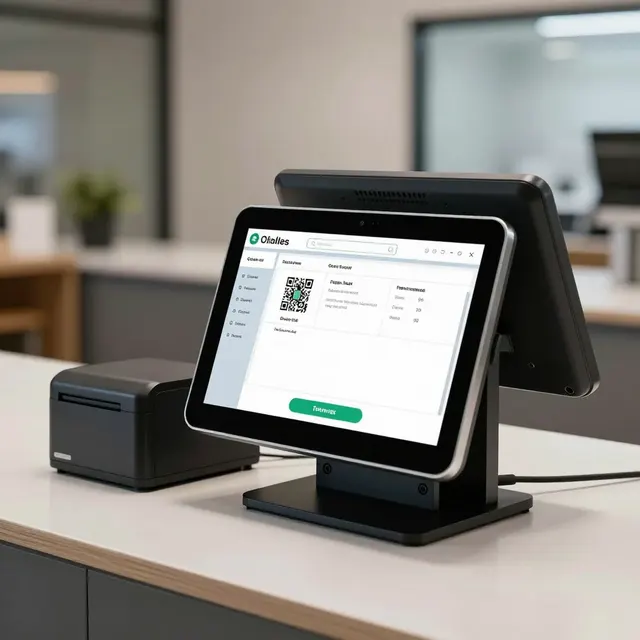
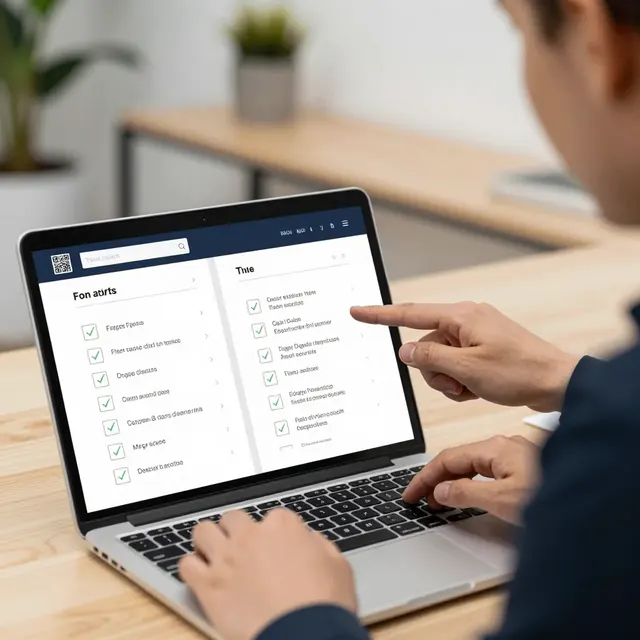
Setting up these dynamic rules is surprisingly straightforward within the upQR dashboard. You start by creating a new menu version and selecting the "Time-Based" trigger. Here, you define the start and end times for your lunch period (e.g., 11:00 AM to 2:00 PM) and your dinner period (e.g., 5:00 PM to 10:00 PM). You can then map specific items to these time slots.
For items that exist in both periods but have different prices, you simply assign the lunch price to the morning slot and the dinner price to the evening slot. For items that are exclusive to one period, you can toggle their visibility on or off based on the time of day. The platform handles the logic, so when a customer scans a QR code at 12:30 PM, they see the lunch menu. If they scan again at 6:30 PM, the menu automatically transforms into the dinner version.
It is also important to consider the transition periods. You might choose to have a "Buffer Zone" where both menus are visible, or you might decide to switch menus precisely at the hour. UpQR allows you to customize this logic to fit your specific operational flow. Whether you want to promote a "Sunset Special" that lasts for 30 minutes before the full dinner menu kicks in, the system is flexible enough to accommodate these nuances.
Leveraging Data to Refine Your Pricing Strategy
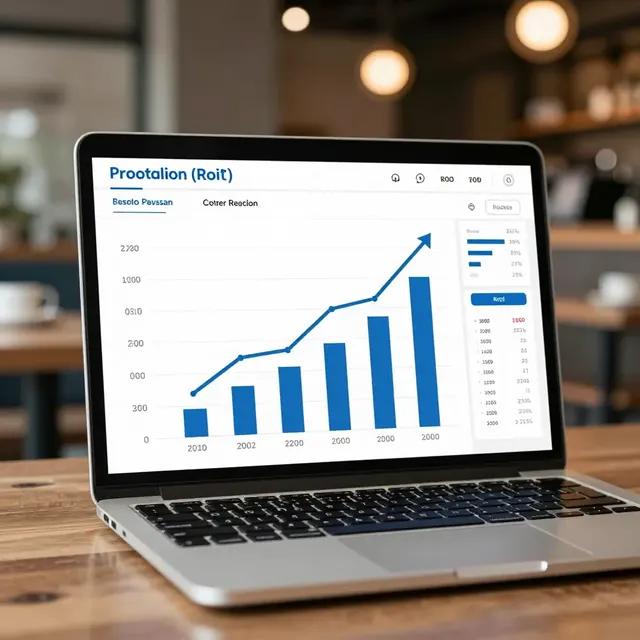
The true power of a digital QR menu lies in the analytics it provides. After implementing your time-based pricing strategy, you should regularly review the performance data in your upQR dashboard. Look for trends: Are lunch sales increasing when you introduce the discounted items? Is the dinner margin improving when you adjust the price of premium cuts?
Use this data to make informed decisions. If you find that a specific lunch item is consistently underperforming even with a discount, consider removing it from the lunch menu entirely to streamline operations. Conversely, if a dinner item is flying off the shelves, you might consider raising its price slightly or increasing the portion size to capture more value. This continuous optimization loop is what separates successful restaurants from the rest.
Moreover, transparency in your data helps you understand customer behavior. Do customers skip the lunch menu because they think the food is low quality? Or do they love the value proposition? Your menu descriptions and photos in upQR play a huge role here. High-quality images and honest descriptions of ingredients reassure customers that the lower lunch price doesn't mean lower quality, but rather a different operational model focused on speed and volume.
Conclusion
Mastering dynamic pricing for lunch and dinner is a powerful way to increase profitability and reduce waste. By leveraging the flexibility of upQR, you can effortlessly switch between menu versions, offering the right deals at the right times. This not only enhances the customer experience by providing clear, honest information about what they are ordering but also ensures that your restaurant operates sustainably and efficiently. Whether you are an independent cafe owner or a manager of a bustling bistro, upQR provides the tools you need to adapt your pricing strategy to the rhythm of your business, ensuring that every meal served contributes to your success.

Related Posts
Ready to create your digital menu?
Create your QR menu in minutes and reach your customers in any language.