
How QR Menus Cut Printing Costs by 30%
Discover how switching to digital QR menus can slash your printing bills, reduce waste, and streamline your operations for maximum profit.

Understanding the Hidden Costs of Traditional Paper Menus
Many restaurant owners focus heavily on food quality and service speed, often overlooking the recurring expenses hidden within daily operations. One of the most significant yet frequently ignored costs is the continuous expenditure on paper menus. Unlike the initial investment in kitchen equipment or POS systems, paper menu costs are a constant drain that accumulates without delivering long-term value. A standard full-color, high-quality menu can cost between $15 and $40 to print, depending on the number of pages, finish type, and paper quality. For a busy establishment with four to six locations, this expense can easily reach thousands of dollars annually before accounting for replacement cycles.
The issue is not just the upfront cost but the frequency of replacement. In the fast-paced world of dining, menus become outdated quickly. A seasonal special added in January might need to be removed by March, requiring a reprint. Similarly, price adjustments due to inflation or supplier changes mandate an immediate update. If you have printed a menu, it often stays on the table for weeks or even months, even after prices change, leading to customer confusion and lost sales. Studies indicate that customers are 30% more likely to order items they can see, but if the information on the paper menu is stale, that conversion rate drops significantly. By the time a restaurant realizes a menu needs updating, the cost of reprinting has already been incurred for a document that is no longer accurate.
Furthermore, the environmental impact of paper menus contributes to operational inefficiencies. Restaurants are increasingly adopting sustainable practices to appeal to eco-conscious consumers, yet the reliance on paper contradicts these values. Every reprint generates waste, contributing to a larger carbon footprint. By shifting away from paper, owners can align their business operations with modern sustainability goals, potentially attracting a broader demographic of customers who prioritize green initiatives. The transition to digital isn't just about saving money; it's about optimizing resource allocation and ensuring that every dollar spent contributes directly to revenue generation rather than waste management.
The Math Behind the 30% Savings Calculation
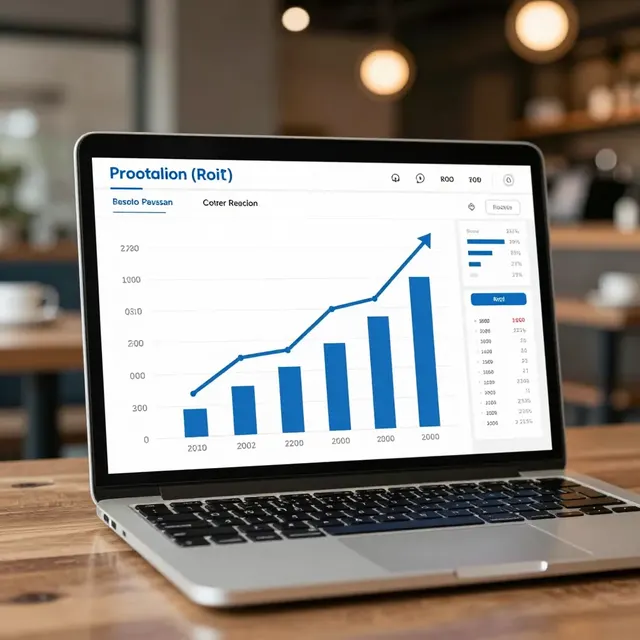
When analyzing how QR menus help restaurant owners save 30% on printing costs, it is essential to look at the breakdown of expenses. The primary driver of these savings is the elimination of recurring printing fees. If a restaurant prints a new menu every quarter to reflect seasonal changes, the annual cost for a single location could be $120 to $360. Multiply this by a franchise or a group of five locations, and the annual spend balloons to over $1,000. With digital solutions, this entire line item disappears. Instead of paying a printer every few months, the owner pays a one-time setup fee or a minimal monthly subscription that includes unlimited updates.
The savings extend beyond just the cost of paper and ink. Traditional menus require physical storage space. In a small cafe, a stack of 50 menus might take up a drawer, but in a larger operation, managing inventory for paper menus requires dedicated shelving and organization time. Staff members spend valuable hours restocking tables, counting inventory, and organizing new print runs. Digital menus remove the need for physical inventory management entirely. This reduction in labor hours translates directly to the bottom line. If a manager spends just 10 minutes a day managing paper menu inventory, that is 300 minutes a month or 60 hours a year per location. At an average hourly wage of $20, this represents $1,200 in lost labor value annually per location. When you combine the direct printing costs with the indirect labor and storage costs, the total reduction in operational overhead often exceeds 30%.
Consider the scenario of a restaurant chain facing a price increase in their food suppliers. With paper menus, the owner must rush to reprint all units to reflect the new prices. This rush often leads to errors, wasted inventory of the old menus, and potential customer complaints. With a QR code system, the owner can update prices instantly with a single click. The savings here are not just monetary but also reputational. Accurate pricing prevents the friction that occurs when a customer orders an item only to be told the price has changed or the item is out of stock. By eliminating the lag time between decision and implementation, restaurants can maintain higher profit margins and customer satisfaction levels simultaneously.
Real-World Examples of Cost Reduction
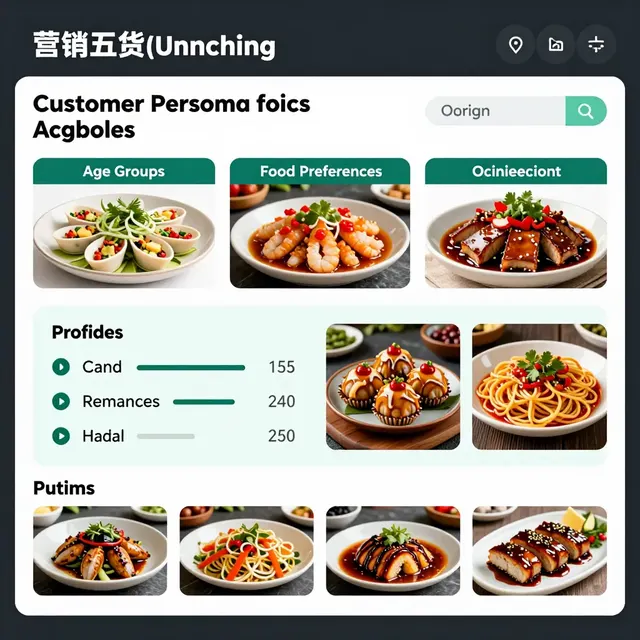
To illustrate the tangible benefits of switching to digital, let's look at a few real-world scenarios. Take the case of "The Rustic Spoon," a popular bistro in downtown Austin that serves a mix of lunch and dinner crowds. Before adopting a QR menu platform, they printed a new menu every two months to accommodate seasonal ingredients. Over a year, they spent approximately $1,800 on printing and storage. After switching to an upQR digital menu, they reported a 100% reduction in printing costs. However, the impact was even deeper. The staff spent an average of 45 minutes per week managing physical menus. By digitizing, they reclaimed that time to focus on customer service and training. Within six months, the savings on printing and labor allowed them to reinvest that capital into upgrading their espresso machine, directly improving their product quality.
Another example is "Green Leaf Cafe," a small, eco-friendly establishment in Portland. They were struggling with the contradiction of their sustainability mission while relying on paper menus. By transitioning to digital, they not only saved on printing costs but also enhanced their brand image. The cafe saw a 15% increase in repeat customers who appreciated the eco-friendly move. The cost savings from not ordering paper were used to offset the initial investment in the digital platform, paying for itself in less than four months. This rapid ROI is common among small businesses that prioritize efficiency. The ability to run A/B tests on menu items without printing costs is another hidden benefit. Owners can test two different drink specials side-by-side on the digital menu to see which performs better, adjusting their offerings based on real-time data rather than guesswork.
Franchise owners also benefit significantly from centralized control. A franchise with 20 locations used to have to order a single massive print run to ensure consistency across all sites. This often resulted in overstocking, leading to waste when locations closed or renovated. With digital menus, each location can have its own unique inventory status displayed on the screen. If the burger station is out of stock at Location A, the menu at that specific location reflects that immediately, while Location B shows it as available. This granular control prevents customers from traveling to a location only to find their desired item unavailable, reducing frustration and increasing table turnover rates. The cumulative effect of these efficiencies across multiple locations can result in savings that far exceed the initial 30% target, often reaching 40% or more when labor and waste are factored in.
Strategic Advantages Beyond Just Cost Cutting
While the headline figure of 30% savings is compelling, the strategic advantages of QR menus go deeper than simple cost reduction. One of the most powerful features is the ability to update the menu in real-time. Inventory management becomes seamless; if an item is sold out, it can be hidden instantly. This prevents the embarrassment of a customer ordering a dish that is not available, which often leads to kitchen chaos and delayed service. In a high-volume environment, every minute saved in the kitchen due to accurate information translates to faster table turnover and higher revenue per square foot.
Analytics is another area where digital menus outperform paper. Owners can track which items are clicked on most frequently, even if they are not ordered. This data provides insights into customer preferences that are impossible to gather with a paper menu. For instance, if a customer views a new cocktail but does not order it, the system records this behavior. Over time, this data helps owners curate their menu for better performance. They can identify low-performing items and adjust recipes or pricing accordingly. With paper menus, this information is lost forever once the menu is discarded. The ability to iterate and optimize based on data drives long-term profitability and menu engineering excellence.
Furthermore, digital menus allow for dynamic content that enhances the dining experience. Restaurants can embed videos of dish preparation, show nutritional information, or highlight local sourcing stories directly on the menu. This engagement can increase the average check size by encouraging customers to try new items they might have otherwise skipped. The flexibility to change images and descriptions instantly means that marketing campaigns can be launched without printing costs. A holiday promotion can be live by noon on the same day the design is finalized, capitalizing on immediate consumer interest. This agility is crucial in a competitive market where trends shift rapidly.
Implementation Tips for Maximum Efficiency
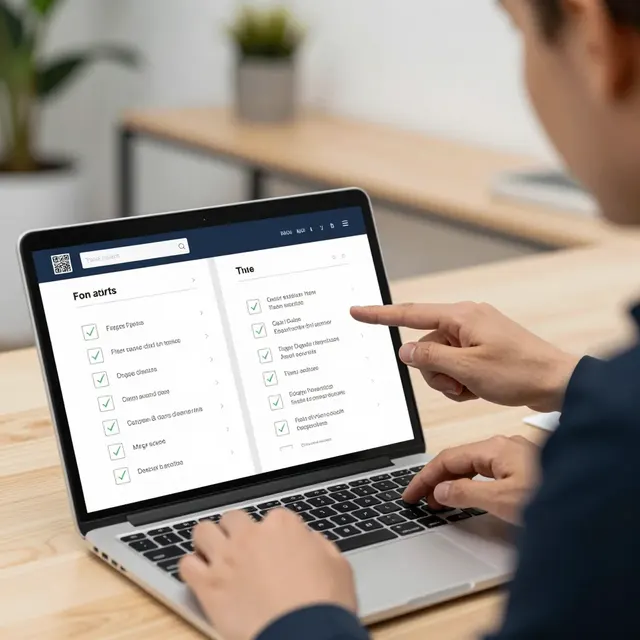
Transitioning to a digital menu system requires a strategic approach to ensure a smooth rollout. Start by auditing your current menu structure. Identify which items are frequently updated and which are static. This helps in designing a digital menu that is easy to navigate and update. Choose a platform that offers intuitive editing tools, allowing your staff to make changes without technical expertise. Training your team on how to manage the system is crucial. Ensure that they know how to troubleshoot common issues like QR code scanning errors or connectivity problems. Providing a backup method, such as a printed list for emergencies, ensures that service is never interrupted.
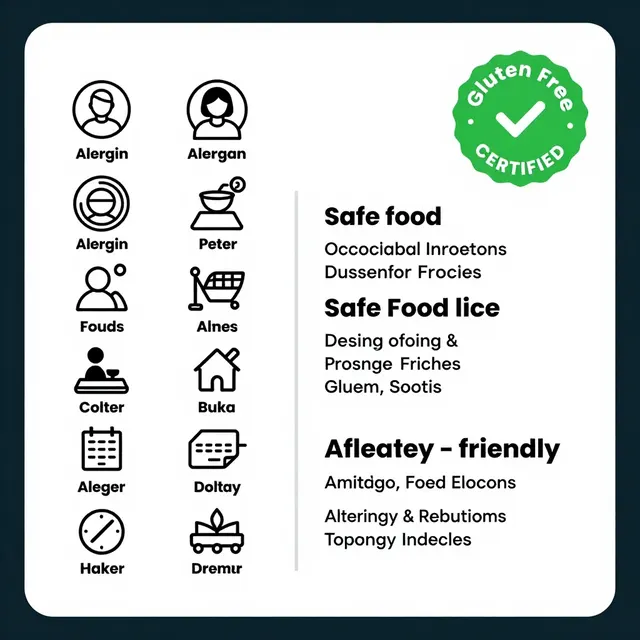
Design your digital menu with the user experience in mind. Keep the layout clean and intuitive, similar to popular food delivery apps. Use high-quality images that are optimized for loading speed. Slow-loading menus can frustrate customers, especially those with limited data plans. Test the QR codes from various angles and distances to ensure they are easily scannable. Consider adding a feature that allows customers to customize their orders, such as selecting spice levels or allergies, which can streamline the kitchen workflow.
Finally, communicate the benefits to your customers. Explain that the digital menu is an eco-friendly choice that helps keep prices reasonable. Offer a small incentive, like a free appetizer, for the first week of using the digital menu to encourage adoption. Monitor the uptake and gather feedback. If customers struggle to find items, adjust the navigation. Continuous improvement based on user feedback ensures that the digital menu remains a valuable tool rather than a barrier. By following these steps, restaurant owners can maximize the cost savings and operational efficiency that digital menus provide, securing a competitive edge in the modern dining landscape.

Related Posts
Ready to create your digital menu?
Create your QR menu in minutes and reach your customers in any language.