
Boosting Restaurant Accessibility with Digital Ordering
Discover how digital menus improve accessibility for diners with disabilities, language barriers, and dietary needs while reducing paper waste.
Why Digital Menus Are Essential for Inclusive Dining
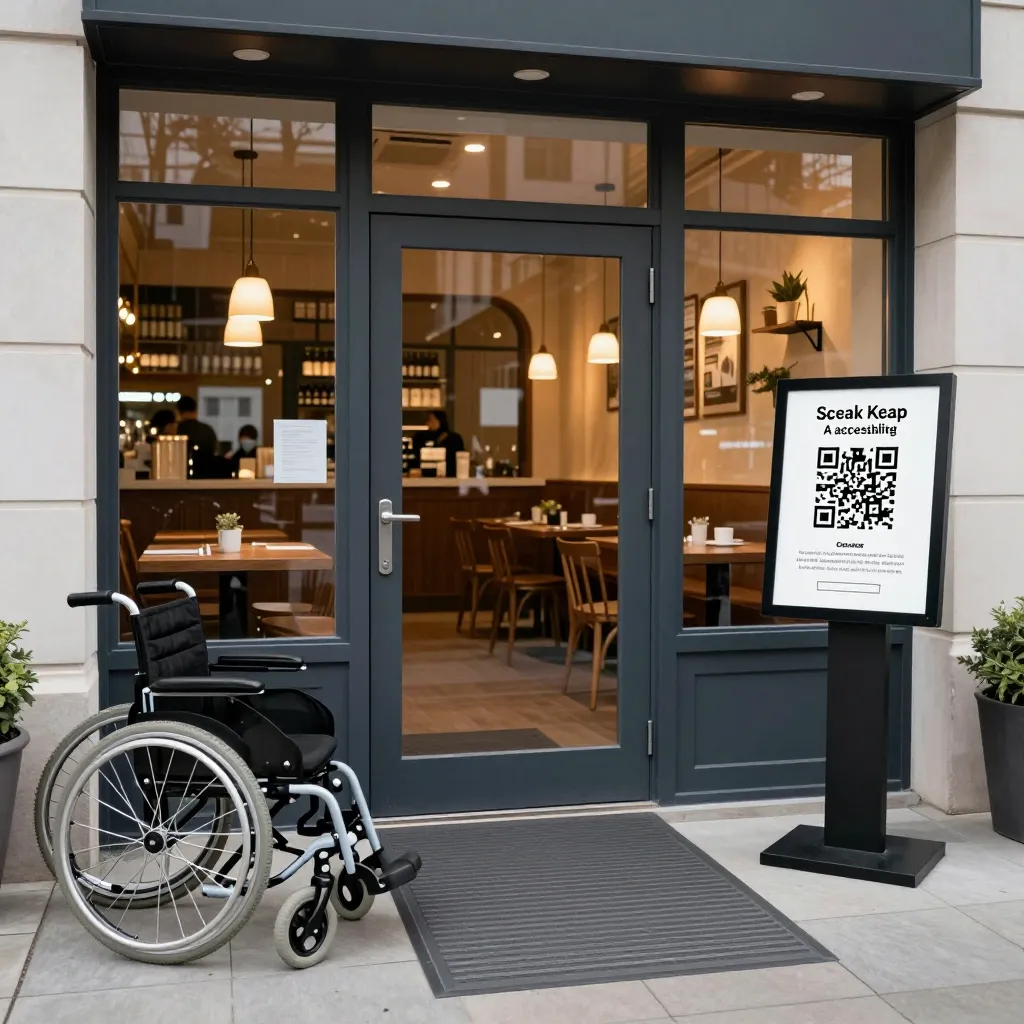
Restaurant accessibility often gets reduced to wheelchair ramps and step-free entrances, but true inclusivity extends far beyond physical access. It encompasses the ability for every guest to understand, navigate, and confidently order food without facing barriers. Digital ordering technology, such as the upQR platform, transforms the dining experience by removing these invisible obstacles. Unlike static paper menus that remain unchanged, digital interfaces offer dynamic capabilities to assist guests with visual impairments, hearing difficulties, and cognitive challenges.
According to the World Health Organization, approximately 15% of the global population lives with some form of disability. In a typical restaurant setting, this translates to hundreds of potential customers who might feel excluded or frustrated by traditional ordering methods. Digital menus provide a scalable solution that ensures no guest is left behind due to a lack of information or support. By integrating features like screen reader compatibility and high-contrast text, restaurants can demonstrate a commitment to universal design principles that benefit everyone, from elderly patrons to parents pushing strollers.
Enhancing Accessibility for Visually Impaired Guests
For guests with low vision or total blindness, the ability to read a menu is a fundamental right. Traditional paper menus present significant challenges, especially in dimly lit dining rooms where text becomes illegible. Digital solutions solve this by allowing users to adjust font sizes, increase contrast, and switch between dark and light modes instantly. More importantly, modern digital platforms can integrate with screen reader software like JAWS or VoiceOver, which is crucial for the blind community.
When a guest uses a screen reader, the digital menu should read out the entire list of items, prices, and descriptions aloud. This functionality is often overlooked but is vital for independence. Imagine a guest with a visual impairment who can no longer see the menu in their new restaurant. With a digital interface, they can navigate the list using keyboard shortcuts or swipe gestures, hearing every option clearly. This level of autonomy fosters a sense of belonging and confidence. Restaurants can further enhance this experience by including detailed audio descriptions for dishes, explaining textures and preparation methods that are hard to convey visually.
Breaking Language Barriers with Real-Time Translation
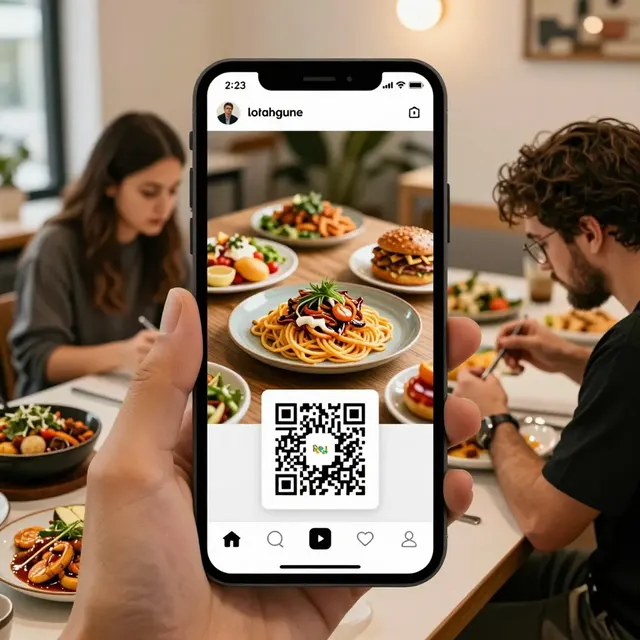
Language is a major barrier to accessibility, often causing confusion and anxiety for non-native speakers. Many restaurants struggle to offer menus in multiple languages, forcing international guests to rely on imperfect translations or ask staff for help, which can be intrusive. Digital ordering technology bridges this gap effortlessly. Platforms like upQR can integrate with real-time translation APIs, allowing guests to toggle the menu language with a single tap.
This feature is particularly powerful for tourist destinations or diverse urban areas. A guest speaking Japanese or Spanish can instantly switch the interface to their native tongue, ensuring they understand ingredients, allergens, and flavor profiles accurately. This capability also aids guests with literacy challenges who may find reading complex text difficult but can comprehend translated terms more easily. By removing the language barrier, restaurants create a welcoming environment where diverse communities feel equally valued. It eliminates the embarrassment of misordering due to language confusion and ensures that every guest receives the honest, accurate information they deserve.
Supporting Dietary Needs and Allergen Awareness
Accessibility also means providing clear, accessible information about what is in the food. For guests with severe allergies or specific dietary restrictions, such as celiac disease or nut allergies, ambiguity in menu descriptions can be life-threatening. Digital menus excel here by allowing restaurants to tag items with specific allergen warnings and dietary labels that are easy to read and filter.
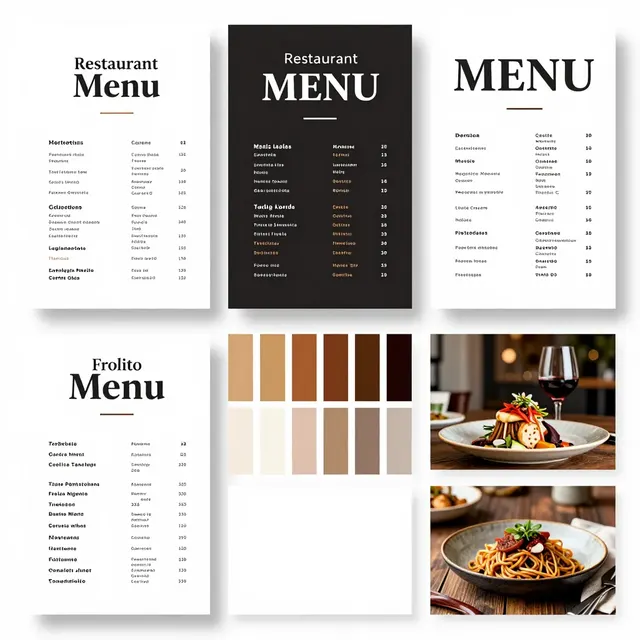
Guests can sort the menu to show only "Vegetarian," "Gluten-Free," or "Dairy-Free" options, making navigation intuitive and safe. Furthermore, the transparency of digital menus allows for detailed ingredient lists to be displayed, often with links to external databases for cross-referencing allergens. This honesty extends to pricing as well; digital platforms can clearly display all-inclusive prices without hidden fees, a common source of frustration and distrust. When guests know exactly what they are ordering and the cost involved, they can make informed decisions without fear of surprise charges or misleading descriptions.
Practical Steps to Implement an Accessible Digital Menu
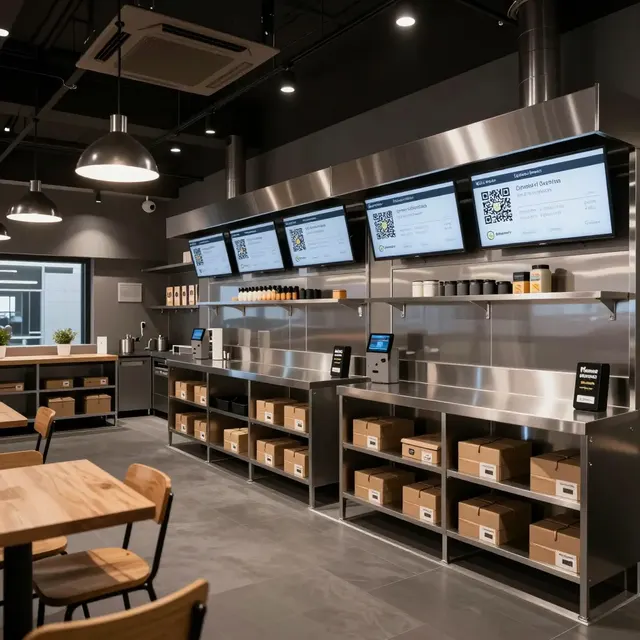
Implementing accessibility features does not require a massive overhaul; it starts with the right technology and a commitment to user experience. Here are actionable steps for restaurant owners to get started:
- Choose a Compatible Platform: Select a QR menu provider that explicitly supports accessibility standards like WCAG (Web Content Accessibility Guidelines). Ensure the platform works seamlessly with major screen readers and mobile browsers.
- Optimize Content Structure: Use proper HTML heading structures (H2, H3) in your menu descriptions. This helps screen readers navigate the page logically. Avoid using images of text; instead, use digital text that can be searched and read aloud.
- Design for Clarity: Ensure high contrast between text and background. Avoid relying solely on color to convey information (e.g., "red text means spicy"). Use icons and symbols alongside text to aid those with reading difficulties.
- Train Your Staff: Educate your team on how to assist guests using the digital menu. Staff should know how to help a guest with a visual impairment connect their device to the QR code or how to explain the translation features to international guests.
- Test Frequently: Regularly test your menu on different devices and with different accessibility tools. What looks good on a phone screen might not be readable by a screen reader. Gather feedback from guests with disabilities to continuously improve the experience.
By taking these steps, you not only comply with potential legal requirements regarding disability discrimination but also set your establishment apart as a leader in hospitality. The investment in accessible technology pays dividends in customer loyalty and reputation.
The Business Case for Inclusive Technology
Improving accessibility is not just a moral imperative; it is a smart business strategy. The market for accessible products and services is growing rapidly. As society becomes more aware of the importance of inclusion, consumers are increasingly choosing businesses that demonstrate social responsibility. A restaurant that prioritizes accessibility signals to its customers that it cares about their well-being and comfort.
Moreover, accessible design often leads to better user experiences for everyone. A menu that is easy to read for someone with low vision is also easier to read for someone in a noisy environment or with poor eyesight. A menu that supports multiple languages attracts a wider demographic of tourists and expats. By adopting digital ordering technology like upQR, you are not just solving a problem for a minority; you are enhancing the overall quality of service for your entire clientele.
In an era where digital transformation is reshaping the food industry, accessibility must be at the forefront of innovation. It is about creating a dining space where every guest feels safe, informed, and respected. Whether it is a bustling cafe in the city center or a family-owned restaurant in a rural area, the shift towards inclusive digital tools is inevitable and beneficial. Embracing this change now positions your business for long-term success and growth.
Conclusion
Creating an accessible dining environment goes beyond physical ramps; it requires a thoughtful approach to information delivery and customer interaction. Digital ordering technology offers the perfect toolkit to achieve this, providing features like screen reader compatibility, real-time translation, and clear allergen labeling that empower all guests. Platforms like upQR embody these values, offering a solution that is environmentally conscious, transparent, and universally accessible. By integrating such technology, restaurants can build a reputation for honesty and inclusivity, ensuring that every customer, regardless of their abilities or background, has a seamless and enjoyable dining experience.
Related Posts
Ready to create your digital menu?
Create your QR menu in minutes and reach your customers in any language.