
Create a QR Menu for Coffee Shops in 10 Minutes
Launch a professional digital menu for your cafe in under 10 minutes. Discover the step-by-step process, essential features, and why upQR is the fastest solution for coffee shop owners.
Why Your Coffee Shop Needs a Digital Menu Today
The landscape of customer interaction in the coffee shop industry has shifted dramatically. According to recent industry data, over 60% of consumers now prefer using digital menus on their smartphones before visiting a physical location. This preference is driven by the desire for convenience, the ability to filter dietary restrictions instantly, and the speed of ordering. For a coffee shop owner, ignoring this trend means potentially losing sales to competitors who offer a seamless digital experience.
Traditional paper menus present significant challenges. They are costly to reprint when seasonal items change, they can get damaged by spills, and they offer no opportunity for dynamic pricing or promotions. Furthermore, a static paper menu cannot track which items are most popular or help optimize inventory management. By transitioning to a digital format, you are not just updating a piece of paper; you are upgrading your entire business infrastructure to meet modern expectations.
The transition does not require a massive IT overhaul or a budget of thousands of dollars. Modern platforms allow you to create a fully functional, branded, and responsive digital menu in a matter of minutes. This immediacy allows small business owners to pivot quickly, test new seasonal drinks like a 'Winter Spice Latte' without waiting weeks for a printer, and respond to customer feedback in real-time. The goal is to reduce friction between the customer and the product, ensuring that the only thing they think about is the taste of their coffee.
Step-by-Step Guide to Setting Up Your Menu in Minutes
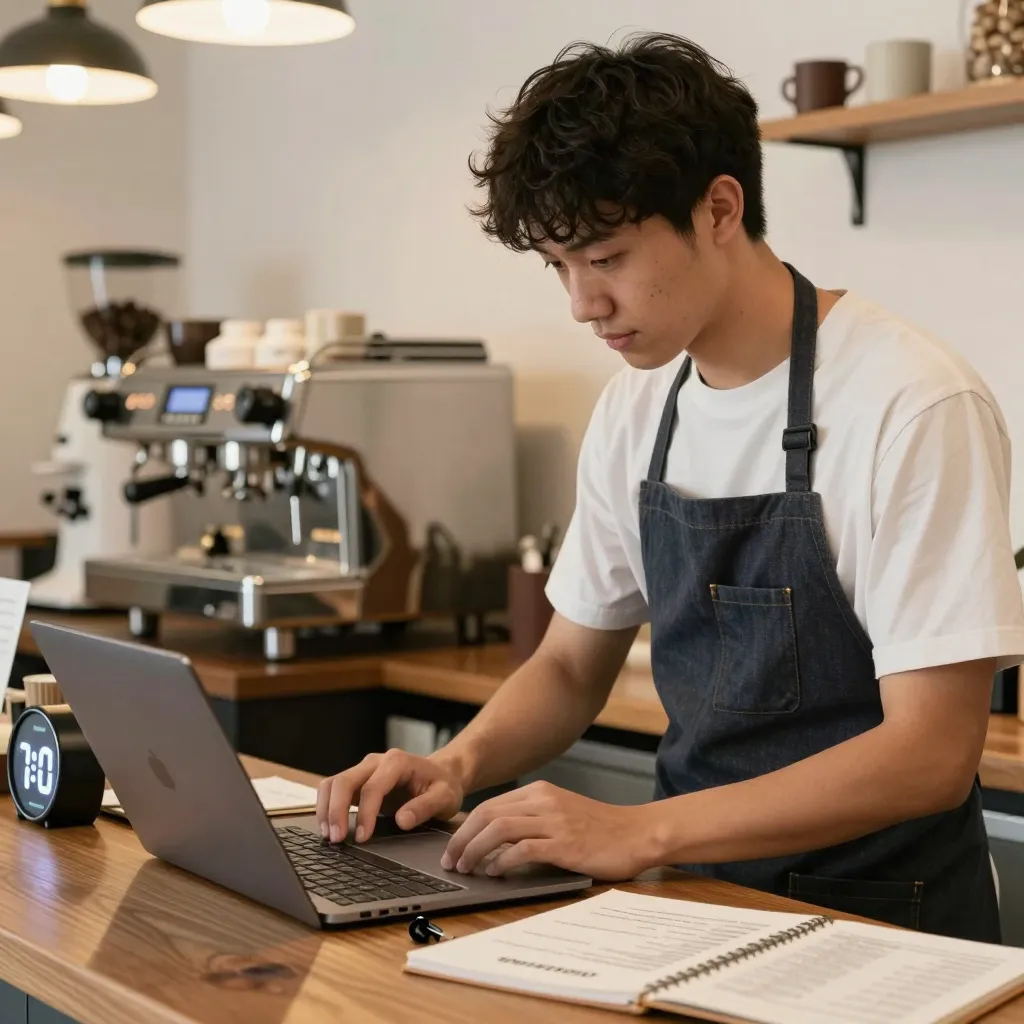
Creating a high-quality digital menu is a straightforward process that can be completed in under 10 minutes if you follow the right workflow. The first step involves gathering your content. You do not need professional photography skills, but you do need clear, appetizing images of your signature drinks and pastries. Most platforms, including upQR, offer a simple drag-and-drop editor where you can upload these images and add descriptions. Keep descriptions concise but informative, mentioning key ingredients like 'single-origin Ethiopian beans' or 'house-made almond milk' to attract health-conscious customers.
Next, organize your menu structure logically. A coffee shop menu should typically be divided into categories such as 'Hot Coffees,' 'Cold Brews,' 'Pastries,' and 'Breakfast Items.' Within these categories, group items by price or popularity if you wish to guide customer choices. For example, placing your high-margin signature drinks at the top or near the middle of the page can increase their visibility. Ensure that you include clear pricing and any applicable taxes or service charges to avoid confusion at the register.
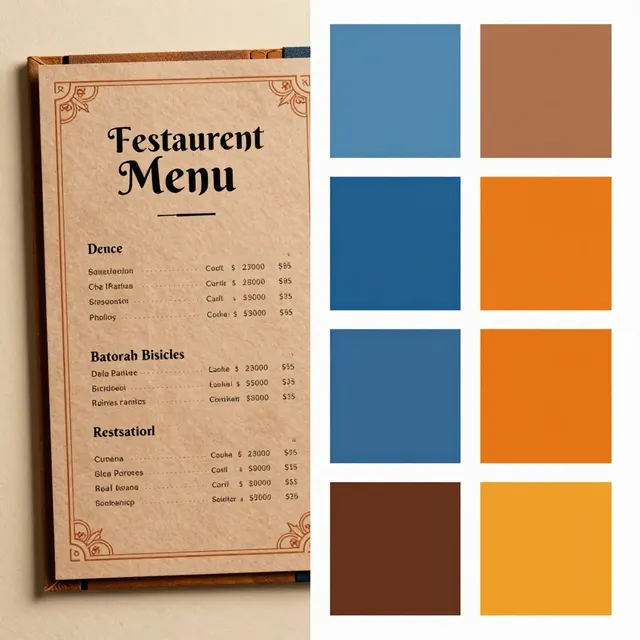
The third critical step is customization. Your digital menu should reflect the unique brand identity of your cafe. This includes selecting a color scheme that matches your interior decor and logo, choosing a font that is easy to read on mobile screens, and adding a section for your business hours and location. Many customers look for the address and hours of operation before they even order, so ensuring this information is prominent is essential. You can also add a 'Special Offers' section to highlight loyalty programs or happy hour deals, effectively turning your menu into a marketing tool that drives repeat business.
Once your content is ready, the final step in the setup process is linking and testing. You need to generate a unique URL or QR code that customers can scan. This code should be placed on tables, window decals, or social media profiles. Before going live, it is crucial to test the menu on different devices. Open the link on an iPhone, an Android, and a tablet to ensure the layout adjusts correctly to various screen sizes. Check that images load quickly and that the 'Add to Cart' or 'Order' buttons function smoothly. This quick quality control step prevents customer frustration and ensures a professional presentation from day one.

Essential Features to Boost Sales and Efficiency
When building your menu, it is important to select a platform that offers features specifically designed to increase average order value and operational efficiency. One of the most powerful features is the ability to add upsell prompts. For instance, you can automatically suggest 'Would you like to add a shot of espresso for $1?' when a customer views a latte. These small nudges can significantly increase revenue without requiring additional training for your baristas.
Another vital feature is the integration with your point-of-sale (POS) system. If your digital menu is connected to your existing hardware, orders placed via the QR code can appear directly on the barista's screen. This streamlines the workflow, reducing the time spent manually taking down orders and minimizing errors. Even if you do not have a sophisticated POS integration, a platform that allows for easy order forwarding via email or SMS to your kitchen or bar area is a strong alternative. This ensures that the order is received instantly, keeping the line moving and reducing wait times for customers.
Digital menus also offer advanced inventory management capabilities. You can mark items as 'Sold Out' instantly if a batch of pastries runs low or if a specific coffee bean is out of stock. This prevents customers from ordering items you cannot fulfill, which leads to disappointed customers and wasted ingredients. Additionally, you can set up automatic notifications for customers when an item is back in stock, helping to manage expectations and maintain customer satisfaction. These dynamic controls turn a static document into a living, breathing part of your operations that responds to the daily realities of running a coffee shop.
Optimizing the User Experience for Mobile Users
The majority of customers will access your menu through a smartphone while standing or walking around your shop. Therefore, the user experience (UX) must be optimized for mobile devices. Navigation should be intuitive; users should be able to find their desired item within three taps of the screen. Avoid cluttered layouts that force users to zoom in and out to read text. Use large, legible fonts and high-contrast colors to ensure readability even in bright sunlight near the window.
Loading speed is another critical factor. Customers are often impatient, and a slow-loading menu can lead to them abandoning the order entirely. Ensure that your images are optimized for web use-high quality but compressed in file size. A platform like upQR handles this optimization automatically, ensuring that your menu loads in under two seconds regardless of the customer's internet connection speed. Slow loading times not only frustrate customers but also negatively impact your search engine ranking, as Google penalizes sites with poor performance metrics.
Accessibility is also a key component of a great mobile experience. Ensure that your text is readable by screen readers for visually impaired customers, and provide clear instructions for those with motor difficulties. By making your menu accessible to everyone, you demonstrate a commitment to inclusivity that resonates well with modern consumers. Furthermore, include a clear call-to-action for ordering. Whether it is a direct checkout or a 'Call to Order' button, the path to purchase should be obvious. Reducing the number of steps required to complete an order increases the likelihood of conversion and helps busy professionals get their coffee to go quickly.
Measuring Success and Adapting Your Strategy
After launching your digital menu, it is important to monitor its performance to understand how customers interact with it. Most digital menu platforms provide analytics dashboards that show you how many times the menu was viewed, how many orders were placed, and which items were ordered most frequently. These insights can guide your inventory decisions and menu engineering. For example, if you notice that a specific cold brew is consistently ordered but the pastry next to it is rarely chosen, you might consider adjusting the placement or description of the pastry to encourage pairing.
Customer feedback is another valuable metric. You can include a simple survey link at the bottom of the menu asking customers to rate their experience or suggest new items. This direct line of communication can help you refine your offerings and show customers that you value their opinions. Regularly updating the menu based on these insights keeps your brand fresh and relevant. Seasonal changes, new roasts, or trending flavors should be added promptly, and a digital menu makes this effortless.
Finally, use the data to optimize your marketing efforts. If you see a spike in traffic from social media referrals, you can run targeted ads to promote your new seasonal items. Conversely, if you notice high bounce rates, you might need to improve the visual appeal or simplify the navigation. By continuously analyzing these metrics, you turn your digital menu into a strategic asset that drives growth and profitability. The ability to make data-driven decisions quickly is a distinct advantage that digital tools provide over traditional paper-based systems.
Conclusion
Transitioning to a digital menu is no longer optional for coffee shops; it is a necessity for survival and growth in a competitive market. By following the steps outlined above, you can create a professional, engaging, and efficient digital menu in under 10 minutes. This quick setup allows you to focus on what you do best: serving great coffee and building a loyal community. With features like upselling, inventory management, and mobile optimization, a digital menu empowers your business to adapt to changing trends and customer needs instantly.
For coffee shop owners looking for a reliable, easy-to-use solution that fits seamlessly into their workflow, upQR is the ideal partner. Our platform is designed specifically for the unique needs of cafes and coffee shops, offering the speed and flexibility you need to succeed. Don't let your competitors get ahead; take control of your menu today and deliver an exceptional digital experience to every customer who walks through your door.
Related Posts
Ready to create your digital menu?
Create your QR menu in minutes and reach your customers in any language.