How to Train Staff for a Smooth QR Menu Transition
Master the art of guiding your team through a digital menu shift with practical training tips, real-world examples, and essential communication strategies for success.

Why Staff Training is Critical for QR Menu Adoption
When a restaurant decides to switch from a physical menu to a digital QR code system, the technology itself is only half the equation. The other half is your team. According to industry reports, over 40% of digital menu failures stem not from technical glitches, but from poor staff adoption and resistance to change. Your waitstaff are the bridge between your digital platform and your customers. If they are hesitant, confused, or uninformed, the customer experience suffers immediately.
Training is not just about teaching employees how to scan a code or update an item on a tablet. It is about shifting the mindset from "This is just a menu" to "This is a dynamic tool that empowers us." Proper training ensures that every interaction with a customer reinforces the brand's modern image. When staff feel confident using the system, they can focus more on hospitality, upselling, and managing the flow of the dining room. A well-trained team turns a potential friction point into a seamless part of the guest journey.
Step-by-Step Training Modules for Your Team
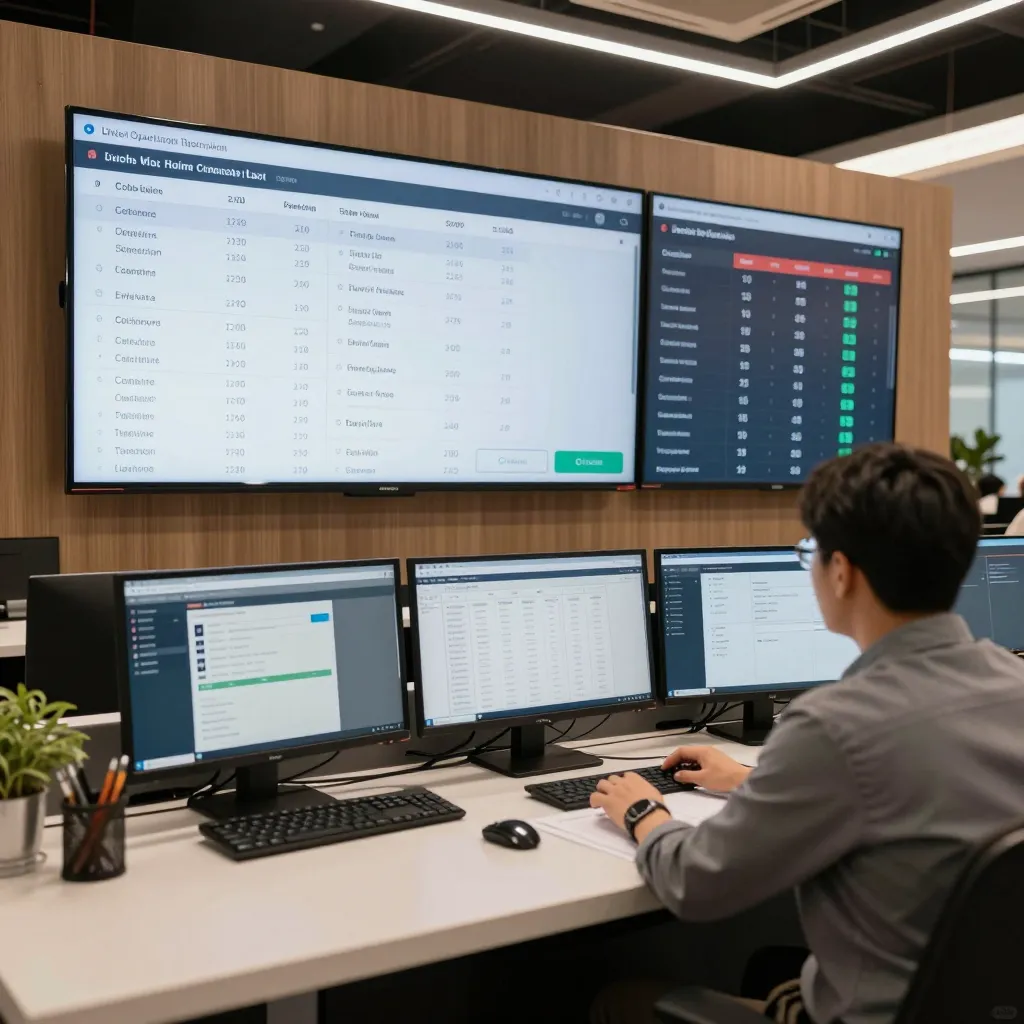
To ensure a smooth transition, break your training program into manageable, practical modules rather than overwhelming your staff with a single long session. Start with the "Basics of Access and Navigation." This involves showing your team exactly how to access the upQR dashboard, how to log in securely, and how to navigate the menu builder. Use screen-sharing sessions where you walk them through adding a new seasonal item, changing a photo, or adjusting a price. The goal is muscle memory; they should be able to perform these tasks without looking at a manual.
Next, cover "Customer Interaction Scripts." This is perhaps the most critical module. Staff need to know exactly what to say when a guest asks, "Where is the menu?" or "Is the menu still being printed?" Provide them with a script that validates the guest's confusion while confidently explaining the new system. For example, "We've moved to a digital menu to help you see our latest specials and allergen info instantly. I can pull up the latest items for you right now." This transforms a potential complaint into a demonstration of efficiency.
The third module should focus on "Troubleshooting Common Issues." Even with a robust platform like upQR, issues can ariseslow loading times, incorrect Wi-Fi connections, or tablets running out of battery. Train your staff to handle these gracefully. If a QR code doesn't scan, do they panic? Or do they know to immediately provide a link via SMS or email? Teach them to have a backup plan, such as keeping a PDF version of the menu accessible or having a physical fallback ready for specific guests who need it due to accessibility needs. This preparedness builds immense trust with the customer.
Overcoming Resistance and Building Buy-In
It is natural for some team members to feel threatened by new technology. They may worry that the QR menu will make their jobs obsolete or that they will look foolish if they cannot operate the tablets. To overcome this resistance, you must address the "Why" behind the change. Explain that digital menus reduce wait times, minimize errors in order taking, and allow the kitchen to prep more efficiently. Highlight that this technology frees them from carrying heavy binders and constantly restocking paper menus, allowing them to spend more time engaging with guests.
Involve your team in the training process to increase buy-in. Ask them to suggest features they would like to see or to test the new system before the official launch. When employees feel ownership over the change, they become advocates rather than obstacles. Share success stories from other restaurants that have seen increased table turnover and higher average checks after going digital. Use positive reinforcement; praise staff members who successfully guide guests to the digital menu or who handle a technical hiccup with a smile. Create a supportive environment where mistakes are viewed as learning opportunities, not reasons for punishment. This psychological safety encourages staff to ask questions and experiment with the new tools without fear.
Hands-On Simulation and Role-Playing Exercises
Theoretical knowledge is not enough; your staff needs practical experience. Organize hands-on simulation sessions where you role-play common scenarios. Have one staff member play the role of a confused guest while another handles the digital menu interaction. Rotate roles so everyone gets a chance to practice. Create specific scenarios, such as a guest with dietary restrictions trying to find an allergen-free option, or a group of friends trying to split the bill quickly.
During these exercises, focus on the tone and body language of the staff. Are they rushing the guest? Are they sounding apologetic? Or are they calm and helpful? After each role-play, conduct a debrief where you discuss what went well and what could be improved. This is also a great time to introduce advanced features of the upQR platform, such as customizing the menu for different dietary preferences or setting up specific promotions. By simulating real-world pressure, you prepare your team to handle actual customers with confidence. This practice ensures that when a real guest asks for the menu, the response is automatic and professional.
Establishing Ongoing Support and Feedback Loops
Training does not end on the day of the launch. Technology evolves, and so do the needs of your staff. Establish a routine for ongoing support, such as a weekly 15-minute check-in where you address any new questions or feature updates. Create a "Tech Buddy" system where experienced staff members mentor newer employees or those who struggle with the interface. This peer-to-peer support often works better than top-down instruction because it comes from someone they trust.
Encourage your staff to provide feedback on the system itself. If they notice a button that is hard to reach on a tablet or a feature that is confusing, take their feedback seriously and make adjustments. This shows that you value their input and are committed to making their job easier. Monitor the performance of the QR codes and the app usage. If you notice that certain tables have higher abandonment rates, investigate if it is a technical issue or a staff communication issue. Regularly review the analytics provided by upQR to see which items are being viewed most often and share these insights with your team to help them make better recommendations.
Measuring Success and Celebrating Milestones
Finally, define what success looks like and track your progress. Are customers scanning the codes more frequently? Is the average check increasing due to better upselling capabilities? Are table turnover times improving? Use these metrics to celebrate small wins with your team. When you acknowledge their hard work and the positive impact of the digital menu, it reinforces their commitment to the new system. Remember that the transition to a digital menu is a journey, not a destination. With consistent training, clear communication, and a supportive culture, your staff will become the best ambassadors for your digital platform, ensuring that every guest leaves with a positive impression of your restaurant's commitment to innovation and service excellence.
Related Posts
Ready to create your digital menu?
Create your QR menu in minutes and reach your customers in any language.
