Syncing KDS and QR Ordering for Peak Efficiency
Learn how integrating kitchen display systems with QR menu orders streamlines operations, reduces errors, and boosts speed in modern restaurants.
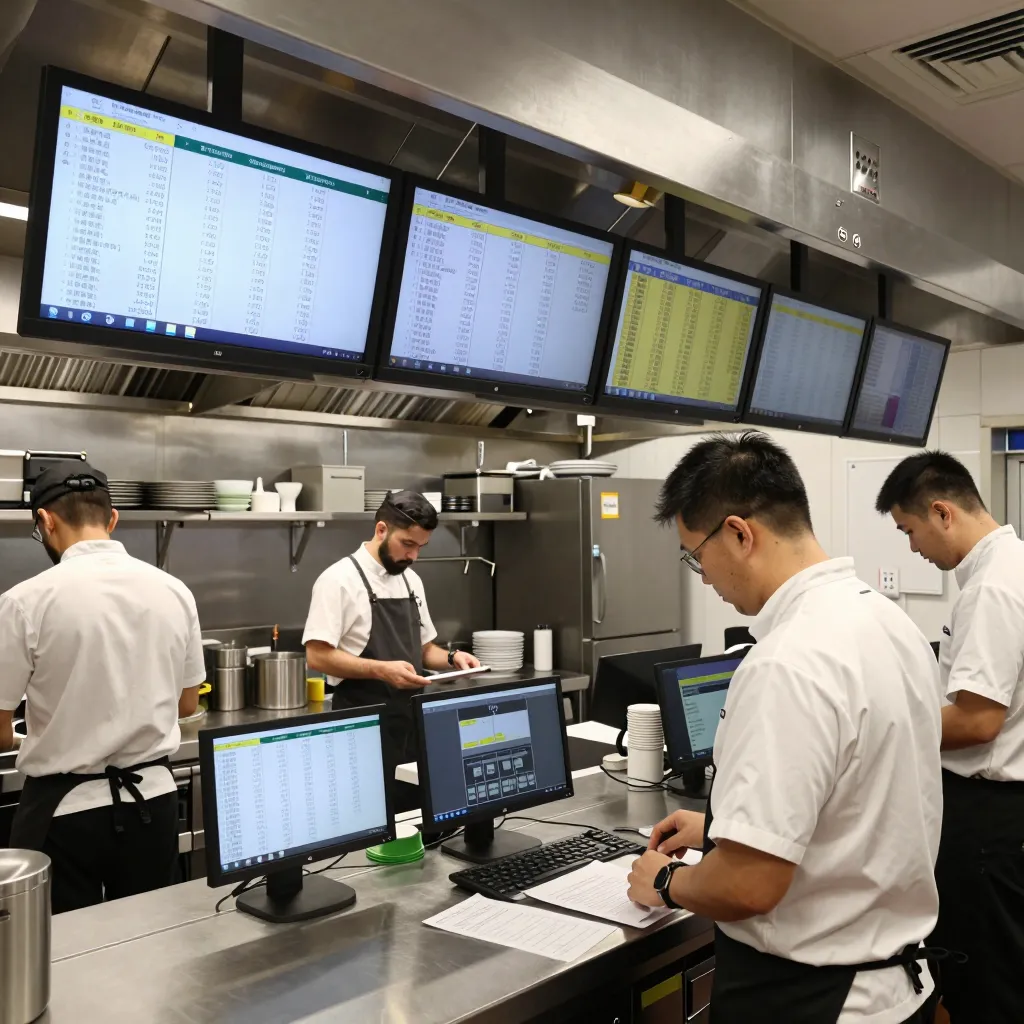
Why Integration Between QR Ordering and KDS Matters
Modern restaurant operations rely on speed, accuracy, and seamless communication between the front of house and the back of house. When customers scan a QR code to view a digital menu and place an order directly from their smartphones, that data must flow instantly to the kitchen. This is where the Kitchen Display System (KDS) becomes critical. Without proper integration, orders from QR menus often sit in a separate tab or get lost in the chaos of the pass, leading to delayed meals and frustrated guests.
According to industry data from the National Restaurant Association, operational efficiency is a top concern for restaurant owners, with 74% citing labor management and order accuracy as primary challenges. Integrating a QR ordering system with a KDS solves these issues by creating a unified workflow. Instead of manually transferring orders from a POS terminal to a kitchen printer or screen, the kitchen receives the order the moment the customer taps "Order" on their phone.
The benefits extend beyond simple convenience. Integrated systems allow kitchen staff to see order details, such as specific dietary restrictions or special instructions, immediately. This visibility prevents common errors like forgetting to exclude nuts from a salad or missing a request for extra sauce. By eliminating the human element of order entry, restaurants can significantly reduce waste caused by incorrect orders, which is a costly issue for any food service business.
Streamlining the Order Flow: From Table to Ticket
Understanding the mechanics of how a QR order reaches the kitchen is essential for optimizing staff training and workflow. When a customer uses a digital menu platform like upQR, the order is captured via a mobile-friendly interface. In a traditional setup without integration, this order might appear on a tablet at the table but not appear on the kitchen screen until a server manually pushes it. This delay can be the difference between a 10-minute wait and a 25-minute wait for a simple coffee.
With a fully integrated KDS and QR ordering system, the data transfer is automated and real-time. As soon as the order is confirmed on the customer's device, it appears on the kitchen display system with the same urgency and detail as a waiter-placed order. The system typically organizes tickets by courseappetizers, mains, dessertsand by time, ensuring that the kitchen cooks items in the correct sequence. This "first in, first out" approach is vital for maintaining food quality and keeping table turnover rates healthy.
Real-world examples highlight the impact of this seamless flow. Consider a busy lunch rush at a cafe serving 50 tables. Without integration, the kitchen might be overwhelmed by a mix of orders, some arriving late from servers who are distracted. With integration, every order from the 50 tables appears simultaneously on the KDS, allowing the chef to prioritize high-value items and manage the line efficiently. The kitchen team can also see which tables are waiting for specific items, allowing them to proactively communicate with servers about potential delays.
Enhancing Communication and Reducing Errors
One of the most significant advantages of pairing KDS with QR ordering is the reduction of miscommunication. In a paper-based or disconnected digital system, notes about allergies or special requests can easily be overlooked. Integrated systems often allow customers to add custom notes directly to their order, which are then highlighted on the KDS ticket. For instance, if a customer selects "No onions" in the digital menu, the KDS will flag this clearly, perhaps with a red alert or a bold icon.
This level of detail is crucial for food safety and customer satisfaction. Studies suggest that foodborne illness incidents often stem from overlooked allergy information. By ensuring that every special request is visible immediately upon order placement, restaurants can protect their guests and their reputation. Furthermore, integrated systems can track the status of every ticket, showing the kitchen exactly which items are prepped, cooking, or ready to be plated.
Another practical benefit is the ability to manage complex orders. A customer might order a burger, fries, and a shake, but request the burger to be medium-rare and the fries to be extra crispy. In a disconnected system, these details might be lost in translation. In an integrated system, these nuances are preserved from the moment of selection to the moment of plating. This ensures that the final product matches the customer's expectations, reducing the likelihood of returns or complaints.
Operational Insights and Data-Driven Decisions
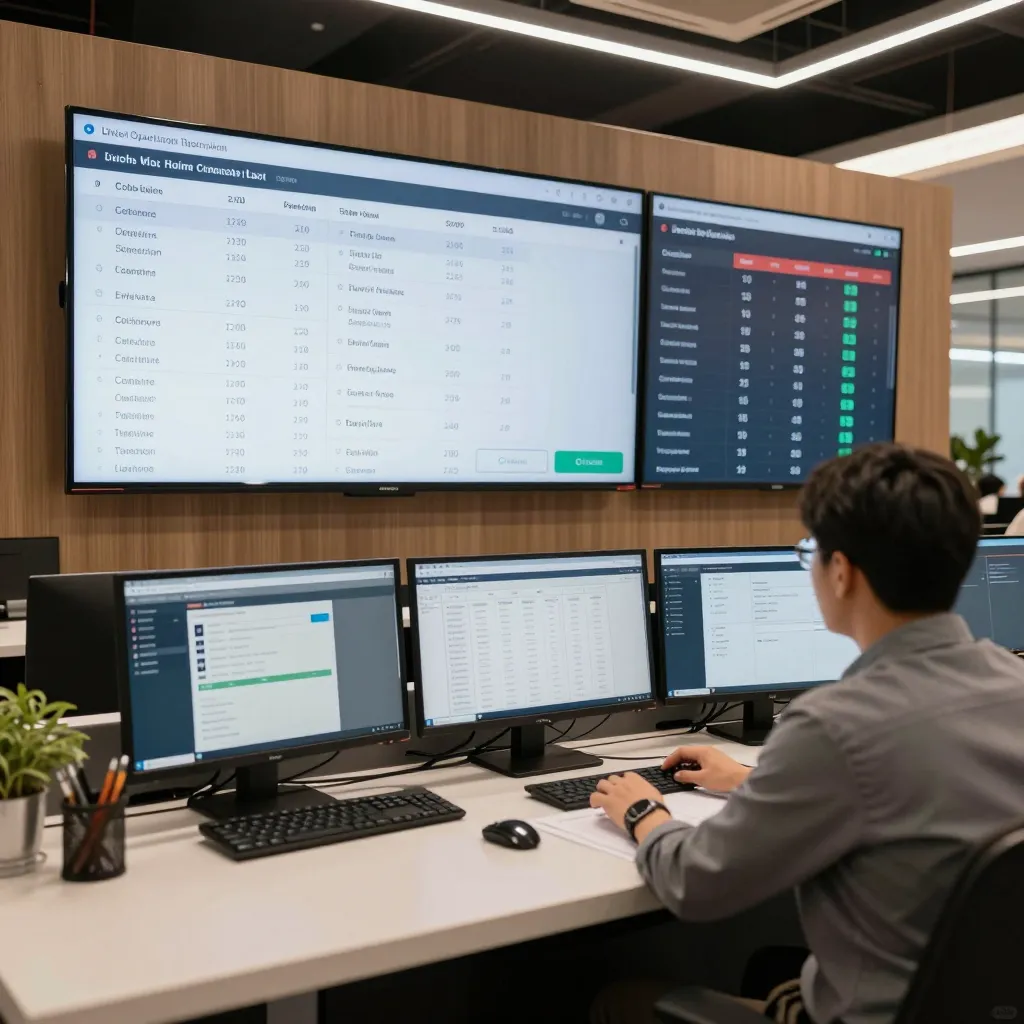
Integrating QR ordering with a KDS does more than just speed up cooking; it provides valuable data that can help owners make informed decisions about their business. Most modern platforms offer analytics dashboards that show not just what is being sold, but how orders are being placed and fulfilled. Restaurant owners can identify peak hours, popular menu items, and even which tables tend to order the most complex dishes that take longer to prepare.
For example, a cafe manager might notice through the analytics that orders placed via QR code during the morning rush have a slightly higher error rate than those taken by servers. This insight could lead to training adjustments or a decision to prioritize server-taken orders during peak times. Alternatively, the data might show that a specific menu item is frequently ordered with a modification, suggesting a need for a different preparation method or a menu update.
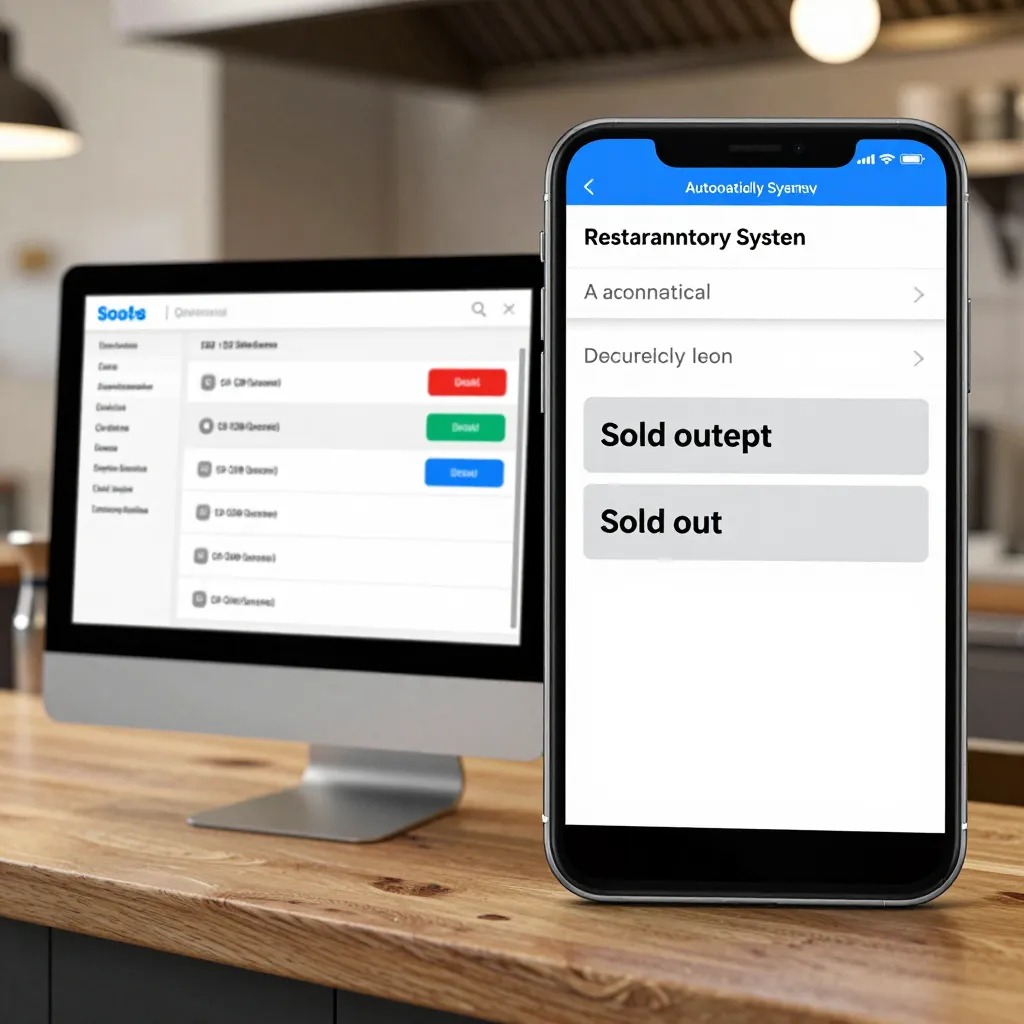
Inventory management also benefits from this integration. When a specific item sells rapidly through the QR menu, the system can flag low stock levels in real-time. This allows managers to reorder ingredients before they run out, preventing situations where a popular item is unavailable during a busy service. The ability to track sales velocity across different channels (QR vs. counter) provides a holistic view of the business, enabling strategic menu engineering and pricing adjustments.
Choosing the Right Technology for Your Establishment
Not all QR menu providers and KDS systems are created equal. When selecting a solution, it is important to look for compatibility and ease of use. The ideal system should integrate effortlessly with your existing Point of Sale (POS) hardware and software, whether you are using iPads, Android tablets, or dedicated kitchen screens. Look for platforms that offer robust APIs or native integrations with popular KDS software to ensure a smooth data flow.
Another key factor is the user experience for both staff and customers. The QR menu should be mobile-responsive and easy to navigate, while the KDS should be intuitive for kitchen staff, allowing them to manage multiple orders without feeling overwhelmed. Features like drag-and-drop ticket management, customizable alerts, and offline capabilities are essential for maintaining operations during internet outages or high-traffic periods.
When evaluating potential solutions, consider the support and training provided. A system that is easy to set up but difficult to maintain can become a burden. Look for providers who offer comprehensive onboarding, including staff training sessions and ongoing technical support. UpQR, for instance, is designed with these considerations in mind, offering a seamless experience that allows restaurants to focus on what they do best: serving great food. By choosing a solution that prioritizes integration and ease of use, you ensure that your technology works for you, not against you.
Conclusion
In the competitive landscape of modern dining, efficiency and accuracy are the keys to success. Pairing a Kitchen Display System with a QR ordering platform transforms the way restaurants handle orders, reducing wait times, minimizing errors, and enhancing the overall guest experience. By automating the flow of information from the customer's phone to the kitchen screen, restaurants can operate with a level of precision that was previously impossible.
For restaurant owners and managers looking to upgrade their operations, the right technology is a game-changer. It provides the tools needed to handle high volumes of orders, manage complex requests, and gain valuable insights into business performance. Whether you are a small cafe or a large chain, integrating your KDS with a digital QR menu is a strategic move that pays dividends in speed, accuracy, and customer satisfaction. With platforms like upQR, achieving this level of integration is accessible, reliable, and designed to scale with your business needs.
Related Posts
Ready to create your digital menu?
Create your QR menu in minutes and reach your customers in any language.
