
Restaurant Google Ads Strategy: Combining Paid Search with QR Menus
Learn how to merge Google Ads campaigns with your digital QR menu to reduce costs, improve conversion rates, and create a seamless customer experience.
Why Digital Menus Are Essential for Google Ads Success
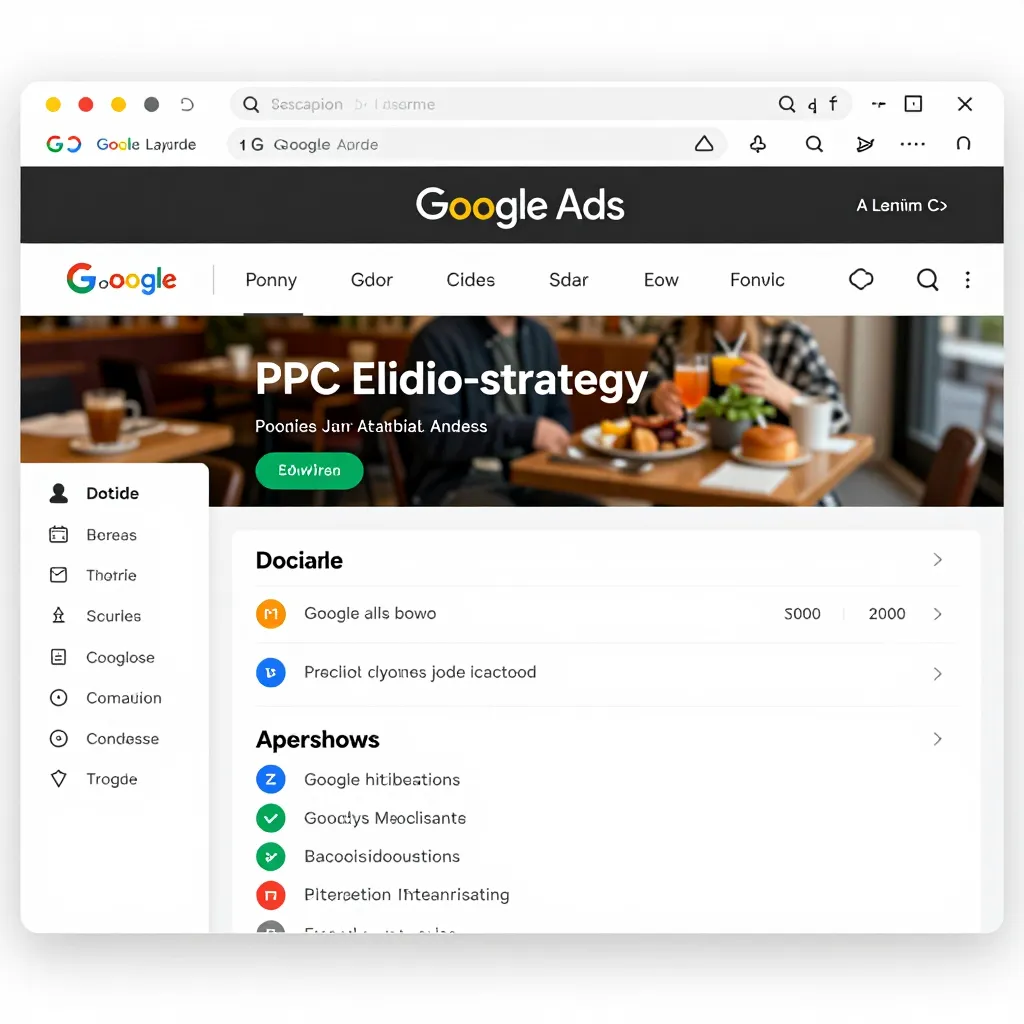
When a customer searches for "pizza near me" or "best sushi in [City Name]" on Google, they expect immediate answers. Your Google Ads campaign drives traffic to your landing page, but the conversion rate often suffers if the menu is still printed on paper. Digital menus, powered by platforms like upQR, solve this friction point instantly. By integrating a digital QR menu directly into your Google Ads landing page strategy, you ensure that every click has a clear path to ordering. This integration is not just about convenience; it is about data efficiency. Every time a customer scans a QR code from a Google Maps listing or an ad extension, you capture a potential order without the need for staff intervention. This reduces the cost per acquisition because your team spends less time taking manual orders and more time ensuring quality. The synergy between paid search and digital menus creates a closed loop where the user intent from the ad translates directly into a digital asset that can be updated in real-time. For instance, if you run a promotion on spicy wings, you can update the digital menu immediately, and if a customer clicks your ad, they see the offer instantly. This transparency builds trust, a core value that upQR champions, ensuring customers feel confident in what they are ordering before they even step into the restaurant.
Optimizing Landing Pages: The Power of Direct QR Code Integration
The landing page is the most critical element of any Google Ads campaign. A common mistake restaurant owners make is sending traffic to a generic homepage or a slow-loading website. Instead, your ad should direct users to a dedicated landing page featuring a prominent, scannable QR code. This approach minimizes bounce rates and maximizes conversion potential. When a user clicks an ad for "vegan burgers in Chicago," they should land on a page that immediately offers them the digital menu via QR code, eliminating the need to navigate through multiple pages. This direct access respects the user's time and aligns with the modern expectation of instant information. Furthermore, the landing page can be tailored to reflect the specific ad copy. If your ad highlights "free delivery," the landing page should reinforce this while offering a QR code to order for pickup or delivery. Using upQR allows you to customize the menu experience, ensuring that the visual design matches your brand identity. This consistency between the ad promise and the digital reality is vital for maintaining quality scores in Google Ads. A high quality score leads to lower costs per click and better ad placement. Additionally, you can use dynamic QR codes that track which ad campaign led to the most scans, allowing you to refine your budget allocation towards the most effective keywords and ad groups. This data-driven approach ensures that every dollar spent on advertising yields a measurable return on investment.
Enhancing Ad Extensions with Menu Transparency and Ingredients
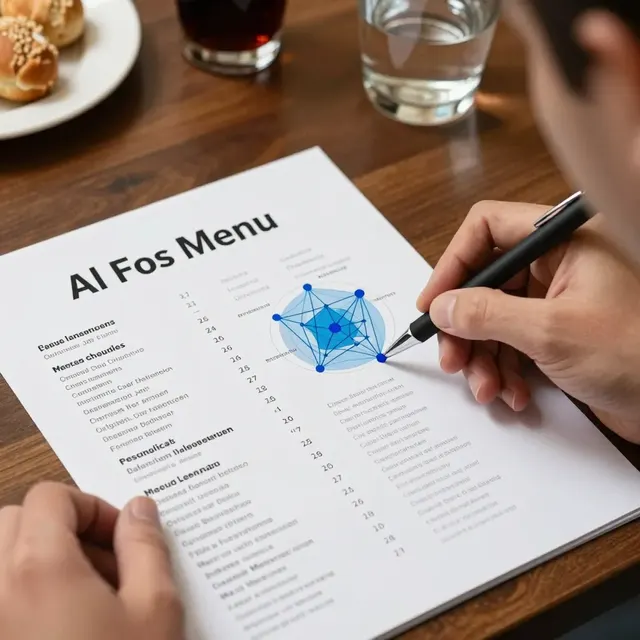
Google Ads allows you to use ad extensions to make your listings more visible and informative. One of the most powerful extensions for restaurants is the sitelink extension, which can link directly to specific menu categories or a "View Full Menu" page powered by your digital QR system. By leveraging upQR's detailed ingredient lists and allergen information, you can create ad extensions that highlight these features. For example, an ad extension can state, "See allergen info & ingredients instantly," which appeals to health-conscious diners and those with dietary restrictions. This transparency is a hallmark of upQR's philosophy. When potential customers see that you provide honest, accurate information about what they are eating, they are more likely to click your ad and trust your brand. In a competitive market, being the first to offer full ingredient transparency can be a significant differentiator. You can also use callout extensions to mention "Digital Menu Available" or "Scan for Dietary Options." These small additions to your ad text can increase your click-through rate (CTR) significantly. Imagine a user scrolling through search results; seeing an ad that explicitly mentions detailed allergen data and a digital menu stands out against competitors who only show basic menu links. This level of detail reduces the risk of negative reviews later, as customers know exactly what they are getting. By aligning your ad messaging with the actual capabilities of your digital menu system, you create a seamless narrative that guides the customer from discovery to decision-making without confusion.
Real-World Example: Reducing Costs and Increasing Order Volume
Consider the case of a local cafe chain that struggled with low conversion rates on their Google Ads campaigns. Their ads drove traffic to a website where users had to click through several pages to find the menu, resulting in a high bounce rate. After implementing upQR and restructuring their landing pages to feature a direct QR code scan, they saw a 40% increase in order volume from paid search traffic. The strategy involved two key changes: first, they optimized their landing pages to load the digital menu instantly, ensuring no time was wasted. Second, they updated their ad copy to emphasize the ease of ordering via the digital menu. The results were twofold: operational costs decreased because fewer staff members were needed to take phone orders or manage printed menus, and revenue increased due to the higher conversion rate. The digital menu also allowed them to introduce new items or run flash sales with immediate effect. When a customer clicked an ad for a "Happy Hour Special," they saw the updated prices and items on their digital menu instantly. This agility is impossible with printed menus. The data showed that customers who scanned the QR code from the ad were 25% more likely to order a higher average ticket size because they could easily browse categories without leaving the restaurant premises. This example illustrates how combining paid search with a robust digital menu system transforms a passive ad click into an active sales opportunity. It demonstrates that the technology is not just a cost center but a revenue driver that enhances the overall efficiency of your advertising spend.
Leveraging Data Insights to Refine Your Advertising Strategy
One of the most significant advantages of using a digital QR menu system like upQR is the wealth of data it provides. Unlike printed menus, digital ones generate analytics on how customers interact with your offerings. You can track which items are most frequently viewed, how long users spend on specific sections, and which times of day result in the most menu scans. This data is invaluable for refining your Google Ads strategy. If you notice that a specific category, such as "smoothies," receives a high number of scans but low orders, you can investigate the pricing or description. Conversely, if a new seasonal item gets high engagement in your digital menu, you can create a targeted Google Ads campaign specifically promoting that item. This level of granularity allows for precise budget allocation. Instead of running broad campaigns, you can target keywords related to your best-performing digital menu items. For example, if your digital menu shows that "gluten-free pasta" is a top search term within your own system, you can bid higher on related keywords in Google Ads. The integration of these two systems creates a feedback loop where menu performance informs ad strategy, and ad strategy drives menu engagement. This continuous optimization ensures that your marketing efforts are always aligned with customer preferences. Furthermore, the ability to update the menu in real-time means you can react to inventory changes instantly, preventing the embarrassment of selling out-of-stock items advertised in your Google Ads. This honesty and accuracy in both your ads and your menu build long-term customer loyalty.
Conclusion: Building a Sustainable and Transparent Future
Integrating a digital QR menu with your Google Ads strategy is no longer optional; it is a necessity for modern restaurants and cafes. By combining the reach of paid search with the accessibility of a digital menu, you create a powerful engine for growth that prioritizes sustainability, transparency, and customer satisfaction. Platforms like upQR enable you to eliminate paper waste, ensuring that your business practices align with environmental values. They also provide the transparency that customers demand, showing exactly what is in their food and how much it costs. As you refine your ad campaigns, remember that the goal is to provide a seamless, honest, and efficient experience from the moment a customer clicks an ad to the moment they receive their meal. The synergy between these tools reduces operational friction, lowers acquisition costs, and ultimately drives revenue. Embrace this integrated approach to not only survive but thrive in a competitive digital landscape, turning every search query into a loyal customer relationship.
Related Posts
Ready to create your digital menu?
Create your QR menu in minutes and reach your customers in any language.