
How to Get More Google Reviews for Your Restaurant Using QR Codes
Learn proven strategies to turn your digital QR menu into a powerful tool for gathering Google reviews, boosting local SEO, and building customer trust.
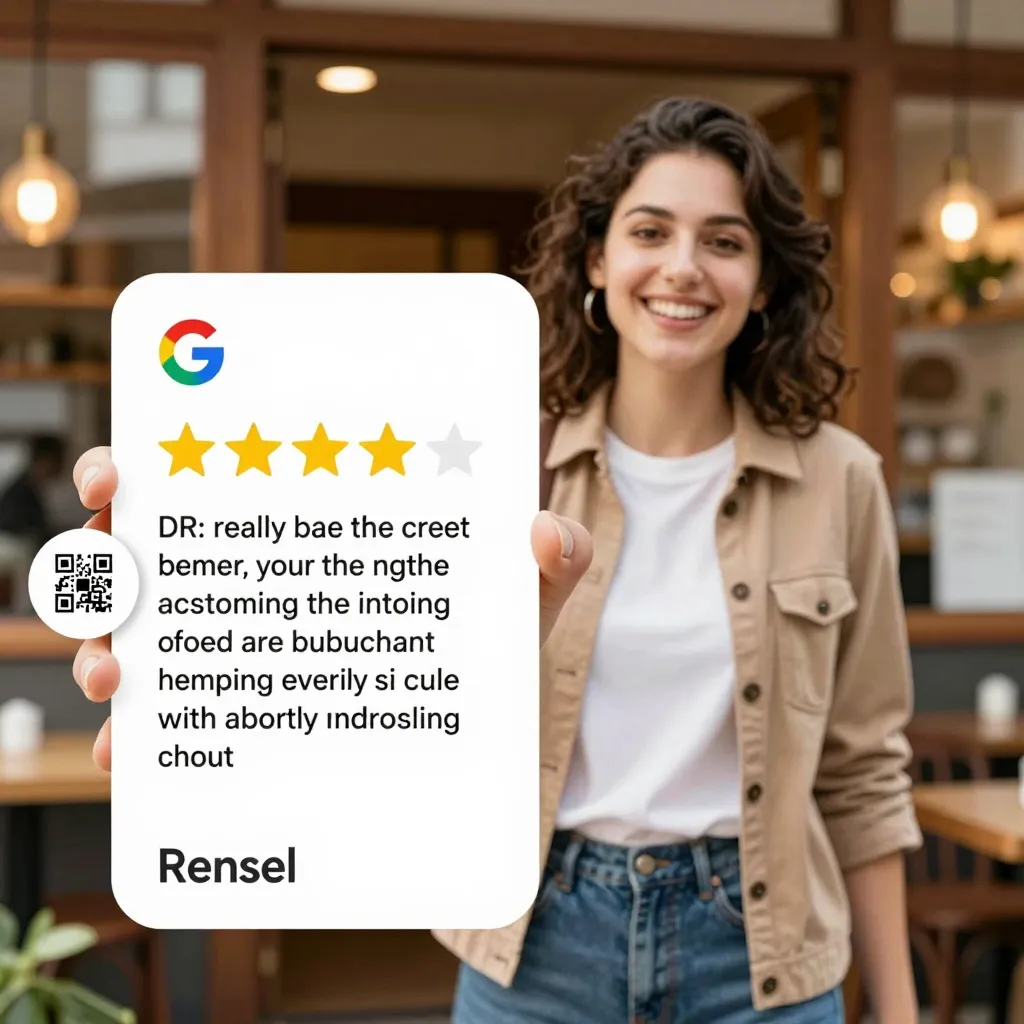
Why Digital Menus Are the Key to Unlocking More Reviews
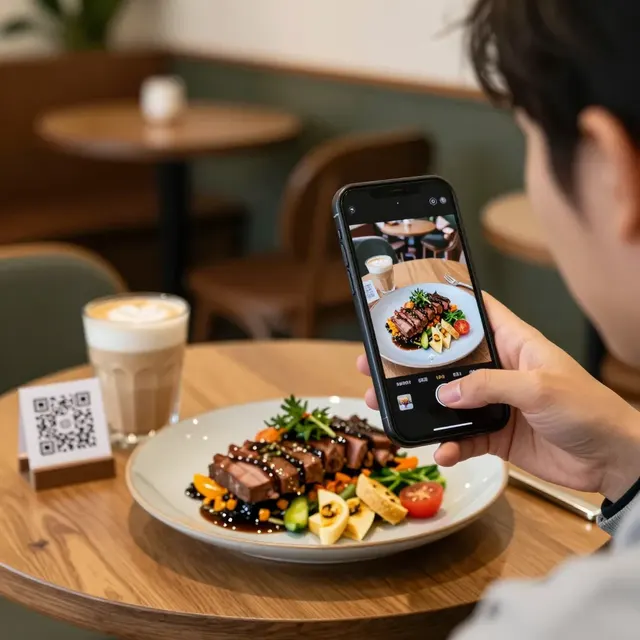
For years, restaurant owners relied on handwritten notes or verbal requests to ask for feedback. While effective in small ways, these methods often yielded inconsistent results. Today, the shift toward digital menus has transformed how we collect data. A QR code is no longer just a link to a PDF; it is a strategic touchpoint that can drive significant growth in your online reputation. When a customer scans a code to view your menu, they are already engaged with your brand. This is the perfect moment to encourage them to leave a review.
The integration of review requests within your digital menu interface bridges the gap between the dining experience and your online presence. Unlike physical flyers that get tossed aside, a digital menu stays on the customer's phone. This persistent presence allows you to present a polished, professional call-to-action that is impossible to ignore. By leveraging the upQR platform, you can embed direct links to your Google Business Profile directly into the menu flow, ensuring that the path to leaving a review is seamless and frictionless.
The Psychology of Asking for Reviews at the Right Moment
Timing is everything when it comes to customer satisfaction and feedback. Studies show that customers are most likely to leave a review immediately after a positive dining experience. However, the traditional method of asking for a review often happens too late. By the time a guest is walking out the door or waiting in a car, the emotional high of the meal has faded. A digital menu solves this by allowing you to capture the review request while the experience is still fresh in the customer's mind.
Imagine a scenario where a guest finishes their meal and is ready to pay. Instead of a static paper bill, they scan a QR code to see the final menu or access loyalty rewards. At this specific juncture, a prompt appears: "Loved your meal? Share your experience with us!" This approach taps into the peak satisfaction moment. When customers feel heard and valued, they are significantly more likely to take the extra step of writing a review. The digital menu acts as a silent advocate, reminding them that their opinion matters to your business.
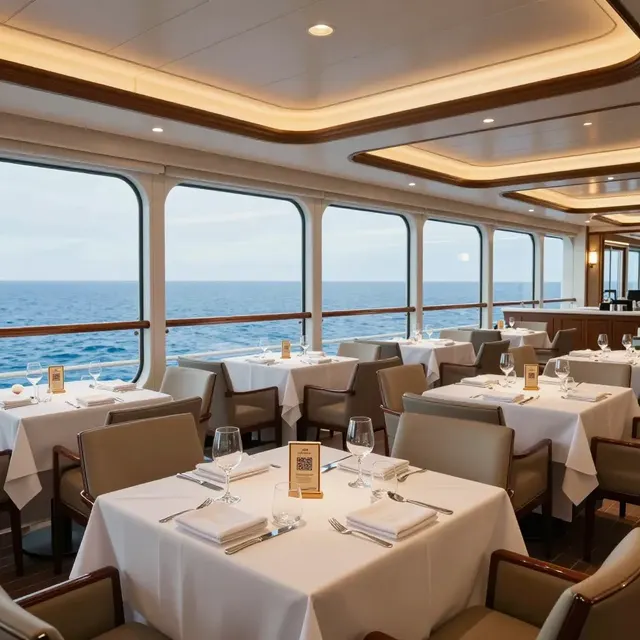
Optimizing Your QR Menu for Maximum Conversion
Mere presence of a link is not enough; the design and placement of the review request within your QR menu matter. To maximize conversion rates, you must create a compelling narrative that encourages action. Start by using high-quality visuals and clear, concise language. Avoid generic phrases like "please leave a review." Instead, use personalized messaging that reflects your brand voice. For example, "We made your coffee this morning. Help us serve better coffee tomorrow by sharing your thoughts!" This personal touch connects the review request to the actual service provided.
Furthermore, the technical setup of your upQR account plays a crucial role. Ensure that the link to your Google Business Profile is prominent and easy to tap. On mobile devices, the "thumbs rule" applies: the target should be easily reachable with a thumb. Place the review button in a sticky footer or a dedicated section near the top of the menu where it is immediately visible. You can also add a small incentive, such as a chance to enter a monthly raffle or a small discount on their next visit, which has been shown to increase review submission rates without compromising the integrity of the feedback.
Building Trust Through Transparency and Honesty
One of the core values of upQR is transparency. Customers are increasingly skeptical of businesses that hide information or use deceptive practices. When you ask for a review via a digital menu, you must ensure that the environment fosters honesty. A digital menu allows you to display ingredient lists, allergen information, and sourcing details right alongside the review request. This level of openness signals to the customer that you have nothing to hide and that you value their authentic feedback over fake praise.
When customers see that you are committed to honesty-whether it's about the quality of ingredients or the accuracy of prices-they are more likely to trust you with their opinion. If a customer finds a bug in your app or notices a pricing discrepancy, a transparent digital menu encourages them to report it directly rather than leaving a negative review on Google. By addressing issues openly in your digital space, you turn potential detractors into loyal advocates. This cycle of trust is essential for building a robust portfolio of genuine Google reviews, which are far more valuable to your local SEO than any number of fabricated ones.
Local SEO Impact: How Reviews Drive Visibility
Google Reviews are the lifeblood of local search engine optimization. When potential diners search for "best coffee near me" or "italian restaurant," the star rating and the number of reviews are the primary factors Google uses to rank businesses. A higher volume of positive reviews directly correlates with increased visibility and foot traffic. By using your QR menu to systematically gather these reviews, you are essentially investing in your business's digital infrastructure.
Data suggests that restaurants with a steady stream of new reviews tend to see a 10-15% increase in organic traffic over time. Each review adds a data point to Google's algorithm, proving that your business is active and relevant. Moreover, the content within the reviews-keywords like "homemade pasta," "organic coffee," or "spicy wings"-helps Google understand what your restaurant offers. By encouraging customers to write detailed reviews through your QR menu link, you provide Google with rich, keyword-rich content that boosts your ranking for specific search queries. This is a sustainable growth strategy that outperforms traditional advertising methods.
Turning One-Time Visitors into Reviewing Advocates
Not every customer will leave a review immediately. Some may need a gentle reminder. This is where the persistent nature of a digital menu shines. You can set up automated, non-intrusive reminders within your QR menu interface. For instance, if a customer scans the code but does not leave a review, a subtle notification can appear after a few days: "Hi [Name], we hope you enjoyed your meal. Would you mind taking a moment to share your experience?" This follow-up approach, often called "review nurturing," can recover up to 20% of lost review opportunities.
Additionally, integrating your loyalty program with your review system creates a powerful feedback loop. Offer points for leaving a review, which customers can redeem for free drinks or desserts. This gamification element makes the process fun and rewarding. When customers feel that their contribution benefits them directly, they are more willing to participate. Over time, these customers become your brand ambassadors, sharing your digital menu and reviews with friends and family. This organic growth is the hallmark of a successful, community-focused restaurant.
Conclusion
Gathering Google reviews is no longer just about asking; it is about creating an ecosystem where feedback is expected, encouraged, and valued. By leveraging the power of QR codes and a robust digital menu platform, you can transform every meal into an opportunity to build your online reputation. The upQR platform provides the tools necessary to implement these strategies seamlessly, ensuring that your digital presence is as honest and engaging as your in-person service. Start today by optimizing your QR menu to capture more reviews, boost your local SEO, and connect more deeply with your customers. Your next wave of success starts with a simple scan.

Related Posts
Ready to create your digital menu?
Create your QR menu in minutes and reach your customers in any language.