
Best Fast Food Menu Categories for Digital Ordering
Discover the top-performing menu categories for fast food digital ordering. Learn how to structure your digital menu for speed, clarity, and higher sales using upQR.
Why Digital Menus Are Essential for Fast Food
In the fast food industry, speed and clarity are everything. Customers want their food quickly, and they want to know exactly what they are getting before they pay. Digital menus have revolutionized this experience by removing the confusion of paper menus and the limitations of static displays. With upQR, restaurants can create a dynamic digital experience that adapts to real-time inventory and customer needs.
According to recent industry data, 70% of consumers prefer ordering via mobile devices or QR codes over traditional paper menus. This shift is driven by convenience, but it also offers a massive opportunity for restaurants to increase average order value (AOV). A well-structured digital menu doesn't just list items; it guides the customer's decision-making process, highlights high-margin products, and ensures that dietary restrictions are met instantly.
For fast food establishments, the goal is to reduce friction. Every second a customer spends searching for an item is a second they might spend waiting in line. A logical category structure is the foundation of a smooth ordering experience. When categories are intuitive, customers move through the menu faster, leading to quicker table turnover and happier staff who don't have to repeat orders or explain confusing menu layouts.
Structuring Your Menu for Speed and Clarity
The architecture of your digital menu is just as important as the food itself. A chaotic menu structure leads to cognitive overload, causing customers to abandon their order or choose the safest, most familiar option. To combat this, you must organize your categories logically. Start with the most popular items and place them in prominent categories that match customer expectations.
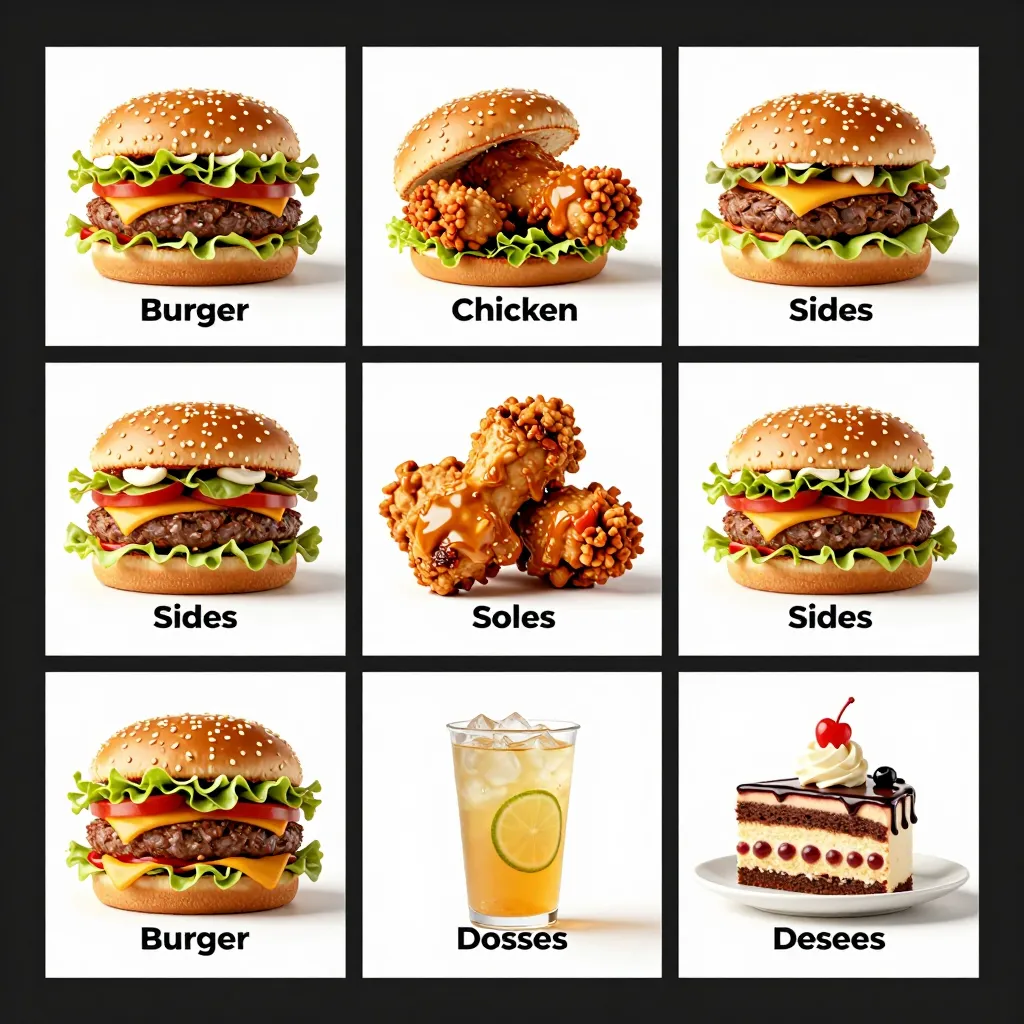
Consider the standard fast food journey: customers usually start with a main item (burger, sandwich, wrap), then add sides, then drinks, and finally desserts. Your digital menu should mirror this flow. However, don't forget to include essential information upfront. Transparency is key to building trust. If you have a category for "Allergens" or "Nutrition," place it near the top or make it easily accessible via a filter. This aligns with the principle of honest information, ensuring no one is surprised by hidden ingredients or unexpected allergens.
Use clear, descriptive headings for each category. Instead of vague terms like "Sides," use specific labels like "Crispy Fries," "Onion Rings," or "Sweet Potato Wedges." This reduces hesitation. Additionally, leverage the digital format to group items by dietary preference. Creating categories like "Vegetarian Options," "Gluten-Free," or "Low-Calorie" allows customers with specific needs to find their food immediately. This inclusivity is not just a nice-to-have; it is a necessity in the modern food service landscape where dietary restrictions are common.

Top-Performing Categories to Highlight
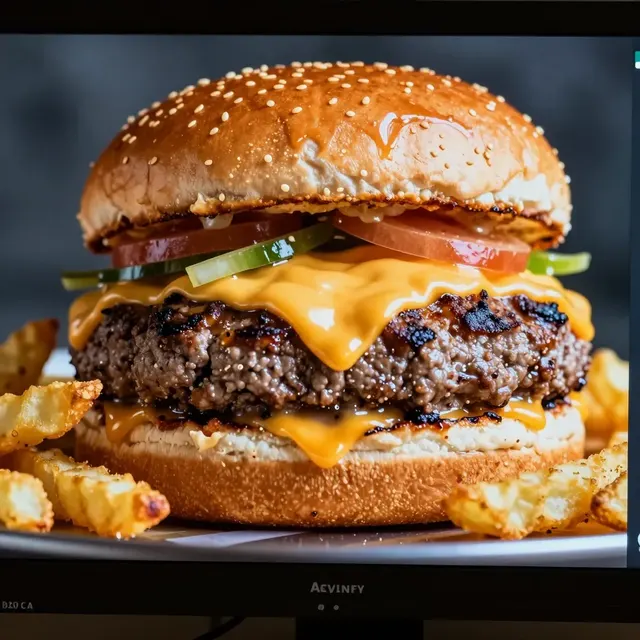
Not all menu items are created equal, and not all categories perform the same way. To maximize revenue, you need to identify and highlight your best-performing categories. Data shows that customers are often influenced by visual cues and placement. The "Burgers & Sandwiches" category is usually the anchor of any fast food menu. It should be the first category listed and perhaps the most visually prominent.
Within this main category, use subcategories or badges to highlight your signature items. For example, separate "Classic Burgers" from "Signature Combos." Combos are particularly effective because they increase the average ticket size. By bundling a burger with a side and a drink in a dedicated "Meal Deals" category, you simplify the decision process for the customer. They don't have to think about what to pair with their meal; the menu does the work for them.
Sides and drinks are often where the real profit lies. A dedicated "Crunchy Sides" category featuring fries, mozzarella sticks, and nuggets can be very lucrative. Similarly, a "Refreshing Drinks" section should be easy to navigate. Fast food customers often thirstier after their meal, so ensure your beverage section is extensive but organized. Group sodas, teas, and iced coffees separately to avoid clutter. This organization respects the customer's time and keeps the ordering process moving at the pace of a fast food establishment.
Optimizing for Dietary Needs and Transparency
One of the greatest challenges in the food industry is addressing dietary restrictions. In a traditional paper menu, this information is often hidden in small print or requires asking a server. With upQR, you can make this information front and center. Transparency is a core value that builds long-term loyalty. Customers appreciate knowing exactly what is in their food, from the source of the meat to the type of oil used for frying.
Create a specific category or filter for "Allergens" or "Nutrition Facts." This should be a mandatory part of your digital menu. List common allergens like gluten, nuts, dairy, and soy clearly next to each item. You can even add a color-coded system where items are marked with icons indicating their dietary status. For instance, a green leaf icon for vegetarian, a wheat-free icon for gluten-free, and a nut-free icon.
This level of detail also helps with cross-contamination awareness. If a customer is severely allergic to peanuts, they can quickly scan the menu and see if an item is prepared in a shared fryer. Providing this information honestly prevents health crises and legal issues. It also empowers customers to make informed choices, reducing the anxiety of dining out. When a customer feels safe and understood, they are more likely to return.
Driving Sales with Strategic Placement and Descriptions
How you present your menu items directly impacts your sales. The best digital menus use psychology to guide customers toward higher-value items without feeling pushy. Start with compelling descriptions that highlight quality and freshness. Instead of saying "Beef Burger," say "Juicy 100% Angus Beef Burger with Fresh Lettuce and Tomato." These sensory words make the food more appealing and justify a higher price point.
Use images strategically, but ensure they are honest. Deceptive photos can lead to disappointment and negative reviews. UpQR allows you to upload high-quality, accurate photos that match the actual product. This consistency builds trust. When the photo matches the reality, customers feel confident in their order.
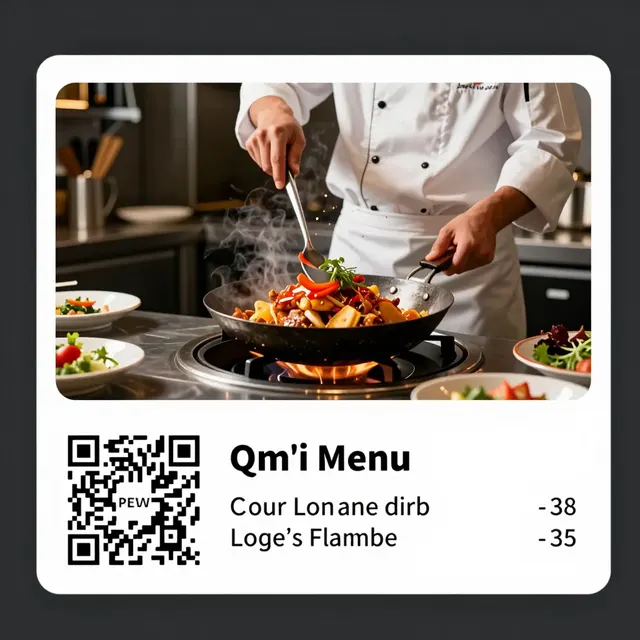
Another powerful tactic is to create a "Chef's Special" or "Seasonal Favorites" category. This gives you the flexibility to rotate items based on inventory or trends without cluttering the permanent menu. It creates a sense of urgency and novelty. Customers love trying new things, and a dedicated section for these items encourages experimentation. Additionally, use limited-time offers in a separate category to create a "fear of missing out" (FOMO) effect, which can boost sales during slow periods.
Maintaining Freshness and Managing Inventory
A static menu is a liability in the fast food world. Ingredients spoil, suppliers change, and trends shift. Your digital menu must be as dynamic as your kitchen. With upQR, you can manage your menu in real-time. If an item is out of stock, you can hide it instantly rather than printing a new paper menu or leaving an item on the display that leads to angry customers.
Regularly update your categories to reflect seasonal changes. In the summer, highlight cold drinks and salads. In the winter, emphasize hot soups and comfort foods. This agility keeps your menu relevant and shows that you care about providing the best experience at any time of year. It also helps manage kitchen workflow. If you know a specific ingredient is running low, you can temporarily adjust the menu to feature alternative items that use the same ingredients, smoothing out production bottlenecks.
Finally, ensure that your staff is trained to handle digital menu updates. They should know how to quickly add new items or remove old ones. This responsiveness is a competitive advantage. When customers see that the menu is fresh and accurate, their perception of the brand improves. They feel that the restaurant is organized, professional, and customer-focused. This reputation attracts new patrons and retains existing ones, creating a virtuous cycle of growth and sustainability.
Conclusion
Building the best menu categories for fast food digital ordering requires a blend of strategic planning, transparency, and technological agility. By organizing your menu logically, highlighting high-margin items, and providing clear information on allergens and ingredients, you create an experience that is both efficient and trustworthy. upQR provides the platform to make this vision a reality, offering tools that help you manage inventory, update content in real-time, and ensure every customer has access to honest, accurate information. Embrace the digital shift today to elevate your fast food business and delight your customers.
Related Posts
Ready to create your digital menu?
Create your QR menu in minutes and reach your customers in any language.