
Showcase Food Prep with Video in Your QR Menu
Discover how adding short food prep videos to your digital QR menu boosts trust, reduces hesitation, and increases orders for your restaurant.
Why Video is the Next Big Thing for Digital Menus
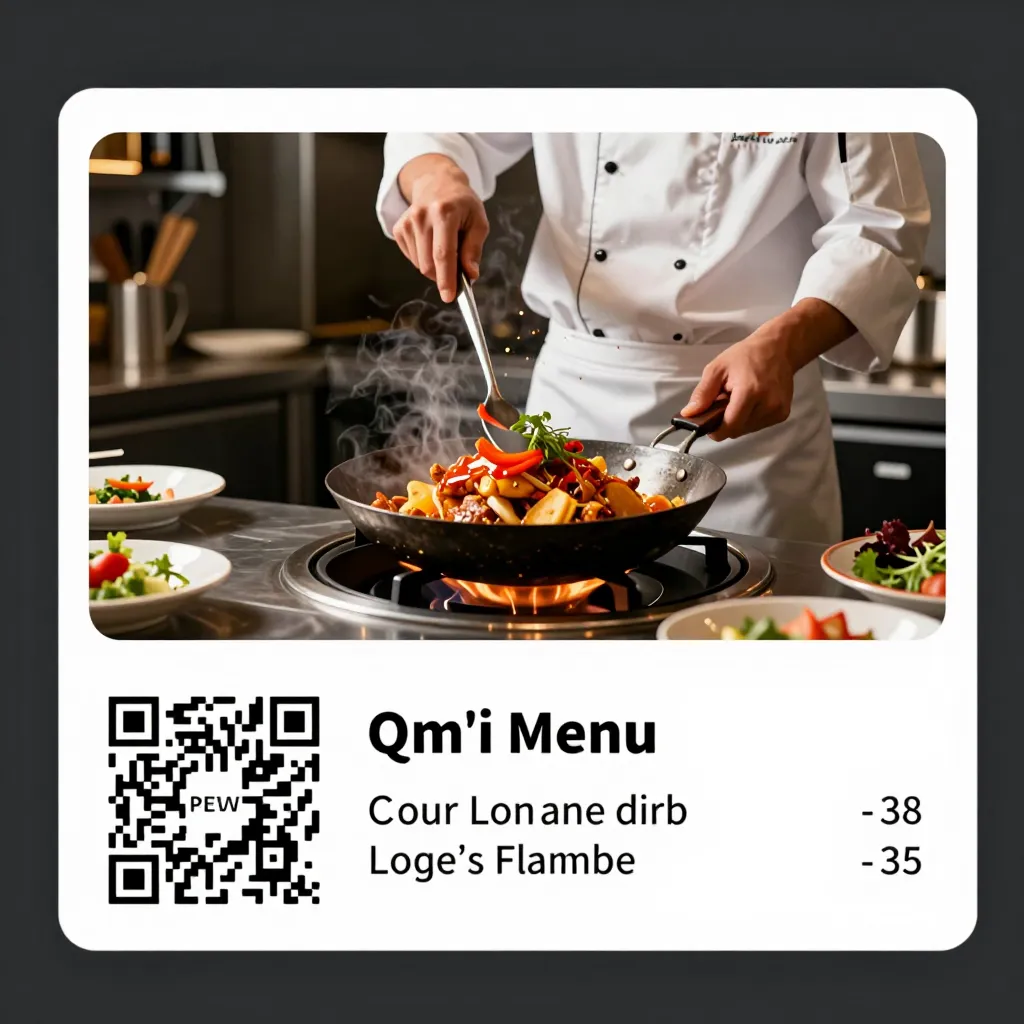
For years, the digital transformation of restaurant menus focused on static images. High-resolution photos of a perfect burger or a vibrant salad were the standard. However, the landscape is shifting rapidly. Customers are no longer just looking at food; they are craving a connection to the process behind the plate. This is where video content enters the conversation, offering a level of engagement that static images simply cannot match.
The psychological impact of video on food ordering is profound. According to recent digital marketing studies in the hospitality sector, videos can increase conversion rates by up to 80% compared to text-only descriptions. When a customer sees a chef carefully sear a steak, chop fresh herbs, or fold delicate crepes, they are not just buying a meal; they are buying into a story of quality and care. This visual storytelling bridges the gap between the kitchen and the dining room, creating an emotional connection that drives impulse orders and builds brand loyalty.
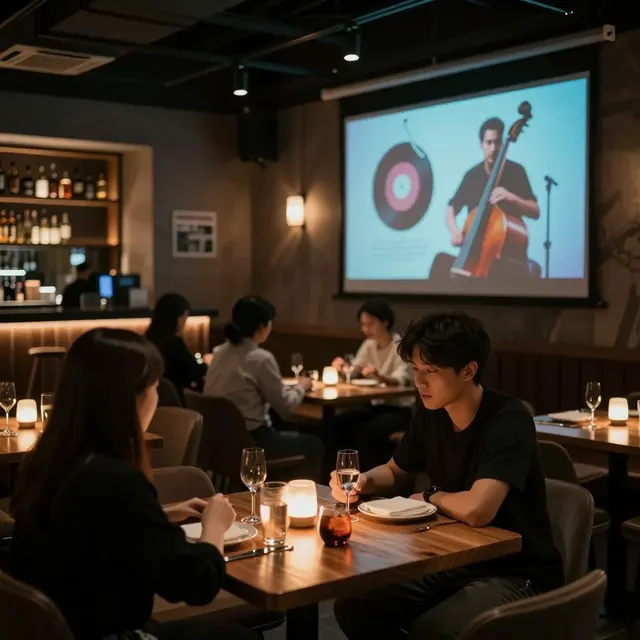
For restaurant owners and cafe managers, integrating video into your QR menu is no longer a luxury; it is a strategic necessity. In an era where customers are increasingly skeptical of food quality, video serves as the ultimate transparency tool. It proves that your ingredients are fresh, your techniques are traditional, and your kitchen is a place where food is made with passion. By leveraging video content, you elevate your digital menu from a simple list of items to an immersive dining experience that happens right before the customer's eyes.
Building Trust Through Radical Transparency
Transparency is one of the core pillars of modern dining, and video is the most effective way to deliver it. When a customer scans a QR code to view your menu, they often have lingering questions: Is this meat really grass-fed? Are the vegetables organic? Is the kitchen clean? A static photo of a finished dish cannot answer these questions. A short video clip, however, can show the entire journey from farm to table or from raw ingredient to plated masterpiece.
Consider the scenario of a customer with dietary restrictions or allergies. They might hesitate to order a dish they are unfamiliar with. By including a video that highlights the preparation process, you can explicitly show the ingredients being used. For example, a video showing a chef slicing a specific type of cheese or highlighting a specific spice blend can reassure the customer that there are no hidden allergens. This aligns perfectly with the value of honest and accurate information, ensuring that customers feel confident in their choices without fear of surprises.
Furthermore, video allows you to showcase the hygiene and cleanliness of your kitchen. Seeing gloved hands, sanitized surfaces, and organized workflows in a video builds immense trust. Customers know exactly what they are getting, which reduces the likelihood of complaints or returns later on. This level of openness fosters a relationship of trust between your establishment and your patrons, encouraging them to return and recommend you to friends. In a competitive market, being the restaurant that offers the most transparency is a significant differentiator that can set you apart from competitors who rely solely on polished but potentially misleading photography.
Capturing the Sensory Experience Without Sound
One of the biggest misconceptions about using video in a restaurant setting is the need for sound. In reality, silent video is often more effective for QR menus. While a sizzling steak sounds delicious, a customer in a restaurant cannot hear it, and a noisy environment might make them uncomfortable. The key is to capture the visual cues that trigger sensory responses. You want to show the steam rising from a hot dish, the glistening oil on a seared crust, or the vibrant colors of fresh garnishes.
To achieve this, focus on lighting and motion. Use natural light or high-quality studio lighting to make the food look appetizing. Capture the texture of the food-how it breaks apart, how sauce drizzles, or how herbs fall onto a plate. These subtle movements engage the brain's sensory cortex, making the viewer almost taste the food. For instance, a video of a smoothie being blended can show the thickness of the ingredients and the vibrant color mixing, making the viewer crave a cold, refreshing drink on a hot day.
When editing these clips for your upQR menu, keep them short and focused. A 5 to 10-second loop is often sufficient to convey the essence of the preparation without overwhelming the user. Ensure the aspect ratio matches the QR menu interface, usually vertical (9:16) for mobile screens. This ensures that the video looks professional and loads quickly, even on slower internet connections. By prioritizing visual storytelling over audio, you create a seamless experience that enhances the menu without disrupting the ambiance of the restaurant.
Practical Steps to Create Engaging Food Prep Videos
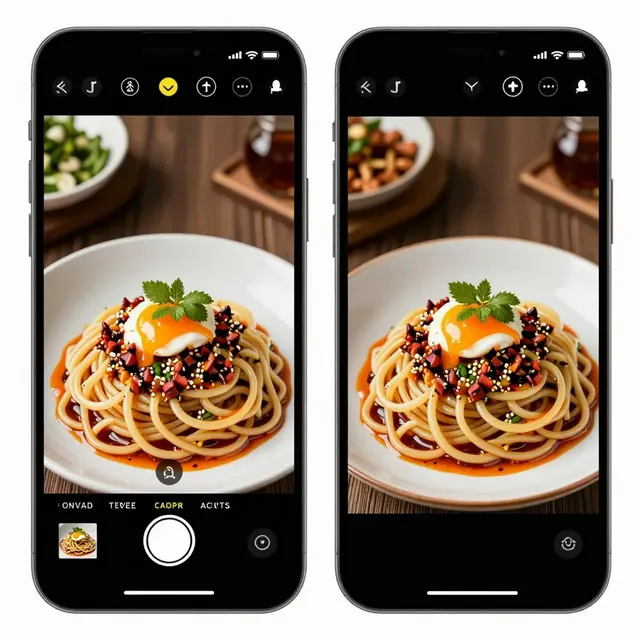
Creating high-quality video content does not require a Hollywood budget or a team of editors. With modern smartphones and simple editing apps, you can produce professional-looking clips that showcase your food preparation effectively. Here are some practical steps to get started:
- Identify Your Signature Dishes: Don't try to film every item on the menu. Focus on your signature dishes or those that tell a unique story. These are the items where the preparation process adds the most value. For a sushi restaurant, this might be the knife work of the chef. For a bakery, it could be the kneading of dough.
- Keep it Short and Sweet: Attention spans are short. Aim for clips under 10 seconds. Start with the raw ingredients, show the key action (like chopping or sautéing), and end with the finished product. This creates a satisfying narrative arc that keeps the viewer engaged.
- Lighting is Key: Use natural light whenever possible. If shooting indoors, position your subject near a window or use softbox lights to avoid harsh shadows. Ensure the colors are vibrant but accurate; avoid filters that make the food look artificially bright or saturated.
- Stable Shots: Use a tripod or a stable surface to avoid shaky footage. Smooth, steady shots look more professional and allow the viewer to focus on the food. Avoid zooming in and out rapidly; instead, use subtle pans to follow the action.
- Batch Production: Schedule time to film multiple dishes in one session. You can film several items while the kitchen is in full swing, capturing the energy and movement of the service. This makes the content feel authentic and dynamic.
Once you have your footage, upload it directly to your upQR account. Most digital menu platforms allow you to embed video files or link to hosted videos. Ensure that the videos are optimized for web playback to ensure fast loading times. A slow-loading video can frustrate customers and lead them to close the menu. Always test your videos on different devices to ensure compatibility.
Driving Sales and Reducing Hesitation
The ultimate goal of adding video to your QR menu is to drive sales. By reducing the hesitation customers feel when ordering unfamiliar dishes, you can increase the average order value. When a customer sees how complex a dish is made, they are more likely to appreciate its value and order it with confidence. For example, if a customer sees a video of a chef meticulously assembling a layered lasagna, they understand the time and skill involved, making them less likely to assume it is a low-quality, mass-produced item.
Video also works well for upselling. You can include a short clip showing a premium ingredient being added to a dish, such as truffle oil being drizzled over pasta or gold leaf being placed on a dessert. This visual cue justifies a higher price point and encourages customers to upgrade their order. The transparency of seeing the premium ingredients being used helps customers feel they are getting their money's worth.
Moreover, video content can be a powerful tool for marketing. You can share clips from your QR menu on social media platforms like Instagram or TikTok, driving traffic back to your restaurant. This creates a feedback loop where your digital menu not only serves current customers but also acts as a marketing engine to attract new ones. By consistently updating your video content, you keep your menu fresh and exciting, encouraging repeat visits.
Conclusion
Integrating video into your digital QR menu is a strategic move that aligns with the values of transparency, sustainability, and customer satisfaction. It transforms a simple list of food items into a compelling narrative that builds trust and drives sales. With the right approach-focusing on short, high-quality clips that highlight your preparation process-you can create an immersive experience that sets your restaurant apart. Whether you are a bustling cafe or a fine-dining establishment, the power of video is within your reach. Start showcasing your food preparation today, and watch as your customers become more engaged, confident, and loyal to your brand.
Related Posts
Ready to create your digital menu?
Create your QR menu in minutes and reach your customers in any language.