Adding Nutrition Labels to Your Digital Menu
Learn how to display calorie counts and allergens on your QR code menu. Boost transparency and meet health regulations with upQR.
Why Transparency Matters in Modern Dining
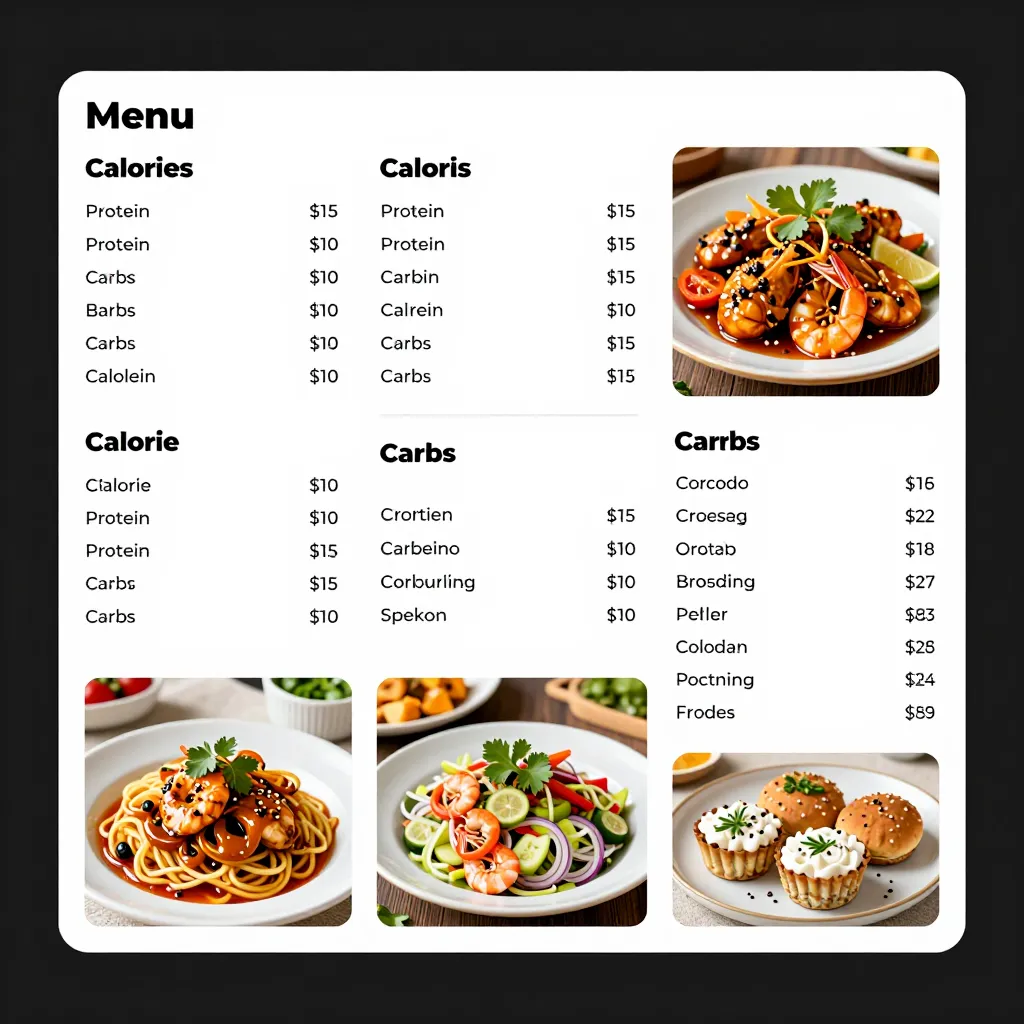
Customers today are more informed than ever about what they eat. A recent industry survey reveals that over 60% of diners actively check for nutritional information before ordering, while nearly 40% of health-conscious consumers will skip a meal if they cannot verify the calorie count or allergen status. This shift is not just a trend; it is a fundamental change in consumer expectation. When a restaurant owner or cafe manager fails to provide this data, they risk losing potential customers to competitors who do. Conversely, displaying clear nutritional data builds immense trust. It signals that the establishment cares about the well-being of its guests, not just their immediate satisfaction. For a cafe serving smoothies or a restaurant offering hearty steaks, providing this data transforms the ordering experience from a guess into a confident decision. This transparency also serves as a powerful marketing tool, positioning your brand as responsible and forward-thinking in an era where health awareness is paramount.
Meeting Legal Requirements and Reducing Liability
One of the most compelling reasons to add nutritional information to your digital menu is compliance. In the United States, the FDA's updated menu labeling rules require restaurants with 25 or more locations to display calorie counts for standard menu items. While smaller businesses may not be federally mandated, many states and local municipalities have their own specific laws regarding allergen disclosure and calorie posting. Failing to comply can result in significant fines and legal headaches. By using a digital platform like upQR, you can easily toggle these features on or off depending on your local jurisdiction. Furthermore, clear allergen labeling is a critical safety measure. Approximately 32 million Americans have food allergies, and mislabeling can lead to severe health emergencies. A digital menu allows you to create dedicated sections for allergens, such as "Contains: Nuts, Dairy, Gluten," ensuring that customers with sensitivities can scan the code and instantly find the safety information they need without having to wait for a staff member to explain it verbally. This proactive approach significantly reduces the risk of liability claims associated with allergic reactions.
Strategic Implementation: How to Add Nutrition Data
Adding nutritional information to your digital menu is surprisingly straightforward when you use the right tools. The process generally involves logging into your upQR dashboard and accessing the item editor. Here is a step-by-step guide to getting started:
- Identify Your Core Items: Start by selecting your top 20-30 most popular dishes. These are the items your customers scan most frequently. Focus your energy here first to ensure the highest impact.
- Access the Nutrition Field: In the upQR editor, look for the "Details" or "Information" tab for each item. You will often find fields specifically labeled for Calories, Protein, Carbs, and Fat. Some advanced plans may even allow you to input specific macros for different dietary needs, such as Keto or Paleo.
- Be Accurate and Honest: Do not estimate wildly. If you are unsure of a value, consult with your kitchen manager or use an online calorie calculator based on standard recipes. Accuracy builds credibility. If you list 400 calories but the item is actually 550, customers will feel misled, damaging your reputation.
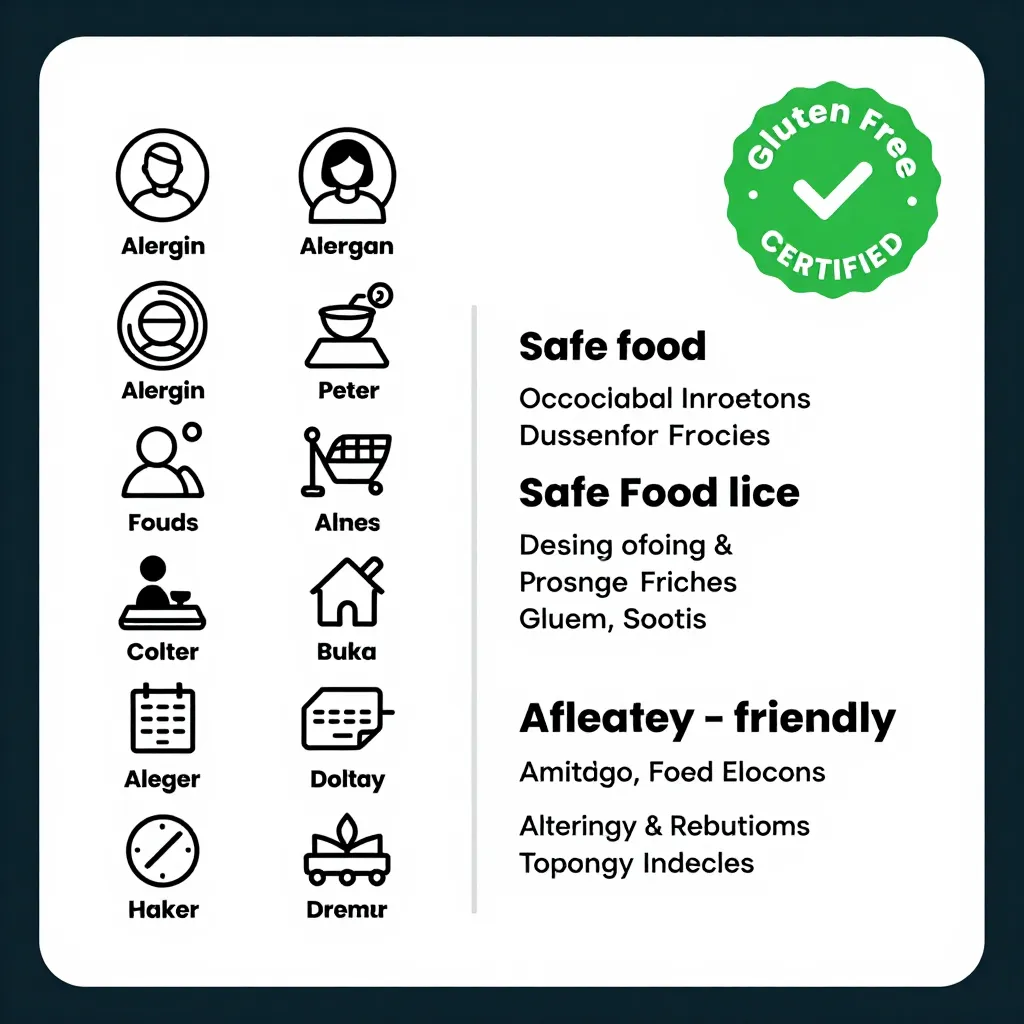
- Highlight Allergens Clearly: Use a dedicated checkbox or a specific text field for allergens. Consider using bold text or icons within the digital menu to make these warnings stand out. For example, you might add a small icon next to the item name that says "GF" for Gluten-Free or "DF" for Dairy-Free.
- Update Regularly: Recipes change, and suppliers vary. Make it a habit to review your nutritional data quarterly. If you switch a specific brand of cheese or a type of oil, the nutritional profile of your dish might change slightly. Keeping this data fresh ensures ongoing compliance and accuracy.
Enhancing Customer Experience with Dietary Filters
Going beyond simple calorie counts, you can use your digital menu to create a personalized experience for every diner. UpQR offers features that allow you to organize your menu by dietary preferences. You can create categories such as "Vegetarian," "Vegan," "Keto-Friendly," "Low-Sodium," or "Gluten-Free." When a customer scans the QR code, they can immediately see these categories and filter the menu to show only the items that match their needs. This is a game-changer for customers with specific diets. Imagine a vegan traveler scanning your menu and instantly seeing a section dedicated to plant-based options with clear labels indicating no hidden dairy or eggs. This ease of use reduces anxiety for the customer and speeds up the ordering process. Additionally, you can add notes to specific items, such as "Made with house-made sauce" or "Contains trace amounts of soy," providing context that goes beyond a standard warning label. This level of detail shows that you understand the nuances of different diets and are committed to accommodating them. It turns a potentially stressful ordering experience into a welcoming and inclusive one.
Real-World Examples of Success
Consider the case of "Bistro Green," a local cafe that recently transitioned to a digital QR menu using upQR. Before the switch, customers often asked staff repeatedly about the sugar content in their lattes or the presence of nuts in their desserts. The staff would have to stop serving to answer these questions, slowing down the entire process. After implementing nutritional data and dietary filters, the experience changed dramatically. Customers could scan the code, see that the "Oat Milk Latte" was vegan and contained 180 calories, and order immediately. Bistro Green reported a 15% increase in average ticket size as customers felt more confident ordering premium items when they knew exactly what they were getting. Another example is "The Iron Grill," a steakhouse that needed to address allergen concerns. They added a prominent allergen legend to their digital menu and marked specific dishes with icons. Within a month, they received positive feedback on social media from customers praising the clarity and safety of their menu. These real-world examples demonstrate that adding nutritional information is not just about compliance; it is about operational efficiency and customer satisfaction. It allows your kitchen to run smoother and your front-of-house staff to focus on hospitality rather than answering repetitive questions.
Future-Proofing Your Business
The landscape of food service is constantly evolving, and health-conscious dining is only going to grow. As new research emerges regarding the impact of certain ingredients, customers will expect even more transparency. By integrating nutritional information now, you are future-proofing your business against these changing standards. It is also an excellent way to gather data. With upQR, you can track which items are being viewed versus ordered. If customers frequently view the "Keto" section but do not order from it, you might consider adjusting your menu offerings or marketing those items more effectively. Furthermore, having this data readily available positions you well for potential franchising or expansion. Investors and partners often look for businesses that operate with high standards of transparency and compliance. A digital menu with robust nutritional data is a tangible asset that demonstrates your commitment to quality and safety. It also simplifies training for new employees, as the digital menu serves as the single source of truth for what is being served and what it contains. Ultimately, taking the step to add nutritional information is an investment in your brand's longevity and reputation. It shows that you are a business that listens to its customers and adapts to their needs, ensuring that you remain a top choice for diners looking for both great food and peace of mind.
Related Posts
Ready to create your digital menu?
Create your QR menu in minutes and reach your customers in any language.
