How to Add Calorie Counts and Macros to Your Digital Menu
Learn how to display accurate nutrition data on your digital menu. Boost customer trust, reduce liability, and meet new labeling laws with upQR.
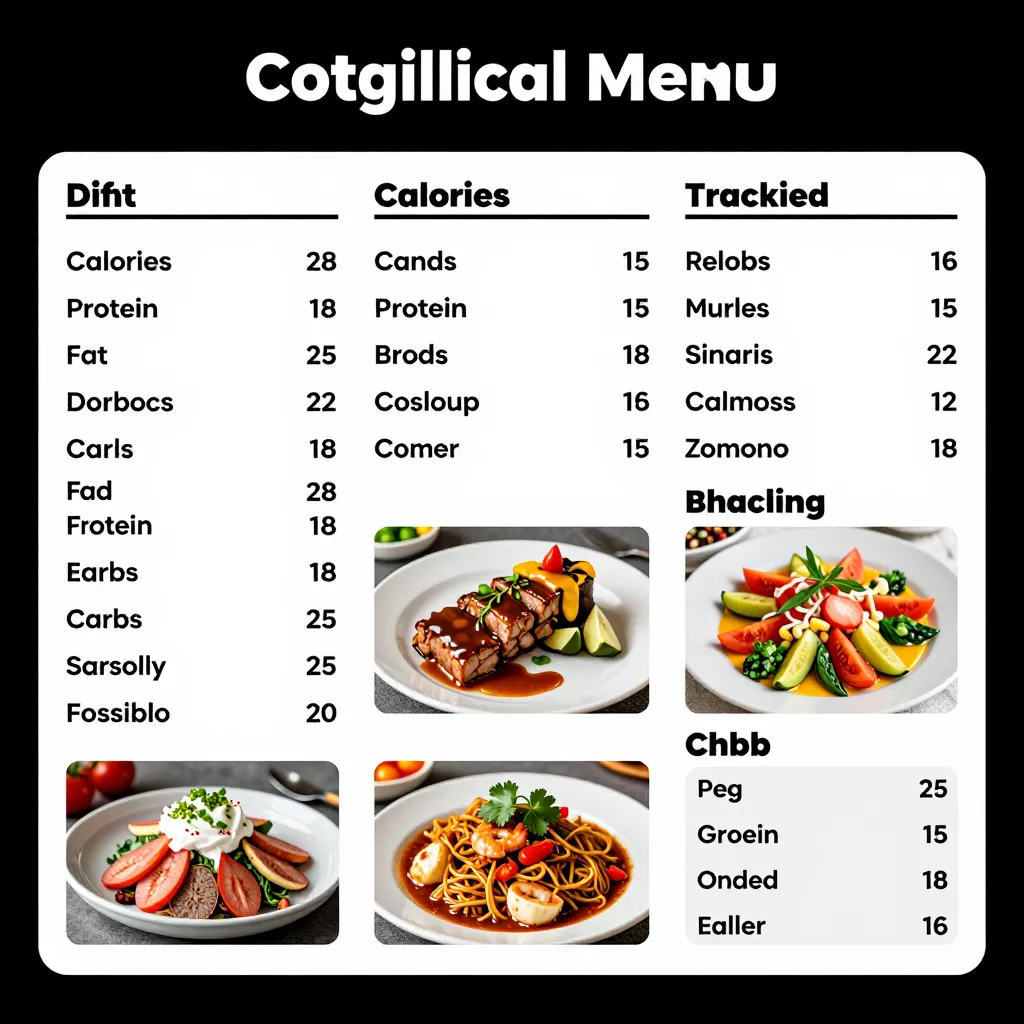
Why Nutrition Transparency is No Longer Optional
For years, nutrition information was a niche concern, primarily relevant for health-conscious diners or those with specific dietary restrictions. However, the landscape has shifted dramatically. Today, a significant portion of the population actively seeks out calorie counts and macronutrient breakdowns before placing an order. According to recent industry studies, over 60% of consumers say they consider nutritional information when choosing where to eat, and nearly 40% of diners actively look for this data on a menu.
This shift is driven by a growing awareness of health impacts, a desire for better portion control, and increasing regulatory requirements. In the United States, the FDA's Final Rule on Menu Labeling mandates that restaurants with 25 or more locations must display calorie counts for standard menu items. While smaller cafes might not face federal mandates yet, state and local laws are increasingly adopting similar standards. Ignoring this trend isn't just a legal risk; it's a missed opportunity to build trust.
When customers feel they are being hidden information, it erodes the relationship between the brand and the diner. Conversely, when a restaurant provides clear, honest data, it fosters a sense of partnership. Customers appreciate the autonomy to make choices that align with their health goals without feeling judged. This transparency is a core value of modern dining, and digital menus offer the perfect platform to deliver it effectively.
The Legal and Ethical Imperative for Digital Menus
Understanding the regulatory environment is the first step in integrating nutrition data. The FDA's menu labeling rule is the most prominent, but it is not the only factor. Many states, such as California, New York, and Massachusetts, have their own laws that may apply even to single-location establishments. These regulations often require calorie counts on the menu or menu board for standard items like burgers, salads, and entrees.
Even beyond the law, there is a strong ethical argument for providing this information. In the past, printed menus often contained inaccuracies, leading to customer disappointment. Digital menus, however, allow for dynamic updates and precise data entry. If a recipe changes or a new ingredient is added, you can update the nutrition facts instantly without reprinting paper menus. This ensures that the information displayed is always current and accurate, upholding the principle of honesty that defines great service.
Furthermore, providing detailed macro data (protein, carbohydrates, and fats) goes a step beyond simple calorie counting. It helps customers with specific dietary needs, such as low-carb, keto, or high-protein diets, to navigate your menu with confidence. By offering this level of detail, you signal that you care about the well-being of your guests, not just their immediate satisfaction. This commitment to accuracy and transparency is what sets upQR apart in the crowded digital menu space.
Step-by-Step: Integrating Nutrition Data with upQR
Adding nutrition information to your digital menu is a straightforward process when you use the right tools. With upQR, you don't need to be a nutritionist or a data scientist to get started. The platform is designed to make this accessible for restaurant owners and managers who want to prioritize health and transparency.
The process begins with accurate data entry. You can manually input the nutritional information for each item on your menu. For larger establishments, you might have access to a database of standard recipes provided by your supplier, which can speed up the process. When entering the data, ensure you include:
- Calories: The total energy content per serving.
- Macronutrients: Grams of protein, carbohydrates, and total fat.
- Key Nutrients: Sodium, saturated fat, and trans fat, as these are often required by law.
- Ingredients: A full list of ingredients is crucial for allergen disclosure and transparency.
Once you have gathered this data, log in to your upQR dashboard. Navigate to the menu management section and select the specific item you wish to update. Most digital menu systems allow you to add a "Nutrition" tab or section directly under the item description. Here, you can paste the data or type it in field-by-field.
It is important to note that upQR encourages the use of third-party calculators or professional nutritionist input to ensure accuracy. While many online calculators exist, they can sometimes be imprecise. For the best results, work with your kitchen manager to calculate based on actual ingredients used, including oils, sauces, and garnishes, which are often overlooked sources of calories and fats. Once the data is entered, save your changes. The digital menu will update in real-time for all customers scanning the QR code, ensuring everyone sees the most current information.
Designing Your Menu for Readability and Trust
Having the data is only half the battle; presenting it in a way that is easy to read and understand is equally important. A cluttered or confusing nutrition section can lead to frustration and a lack of trust. If a customer has to hunt for the calorie count or decipher a complex chart, they may abandon their search and order something else.
Consider the layout of your digital menu. Use clear headings to separate nutritional information from the item description. For example, you might display the item name, a brief description, and then a dedicated "Nutrition Facts" block. Use bullet points for macronutrients to make the data scannable at a glance. Avoid using tiny fonts or dense paragraphs of text. The goal is to provide information that can be consumed quickly, just as a customer might scan a menu while waiting for a table.
Visual cues can also enhance readability. You might use icons to represent macros, such as a dumbbell for protein, a wheat stalk for carbs, and a fat drop for fat. These visual aids make the data more engaging and easier to digest. Additionally, consider adding a disclaimer or a note about how the data was calculated, such as "Nutrition information is estimated based on standard recipes." This adds a layer of transparency and protects you from potential inaccuracies due to variations in cooking methods or ingredient batches.
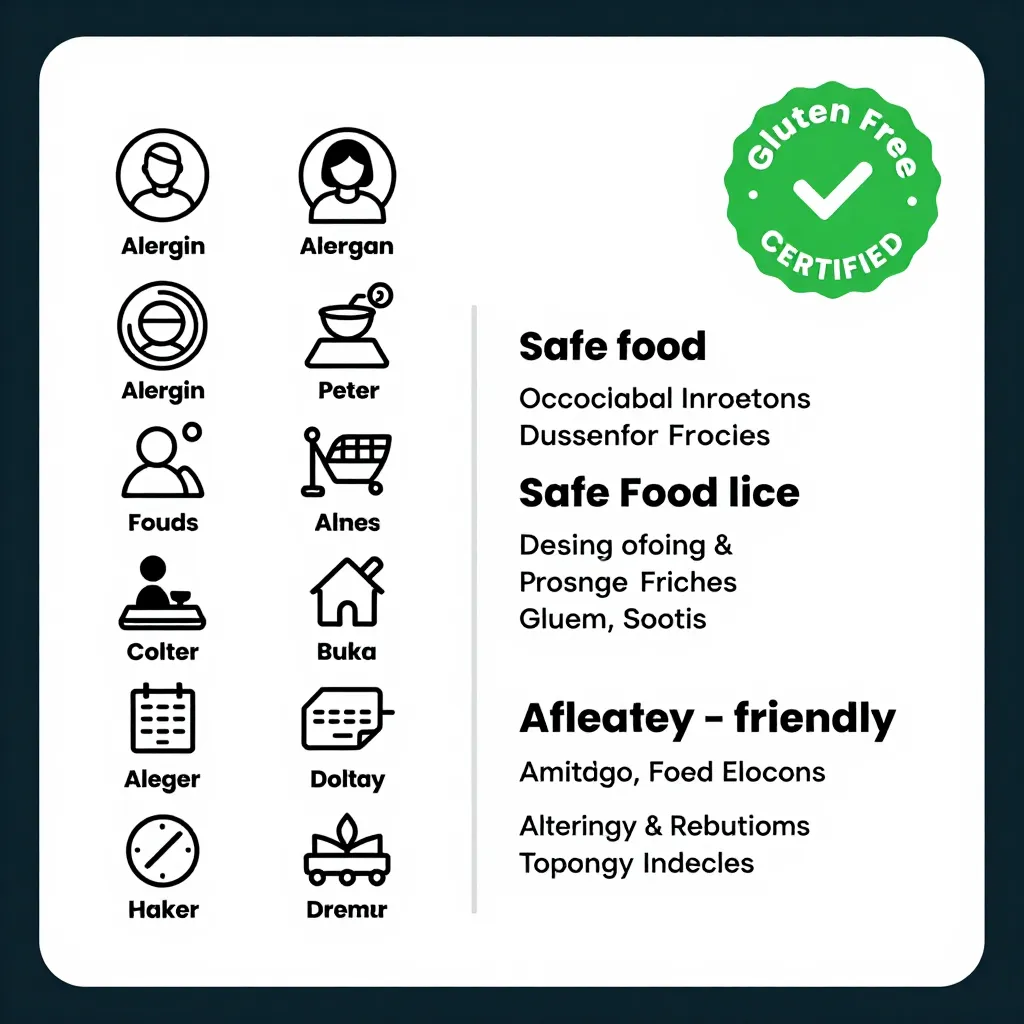
Another design consideration is the placement of the information. It should be visible without requiring the customer to click through multiple pages. Ideally, the nutrition facts should appear immediately below the price or the main description. If you have a large menu, consider organizing items by dietary needs (e.g., "Gluten-Free," "Low-Calorie") to help customers find relevant items quickly. This organizational structure not only improves the user experience but also highlights your commitment to inclusivity and diverse dietary requirements.
Turning Data into a Competitive Advantage
While compliance and transparency are essential, providing nutrition data can also be a powerful marketing tool. In an era where health and wellness are top priorities for many consumers, a restaurant that openly shares its nutritional information can differentiate itself from competitors who do not. This can attract a specific demographic of customers who value health, sustainability, and honesty.
Consider the story of a local cafe that decided to add detailed macro data to their upQR menu. They noticed a surge in inquiries from customers managing diabetes or following specific fitness plans. By providing accurate data, they were able to become the go-to spot for these individuals, fostering a loyal community around their brand. This kind of targeted engagement builds deep connections with customers who feel understood and valued.
Moreover, accurate nutrition data can help reduce food waste. When customers know exactly what they are ordering, they are less likely to order something they cannot finish or something that conflicts with their diet. This leads to higher satisfaction rates and less wasted food, aligning with the environmentally conscious mission of many modern restaurants. Digital menus make it easy to highlight seasonal items or dishes that are lower in calories, encouraging healthier choices without sacrificing flavor.
Finally, don't forget to use the data to tell your brand's story. You can explain how your recipes are crafted to be both delicious and nutritious. Highlight the use of fresh, whole ingredients that contribute to a better nutritional profile. By framing the nutrition data as part of your culinary philosophy rather than just a regulatory requirement, you turn a compliance task into a brand-building opportunity. Customers who see that you are willing to be transparent and honest will view your restaurant as a trustworthy partner in their health journey.
Conclusion: Embracing Transparency with upQR
Adding calorie counts and macronutrients to your digital menu is more than just a legal checkbox; it is a strategic move that enhances customer trust, improves user experience, and supports your brand values. In a world where consumers demand honesty and clarity, upQR empowers you to deliver exactly that. By integrating accurate nutrition data into your digital menu, you create an inclusive environment where every guest, regardless of their dietary needs, can make informed choices.
With upQR, you gain a flexible platform that grows with your business. Whether you are a single-location cafe or a chain looking to standardize your menus, the ability to update nutrition information instantly ensures you stay compliant and relevant. Start today by gathering your recipe data, inputting it into the upQR dashboard, and watching your customers engage more deeply with your menu. The path to a healthier, more transparent dining experience begins with a simple scan, and upQR is here to make that journey smooth and successful.
Related Posts

Ready to create your digital menu?
Create your QR menu in minutes and reach your customers in any language.
