
Handling Out-of-Stock Items on Your QR Menu Gracefully
Learn how to manage inventory shortages on digital menus without losing customers. Discover strategies to maintain transparency and boost trust using upQR.
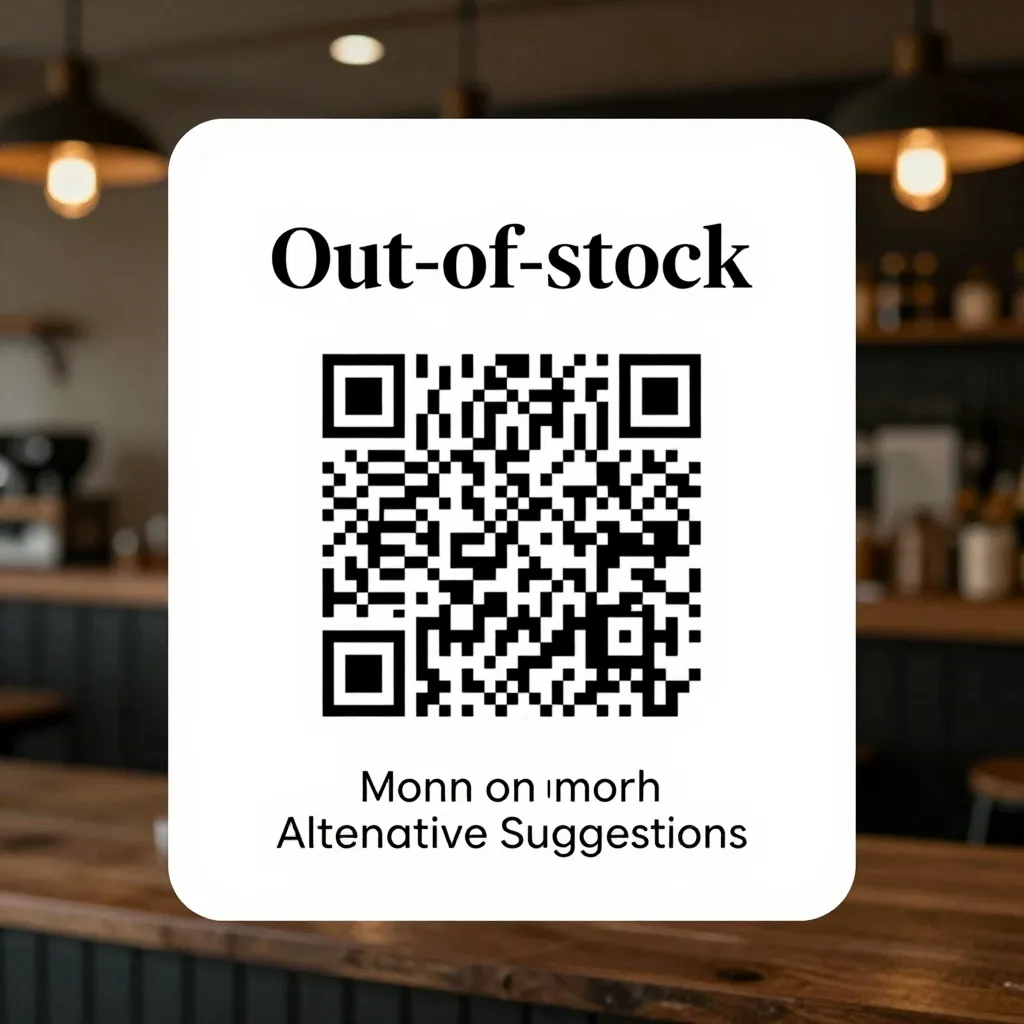
Why Out-of-Stock Items Happen and Why Transparency Matters
Running a restaurant or cafe is a delicate balancing act between supply chain logistics, customer expectations, and operational efficiency. Even with the best planning, out-of-stock items happen. Whether it's a seasonal ingredient that hasn't arrived, a supplier delay, or an unexpected surge in demand, running low on stock is a reality of the food service industry. According to a report by the National Restaurant Association, supply chain disruptions are among the top challenges facing modern restaurant owners. When a customer arrives at your establishment and sees an item they want is unavailable, their first instinct might be frustration. However, how you communicate this availability-or lack thereof-can define their perception of your brand.
In the age of digital QR menus, the stakes for communication are higher. Unlike a paper menu where a dish might be physically removed, a digital menu can instantly update. This capability offers a unique opportunity to practice the core values of upQR: transparency and honesty. When a customer scans a code and sees that a popular item is out of stock, they aren't guessing; they are seeing the truth. This honesty builds trust. If you hide the fact that an item is unavailable until they order it only to be told "sorry, we are sold out," you risk disappointing the guest and potentially losing future business. By proactively updating your QR menu, you respect the customer's time and allow them to make an informed decision immediately.
Transparency is not just about saying "no"; it is about offering alternatives. When you clearly mark an item as unavailable, you signal that you care about the dining experience. You are telling the customer, "We value your order so much that we wouldn't serve you something we don't have." This approach aligns perfectly with the upQR mission of providing honest and accurate information. No hidden fees, no misleading descriptions, and certainly no deceptive availability. By treating out-of-stock items as a chance to showcase your integrity, you turn a potential negative situation into a demonstration of your commitment to quality and customer service.
Strategies for Updating Your Digital Menu in Real-Time
The most effective way to handle out-of-stock items is through real-time inventory management. With a platform like upQR, you can seamlessly integrate your Point of Sale (POS) system or manually update item statuses to reflect your current kitchen inventory. This ensures that what is displayed on the customer's phone matches exactly what is in your kitchen. Here are specific steps to manage this process effectively:
- Immediate Status Updates: As soon as an item is sold out, update its status in your upQR dashboard. This could be as simple as toggling a switch or entering a note. The change should be reflected instantly for all users scanning the QR code.
- Use Clear Status Indicators: Utilize visual cues within the menu design. A subtle "Currently Unavailable" tag or a specific color code (like a soft gray or a "temporarily out" badge) helps customers scan the menu and quickly identify what they can and cannot order. This prevents confusion and reduces the number of calls to the host stand.
- Implement Temporary Removals: For items that are out of stock for a short period, consider temporarily removing them from the main menu view but keeping them in a separate "Coming Soon" or "Back Soon" section. This keeps the menu clean while maintaining excitement for the return of the dish.
- Supplier Communication: If the out-of-stock situation is due to a supplier issue, use the menu notes to explain briefly. For example, "Our artisanal sourdough is currently unavailable due to a supply chain delay, but we have a delicious alternative ready for you." This turns a complaint into an educational moment about your sourcing.
Real-world examples illustrate the power of these strategies. Consider a cafe that specializes in fresh, locally sourced coffee beans. If their preferred roast from a local roaster runs low, instead of leaving the item on the menu with no explanation, they update the status to "Temporarily Unavailable" and add a note: "We are currently sourcing a new blend from a nearby partner. Check back in two weeks!" This maintains the integrity of their brand promise while keeping customers informed. Another example is a restaurant that uses seasonal vegetables. When a specific heirloom tomato variety is out, they mark it as unavailable and suggest a similar seasonal option with a photo. This proactive approach minimizes friction and keeps the dining experience smooth.
Communicating Alternatives and Enhancing the Guest Experience
When an item is out of stock, the goal is not just to inform the customer but to enhance their experience by offering solutions. This is where the "Universal Access" and "Honest" values of upQR truly shine. You want to guide the customer toward a substitute that they will enjoy, perhaps even one they haven't tried before. This can be a powerful way to introduce new menu items or highlight seasonal specialties.
Start by training your staff to be ready with recommendations. When a customer asks about a missing item, the host or server should have a list of ready alternatives prepared. On the digital menu, you can link the unavailable item directly to a suggested substitute. For instance, if a specific cheese is out, the menu could suggest a different variety that pairs well with the same dish, perhaps with a brief description of its flavor profile. This level of detail shows that you know your ingredients and care about the guest's satisfaction.
Consider the psychological aspect of this interaction. Customers appreciate choices. When presented with a single "no," they feel blocked. When presented with "no, but here is a great option," they feel empowered. Use the digital format to your advantage by including high-quality photos of the alternative items. Research shows that visual appeal significantly influences ordering decisions. If the substitute looks delicious and is described enticingly, customers are more likely to accept the change without issue.
Another effective tactic is to create a "Chef's Special of the Day" or a "Today's Surprise" category that rotates based on what is currently in stock. This not only solves the out-of-stock problem but also encourages customers to try new things. You can frame this positively in the menu text: "To ensure the freshest ingredients for you, our chefs are creating a special dish using today's harvest. Scan to see what's on the menu today!" This reframes the inventory challenge as a culinary adventure, aligning with the environmentally conscious mission of reducing waste by utilizing available ingredients.
Managing Customer Expectations and Reducing Friction
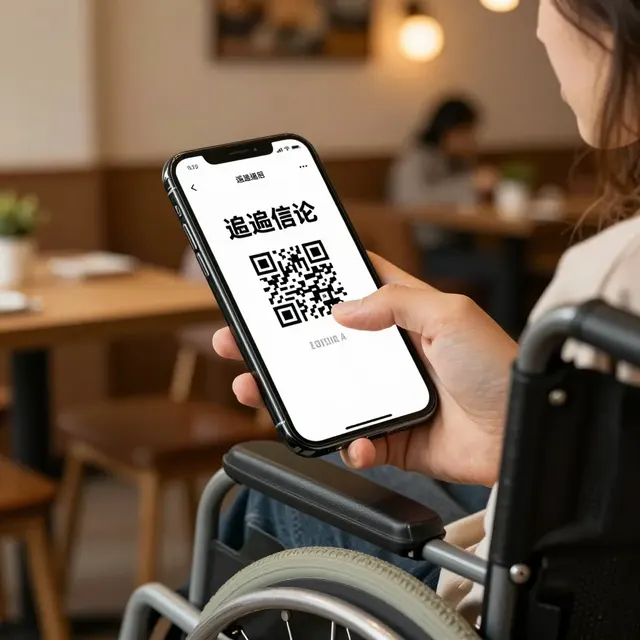
One of the biggest risks of out-of-stock items is the friction it creates in the ordering process. If a customer scans the QR code, selects an item, and then finds out at the table that it is unavailable, it can lead to frustration and a negative review. To mitigate this, set clear expectations from the moment the customer scans the code.
Start with a welcoming note at the top of the digital menu. A brief message like, "We update our menu daily based on fresh availability. Please check the status of each item before ordering," sets the stage for transparency. This simple statement protects you from misunderstandings and educates the customer on why availability might change.
Furthermore, use the menu's notification features if your upQR plan supports them. You can send push notifications or in-app messages to customers who have previously visited, informing them of temporary shortages and expected restock dates. This keeps your brand top-of-mind and shows that you are in control of your operations. For example, if a popular burger is out of a specific patty, notify your regulars: "Our signature beef blend is on a short break. We'll be back with it next Friday! In the meantime, try our new turkey patty, which is equally delicious."
It is also crucial to monitor how customers react to these updates. Pay attention to feedback left in the review section of your QR menu or on third-party platforms. If multiple customers mention disappointment over a specific out-of-stock item, it might indicate a need to adjust your inventory ordering or menu design. Use this data to refine your stock management practices. The goal is to create a seamless flow where the digital menu acts as a reliable guide, not a source of confusion.
Leveraging Data to Prevent Future Shortages
While handling current out-of-stock items is important, the ultimate goal is to prevent them from happening in the first place. Digital menus provide a wealth of data that can help you predict trends and manage inventory more effectively. By analyzing which items are frequently out of stock, you can identify patterns in your supply chain or demand fluctuations.
Use the analytics provided by your upQR platform to track order frequency and peak times. If a specific item is often unavailable during lunch rushes, consider pre-ordering extra stock or adjusting your prep times. If a seasonal item is consistently out of stock, explore alternative suppliers or consider changing the recipe slightly to use more abundant ingredients. This data-driven approach aligns with the principle of environmental consciousness; by optimizing your inventory, you reduce the risk of spoilage and food waste.
Another angle is to diversify your supplier base. Relying on a single source for a key ingredient can be risky. If one supplier faces delays, you are left without options. By having relationships with multiple vendors, you can quickly pivot to an alternative source and update your QR menu with minimal disruption. This resilience is a hallmark of a well-managed restaurant.
Finally, involve your team in the process. Encourage your kitchen staff to report low stock levels immediately so that the menu can be updated before customers start ordering. Create a culture of communication where staff feel comfortable flagging potential issues. This collaborative approach ensures that the digital menu always reflects the reality of the kitchen, maintaining the high standards of honesty and accuracy that upQR stands for.
Conclusion: Turning Challenges into Opportunities
Handling out-of-stock items on your QR menu is not just about managing inventory; it is about managing relationships. By being transparent, offering alternatives, and using your digital tools to communicate effectively, you turn a logistical challenge into an opportunity to strengthen customer trust. The upQR platform empowers you to do this with ease, ensuring that your menu is always a reflection of your best efforts to serve your guests well.
When you commit to honesty and accuracy, you build a loyal customer base that values integrity over perfection. They understand that running a restaurant involves real-world challenges, and they appreciate the effort you take to communicate them openly. Whether you are dealing with a seasonal shortage or a supply chain hiccup, your digital menu is your voice. Use it to speak clearly, offer solutions, and maintain the high standards of service that define your brand. With upQR, you have the tools to navigate these situations gracefully, ensuring that every dining experience is as positive and memorable as possible.
Related Posts
Ready to create your digital menu?
Create your QR menu in minutes and reach your customers in any language.