
Mobile Ordering Guide for Restaurants
Discover how to implement mobile ordering effectively for your business. Learn essential steps for seamless integration, enhanced customer experience, and increased revenue growth.
Why Mobile Ordering is Essential for Modern Dining
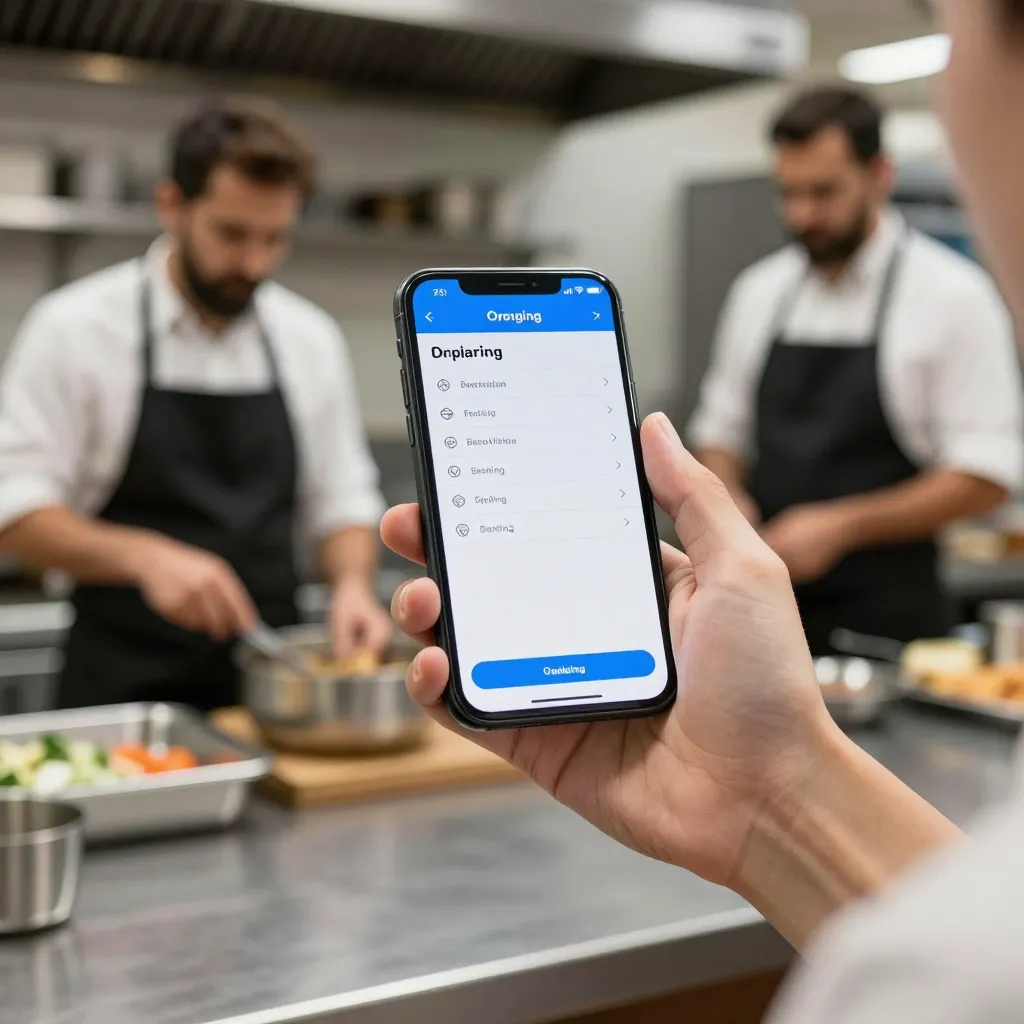
Mobile ordering has transitioned from a luxury feature to a fundamental necessity for restaurants and cafes aiming to survive in the current market. Industry data suggests that approximately 75% of consumers prefer using their smartphones to place orders rather than waiting for a waiter. This shift is driven by convenience, speed, and the desire for contactless experiences, especially following global health trends. For restaurant owners, implementing a robust mobile ordering system is not just about technology; it is about adapting to customer behavior and optimizing operational efficiency.
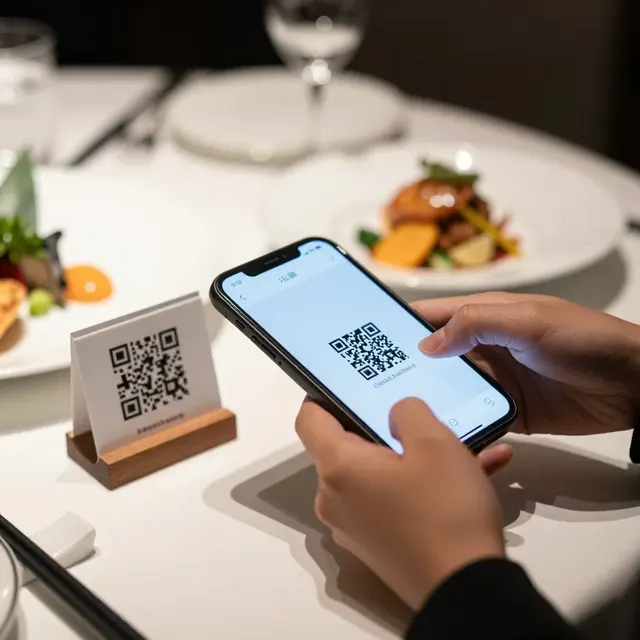
When customers scan a QR code and order directly from their device, they take control of their dining experience. This reduces the workload on front-of-house staff, allowing servers to focus on hospitality rather than order entry. Furthermore, mobile ordering opens a direct channel for upselling. With digital menus, you can highlight high-margin items, showcase seasonal specials, and offer combo deals that might be overlooked in a printed menu. The ability to update prices or availability instantly also prevents the frustration of serving items that are out of stock, protecting your reputation and reducing waste.
Step 1: Assess Your Technical Infrastructure
Before launching a mobile ordering system, you must ensure your restaurant's technical foundation is solid. The most common failure point is internet connectivity. If your digital menu loads slowly or fails to connect, the entire customer experience collapses. You need a reliable high-speed internet connection, ideally with a dedicated Wi-Fi network for your POS system and kitchen operations to prevent congestion.
Consider your hardware requirements. Tablets, smartphones, and laptops used by staff must be compatible with your chosen software. Ensure that the QR codes generated for your tables are high-resolution and scannable from various distances. Static QR codes are often sufficient, but dynamic QR codes allow you to redirect traffic or update the landing page without changing the code itself. This flexibility is crucial if you decide to change your menu or branding later.
Another critical factor is the Point of Sale (POS) system integration. Your mobile ordering platform must sync seamlessly with your existing POS hardware. If an order comes in via the mobile app but does not appear on the kitchen display system (KDS) or register, you risk order errors. Test your setup thoroughly. Place a test order using different devices to ensure the order routes correctly to the kitchen and that payment processing works smoothly. This step prevents operational bottlenecks during your busiest hours.
Step 2: Designing a User-Friendly Digital Menu
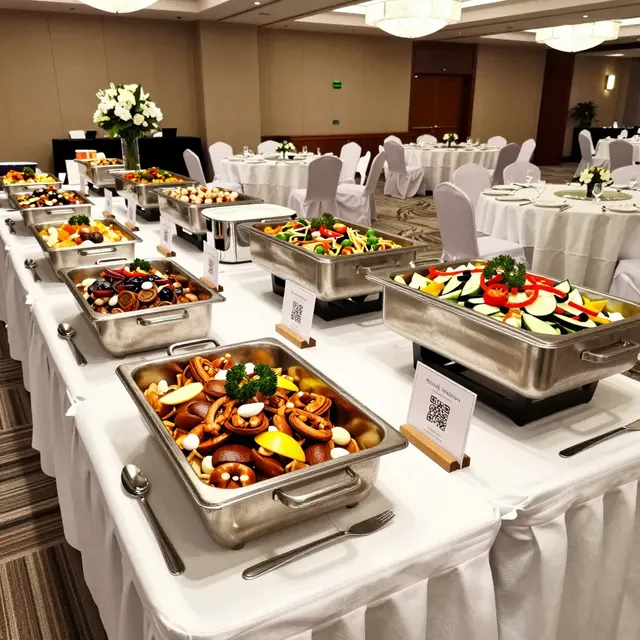
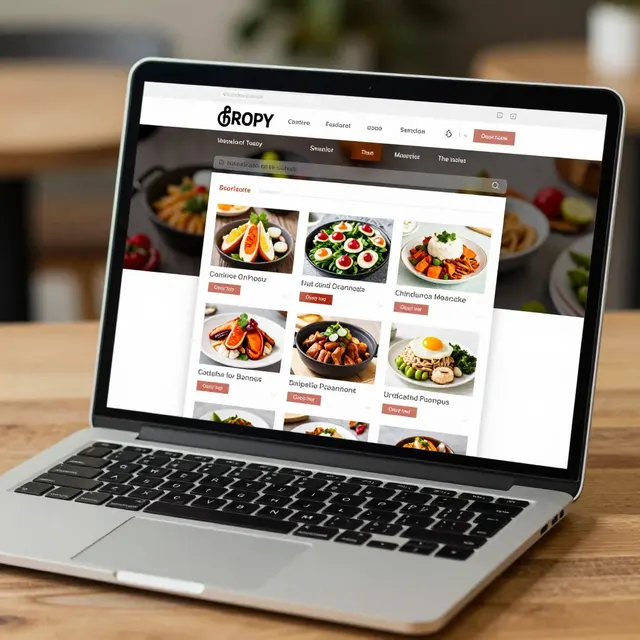
The digital menu is the heart of your mobile ordering experience. It needs to be visually appealing and easy to navigate. Start by optimizing your food photography. High-quality images significantly increase order value because they stimulate appetite and reduce hesitation. Ensure images are bright, clear, and show the food from an appetizing angle. Avoid using watermarked stock photos; authenticity builds trust.
Structure your menu logically. Group items by category (Starters, Mains, Desserts, Drinks) to make scanning effortless. Use clear, concise descriptions. Customers often order based on dietary restrictions or allergies, so clearly mark items containing nuts, dairy, or gluten. Consider adding a filter feature for dietary preferences, which helps customers find suitable options quickly.
Mobile optimization is non-negotiable. Most users will access your menu on a smartphone. Your design must be responsive, meaning it adjusts perfectly to smaller screens. Text must be readable without zooming, and buttons must be large enough for thumb taps. Loading speed is critical. Compress images without losing quality to ensure the menu loads in under three seconds. A slow-loading menu leads to high bounce rates and lost revenue. Keep your design clean and uncluttered to guide the customer naturally toward making a purchase.
Step 3: Streamlining the Ordering and Payment Flow
Once a customer selects their items, the checkout process must be frictionless. A complex checkout flow can cause cart abandonment. Offer multiple payment options to accommodate different customer preferences. This includes credit cards, debit cards, and digital wallets like Apple Pay or Google Pay. Contactless payments are faster and enhance hygiene standards, which is a significant selling point for many diners.
Implement a secure payment gateway to protect customer data. Compliance with PCI DSS standards is essential to build trust. When a customer pays, they should receive an instant confirmation. This confirmation can be a push notification or an email receipt, which serves as a digital ticket. This reduces the risk of lost receipts and helps with inventory tracking.
Consider adding a feature for table reservation or loyalty integration. If a customer orders from their table, link that order to their specific seat number. This allows your staff to track table turnover more accurately. Loyalty programs can be integrated directly into the checkout flow. Offer points for every purchase or a discount for signing up, which encourages repeat business. This data collection helps you understand customer habits and tailor future marketing campaigns effectively.
Step 4: Launching and Promoting Your System
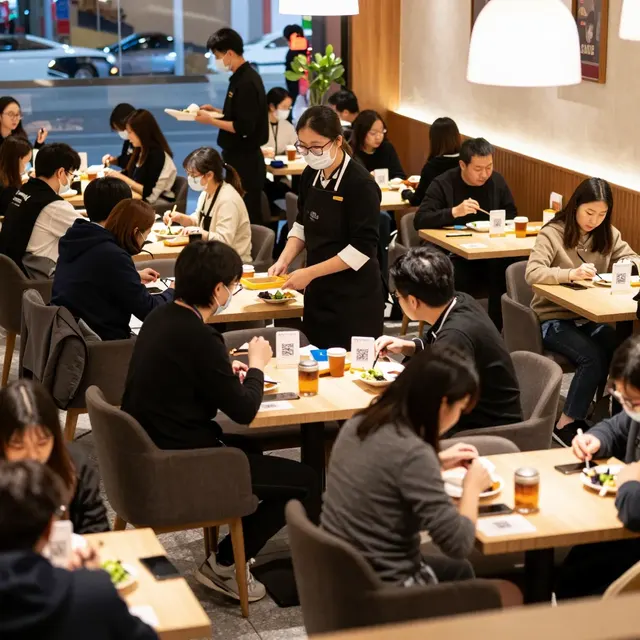
A sophisticated system is useless if no one knows about it. Your launch strategy should focus on visibility and education. Start by placing physical QR codes at every table, on the menu cover, and near the entrance. Use table tents that are durable and easy to clean. If you operate a takeout window, include QR codes on receipts so customers can order for pickup next time.
Promote your digital menu on social media platforms. Create posts that highlight new items available on the mobile menu. Use Instagram Stories or Facebook ads to direct traffic to your QR code landing page. Offer a launch promotion, such as a 10% discount on the first mobile order, to encourage adoption. This creates urgency and gives customers a reason to try the new system.
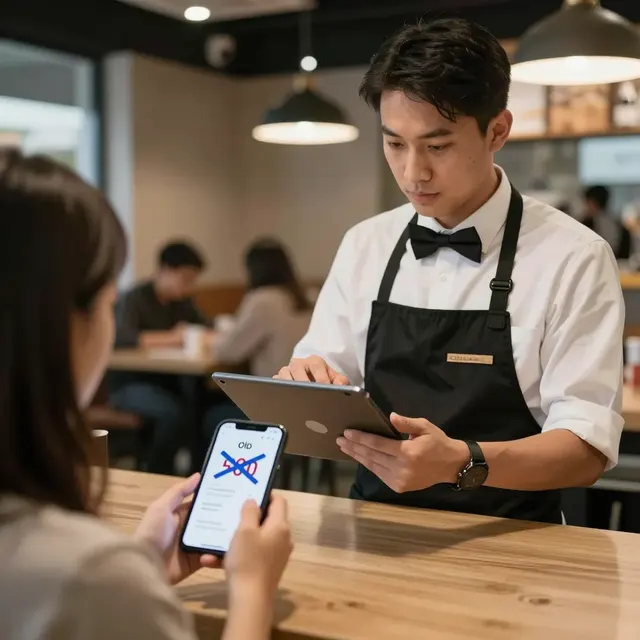
Train your staff thoroughly. They are the first line of support for customers who encounter issues. If a customer cannot scan the code or cannot find a menu item, they will ask a staff member. Ensure your team can troubleshoot common issues like code scanning problems or login errors. Staff should also be able to guide customers on how to customize their orders. A knowledgeable team turns potential friction points into positive interactions that enhance the overall brand perception.
Step 5: Monitoring Analytics and Optimizing Performance
After launch, you must monitor the performance of your mobile ordering system. Most modern platforms provide analytics dashboards. Review these metrics regularly to identify trends. Track conversion rates to see how many visitors to your menu actually complete a purchase. High drop-off rates might indicate a pricing issue or a confusing checkout process.
Monitor peak order times. This data helps you manage staffing levels more efficiently. If you see a surge in mobile orders at 1:00 PM, ensure your kitchen is prepared to handle the volume. Analyze which items are popular on the mobile platform versus the physical menu. Discrepancies might indicate that certain items are being highlighted too much on the physical menu but not on the digital one, or vice versa.
Use customer feedback to refine your menu. If customers frequently ask about an item, consider adding it. If items are often removed due to complaints, remove them from the digital menu to avoid confusion. Regularly update your menu content to keep it fresh. Seasonal items or limited-time offers should be easily toggleable. This agility keeps your menu relevant and exciting, encouraging customers to return and order again.
Conclusion: The Strategic Advantage of Mobile Ordering
Implementing mobile ordering is a strategic move that pays dividends in customer satisfaction and operational efficiency. By following these steps, you create a seamless digital experience that empowers your customers and supports your staff. Platforms like upQR streamline this entire process, offering the tools needed to manage menus, track sales, and analyze data without needing a dedicated IT team. The transition to mobile-first dining is inevitable. By adopting it early and optimizing your system, you position your restaurant for long-term success in a competitive landscape. Start today, and watch your business grow.
Related Posts
Ready to create your digital menu?
Create your QR menu in minutes and reach your customers in any language.