
Measuring Customer Satisfaction with QR Ordering Systems
Discover how to use QR menu data to track satisfaction, reduce waste, and build trust. Learn actionable metrics every restaurant owner needs to know.
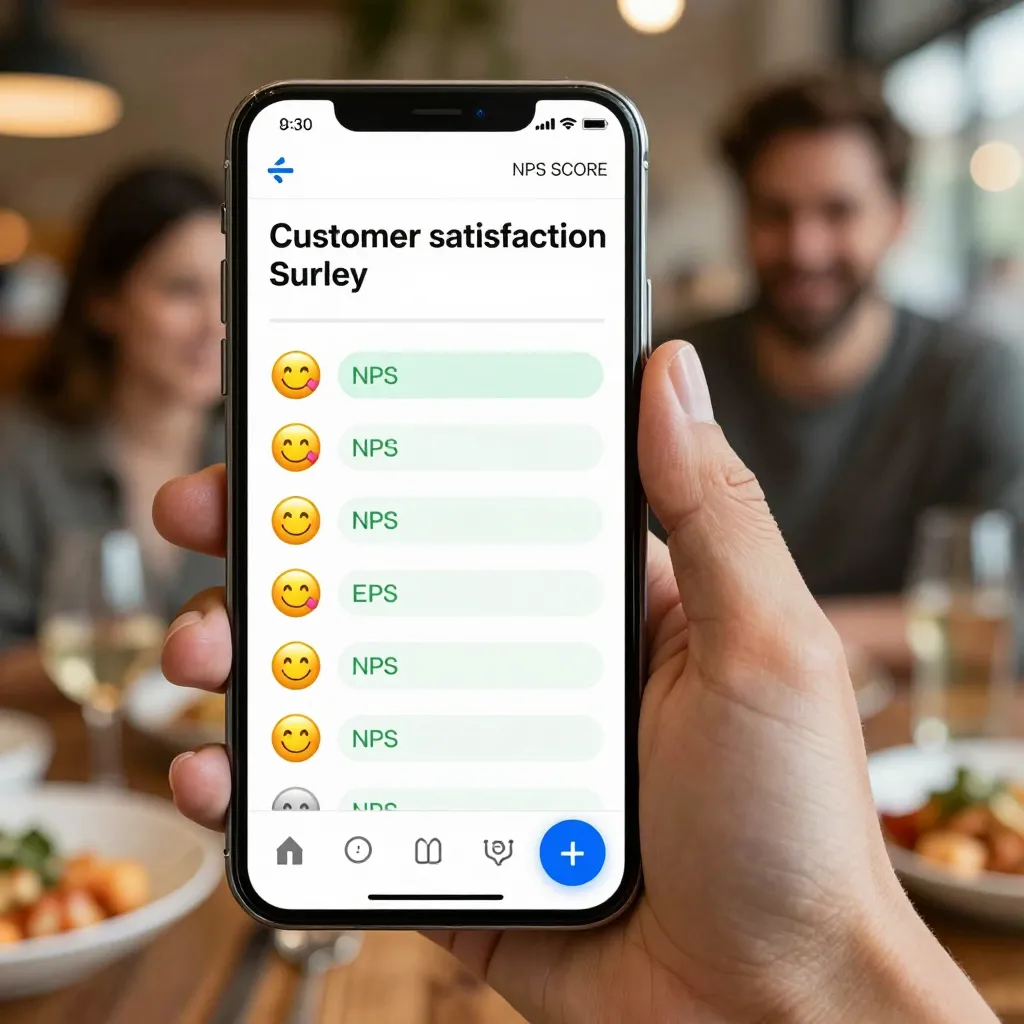
Why QR Menus Are More Than Just a Digital Replacement
For years, the primary argument for switching from paper to digital menus was cost reduction. While that remains true, the modern digital QR menu platform like upQR offers a far more powerful asset: real-time data. When a customer scans a code and orders directly from their phone, they are interacting with your brand in a way that generates valuable insights. This interaction is the foundation for measuring customer satisfaction.
Unlike traditional surveys that suffer from low response rates and delayed results, a QR ordering system provides continuous feedback loops. Every click, every hesitation on a menu item, and every review left directly on the digital menu contributes to a holistic view of the customer experience. By treating your QR menu not just as a display screen but as a data collection tool, you can proactively identify friction points before they lead to lost revenue or negative reviews.
Key Metrics to Track for Digital Menu Satisfaction
To effectively measure satisfaction, you must look beyond simple sales numbers. You need to understand the user journey from the moment a customer scans the code to the moment they receive their food. Here are the specific metrics that matter most:
- Menu Completion Rate: This measures how many users view the entire menu versus abandoning the process early. A low completion rate often indicates that the menu is too long, the navigation is confusing, or the images are not loading quickly enough. If customers leave after viewing only appetizers, they may be feeling overwhelmed or unsure about main course options.
- Search Usage Frequency: Track how often customers use the search bar. High search volume suggests that customers cannot easily find what they want through visual scanning. This is a sign that your menu categorization or naming conventions need improvement. For example, if many people search for "gluten-free" but the section is labeled "Dietary Needs," you have a navigation issue that impacts satisfaction.
- Time on Page: The average time a customer spends on the digital menu is a strong indicator of engagement. If this time is too short, they might be scanning quickly and ordering without consideration, or perhaps the page is loading too slowly. If it is excessively long, they may be struggling to find information or deciding between too many complex options.
- Image Load Speed: In the digital realm, visual appeal drives satisfaction. Slow-loading images cause immediate frustration. Monitor how long it takes for photos to appear. A delay of even two seconds can significantly increase bounce rates and decrease the likelihood of an order.
These metrics provide a quantitative baseline. However, they must be paired with qualitative feedback to truly understand the "why" behind the numbers.
Leveraging Direct Feedback Loops on the Digital Menu
One of the most effective ways to measure satisfaction is to ask the right questions at the right time. With platforms like upQR, you can embed direct feedback mechanisms within the ordering flow without disrupting the user experience.
Consider implementing a simple "Rate This Item" feature. After a customer adds a dish to their cart, you can offer a subtle prompt: "How clear was our description of this dish?" with a simple 1-5 scale. This is less intrusive than a post-meal survey but still captures immediate sentiment regarding specific menu items. If multiple customers rate the description of a signature dish as "unclear," you have identified a gap between your marketing copy and the customer's expectation.
Another powerful strategy is to integrate a direct link to your review platform within the footer of the digital menu. Instead of forcing customers to fill out a generic satisfaction survey that might be ignored, provide a direct path to your Google Business Profile or Yelp. When a customer sees a direct link to leave a review after they have just ordered their food, the conversion rate for reviews increases dramatically. This allows you to track sentiment trends over time. For instance, if you notice a spike in negative reviews mentioning "hard to read text" or "broken links," you can address these technical issues immediately to restore trust.
Transparency is a core value of the upQR platform, and it extends to how you handle feedback. When a customer leaves a negative review, do not hide it. Use the feedback to make changes. If a customer complains that a price seems high compared to the portion size, investigate your cost structure. If they complain about an allergen warning being hidden, move it to the top of the description. Acting on feedback publicly demonstrates honesty and builds a loyal community.
The Impact of Transparency and Clarity on Customer Trust
Customer satisfaction is inextricably linked to trust. In the food service industry, trust is built on honesty regarding ingredients, pricing, and preparation methods. Your QR menu is the primary vehicle for delivering this transparency. Measuring satisfaction through the lens of clarity involves analyzing how customers interact with your informational elements.
For example, track the click-through rate on "Learn More" links or expandable text sections. If a customer clicks to see the full ingredients list for a popular burger, but then immediately searches for a competitor's menu, it suggests the initial information was insufficient or the formatting was poor. Conversely, if customers frequently view the "Sustainability" section of your menu, it indicates they value your environmental efforts. Highlighting these interactions helps you understand which aspects of your brand resonate most with your audience.
Consider the scenario of a customer with a specific dietary restriction. If your digital menu clearly labels "Vegan," "Halal," and "Gluten-Free" with distinct icons and detailed descriptions, you are reducing the cognitive load on the customer. Satisfaction metrics should track how often these filters are used. If a significant portion of your traffic uses the "Vegan" filter, ensure that your vegan section is robust and well-photographed. A lack of clear dietary information is a leading cause of customer dissatisfaction and potential health risks. By measuring how easily customers can find safe options, you measure your success in making your restaurant inclusive and accessible to everyone.
Furthermore, honesty about pricing is crucial. Digital menus eliminate the "bill shock" that often occurs when customers realize they were charged for items not listed on a paper menu. If your digital menu shows the exact price of every item, including service charges or taxes where applicable, you are setting accurate expectations. Measure satisfaction by monitoring comments on social media regarding price transparency. When customers feel they are being treated fairly and given full information, their overall satisfaction with the dining experience increases, even if the food prices are higher than average.

Optimizing the User Experience to Reduce Friction
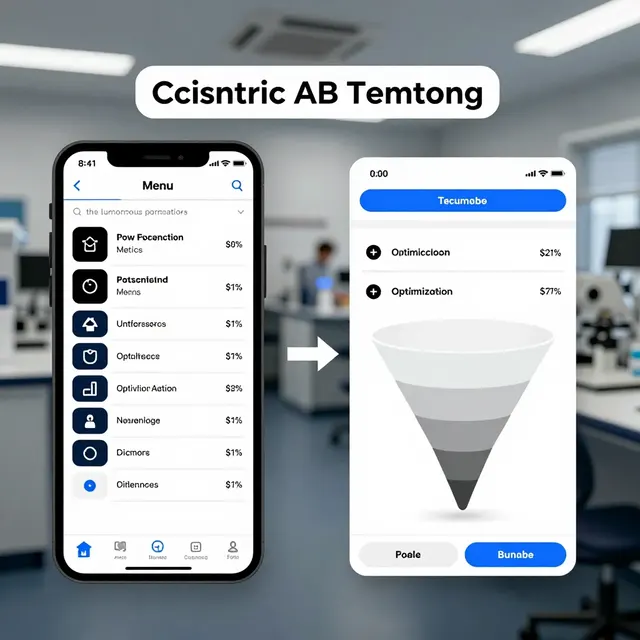
Friction is the enemy of satisfaction. Every extra step a customer has to take to place an order or find information reduces their overall happiness with the experience. Your QR ordering system should feel seamless, intuitive, and fast. To measure and improve this, conduct A/B testing on different menu layouts and navigation styles.
For instance, test a menu layout that places best-sellers at the top versus one that organizes strictly by category. Track the conversion rate (orders placed) for each version. If the version with best-sellers at the top results in higher order values and faster completion times, it suggests that customers appreciate guidance. However, if they prefer a strict categorization, they may feel more in control. The goal is to find the balance that minimizes decision fatigue.
Also, pay attention to mobile responsiveness. A large percentage of your traffic will come from mobile devices. If your menu looks cluttered on a smartphone screen, or if buttons are too small to tap easily, you will lose customers. Use heatmaps or analytics tools to see where users tap most frequently. Do they tap the "Add to Cart" button, or do they accidentally tap the "Close" button? These small interactions reveal usability issues that can significantly impact satisfaction scores.
Real-world example: A local cafe switched to a QR menu that allowed customers to customize their orders with a simple slider for spice level and a toggle for extra sauce. Before this change, many customers complained about the lack of customization options on paper menus. After implementing the digital customization tools, the cafe saw a 15% increase in average order value and a noticeable improvement in online reviews mentioning "flexible ordering." This directly correlates to higher satisfaction because the customer felt heard and empowered during the ordering process.
Turning Data into Actionable Strategies for Growth
Collecting data is only the first step; the real value lies in acting on it. Once you have identified areas of dissatisfaction, such as slow loading times or confusing descriptions, you must prioritize fixes based on impact. Use the insights from your QR menu to refine your entire operation.
If the data shows that customers are frequently searching for specific items, rename those items to match common search terms. If the data shows that customers are abandoning carts at the payment screen, investigate if your payment gateway is reliable or if the checkout process is too long. Perhaps you need to add a guest checkout option to reduce friction.
Regularly review your customer feedback logs. Look for patterns. If multiple reviews mention that the photos do not match the food, this is a critical issue to address. Ensure that your photography team or staff takes accurate photos that reflect the real product. Misleading photos can lead to returns and negative word-of-mouth, which is much harder to recover from than a simple photo update.
Finally, communicate back to your customers. If you make changes based on their feedback, let them know. "You asked for clearer allergen info, and we've moved it to the top of every description!" This simple statement reinforces the value of their input and strengthens the relationship between the restaurant and the diner. It transforms the customer from a passive observer into an active partner in your success.
Conclusion
Measuring customer satisfaction through a QR ordering system is a dynamic process that goes far beyond simple sales tracking. It involves understanding user behavior, leveraging direct feedback, and maintaining a commitment to transparency and honesty. By utilizing the advanced features of a platform like upQR, restaurant owners can gain deep insights into how their digital presence impacts the dining experience. From optimizing image load speeds to refining menu descriptions and ensuring dietary accessibility, every data point offers an opportunity to enhance customer trust. When you prioritize the needs of your customers and use data to drive improvements, you create a dining environment where everyone feels welcome, informed, and valued. Start analyzing your QR menu data today and watch your customer satisfaction scores rise naturally as you remove friction and add clarity.
Related Posts
Ready to create your digital menu?
Create your QR menu in minutes and reach your customers in any language.