
End of Summer Menu Transition: QR Tech Strategies
Master the seasonal shift from summer to fall using digital QR menus. Learn how to update items, manage allergens, and boost sales with upQR technology.
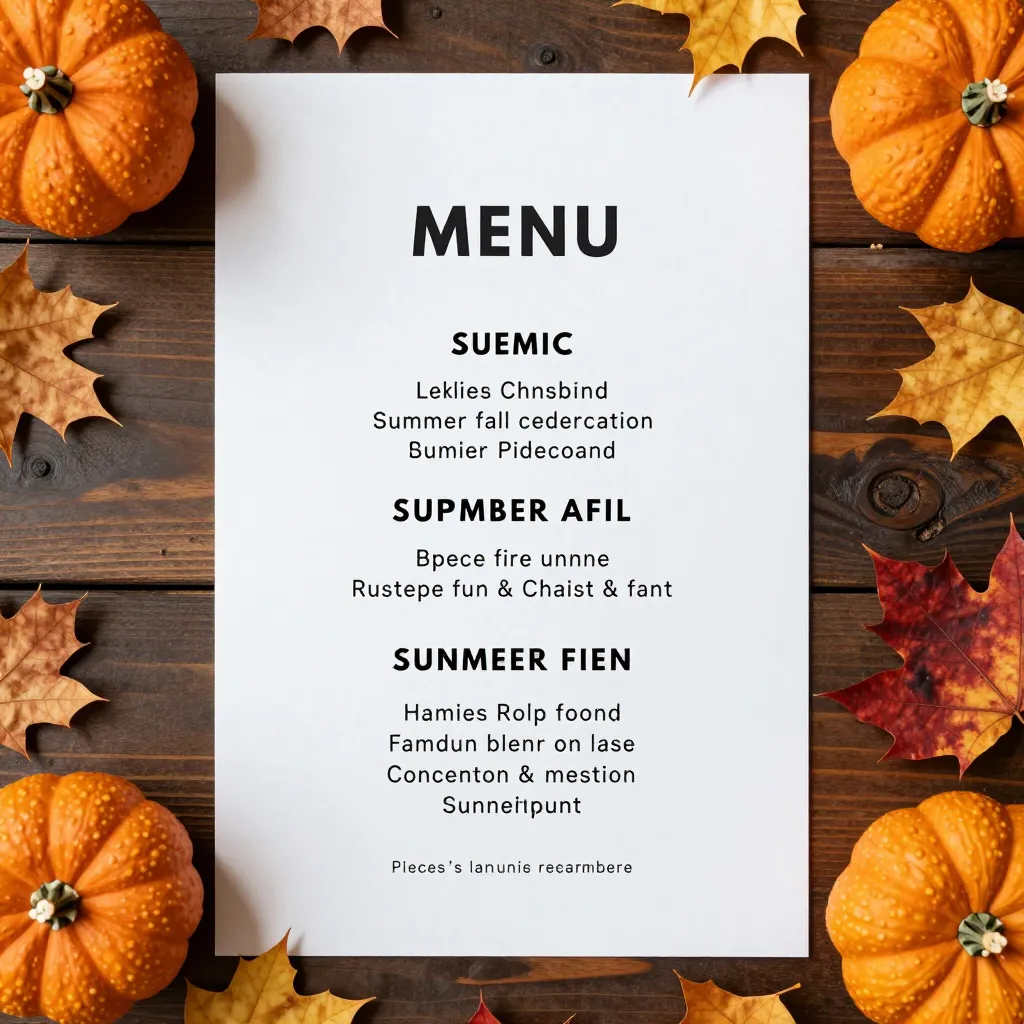
Embracing the Seasonal Shift: Why Your Menu Needs an Update
As the temperature drops and the days shorten, your restaurant faces a critical operational pivot. The summer rush is winding down, and you are preparing for the cozy, hearty flavors of autumn. However, the transition is more than just swapping tomatoes for butternut squash; it is a strategic opportunity to optimize your digital presence. For establishments using a digital QR menu platform, this shift offers a unique advantage over paper-based competitors. You can instantly reflect changes in inventory, update nutritional information, and adjust pricing without the cost and waste of reprinting physical menus.
Industry data suggests that restaurants that fail to adapt their offerings to seasonal trends see a decline in average ticket size by as much as 15% during off-peak months. Conversely, those that leverage technology to present fresh, relevant content often see a 10-20% increase in repeat visits. The summer season is defined by light, fresh ingredients and outdoor dining. As we move into fall, the focus shifts to comfort, warmth, and robust flavors. Your digital menu is the perfect canvas to paint this new picture, guiding customers toward your new autumn specials while seamlessly removing summer items that are no longer available.
The environmental impact of this transition cannot be overstated. Every summer menu printed on paper that is discarded or replaced mid-season contributes to deforestation and waste. By utilizing a digital solution like upQR, you eliminate this recurring waste. When you decide to remove a summer salad or replace a cold drink with a hot cider, the change happens instantly on the customer's screen. This transparency and efficiency align with the growing consumer demand for sustainable business practices, proving that your restaurant cares about the planet as much as the bottom line.
Leveraging Digital Transparency for Seasonal Allergen Management
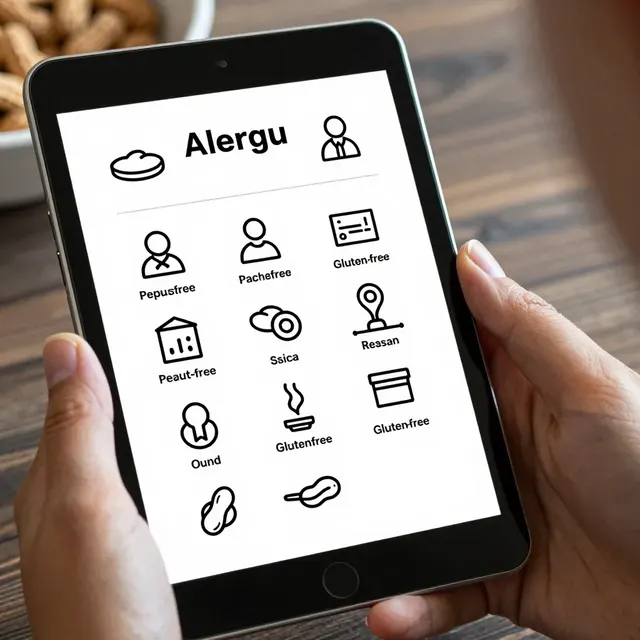
One of the most significant challenges during seasonal transitions is managing allergens and dietary restrictions. Summer menus often feature fresh seafood, dairy-heavy salads, and gluten-containing breads. Fall menus introduce new ingredients like nuts in pies, gluten-free flours in pastries, and specific spice blends that may trigger sensitivities. With a paper menu, these details are often buried in small print or require a phone call to the kitchen. With a digital QR menu, you can ensure every customer sees exactly what they are ordering, regardless of their dietary needs.
Consider the scenario of a customer with a severe nut allergy visiting in October. They want to try your new pumpkin spice latte or a seasonal quiche. On a static paper menu, they might miss a warning about cross-contamination or specific ingredients. On an upQR digital menu, you can feature dedicated sections for allergen information, ensuring that the warning is impossible to miss. You can even use the interactive features to allow customers to filter items by dietary preference, such as 'Gluten-Free' or 'Vegan,' before they even scroll to the bottom of the page.
This level of honesty and accuracy builds immense trust. Customers today are more informed than ever; they read labels and research ingredients before entering a restaurant. When they see a clear, transparent breakdown of ingredients on your digital menu, they feel safe and respected. This transparency extends to pricing as well. If you are adjusting prices for the new season, digital menus allow you to update them in real-time, ensuring there are no hidden fees or discrepancies between the menu board and the register. This eliminates the frustration of price shock at checkout, a common complaint that can drive customers away.
Optimizing the User Experience for Cooler Weather
The way customers interact with your menu changes as the weather changes. In the summer, customers might be standing outside under a patio heater, scrolling quickly for a quick lunch. In the fall, they are more likely to be seated for a longer dinner, perhaps wearing a coat or scarf, taking their time to browse. Your digital menu should adapt to these behavioral shifts.
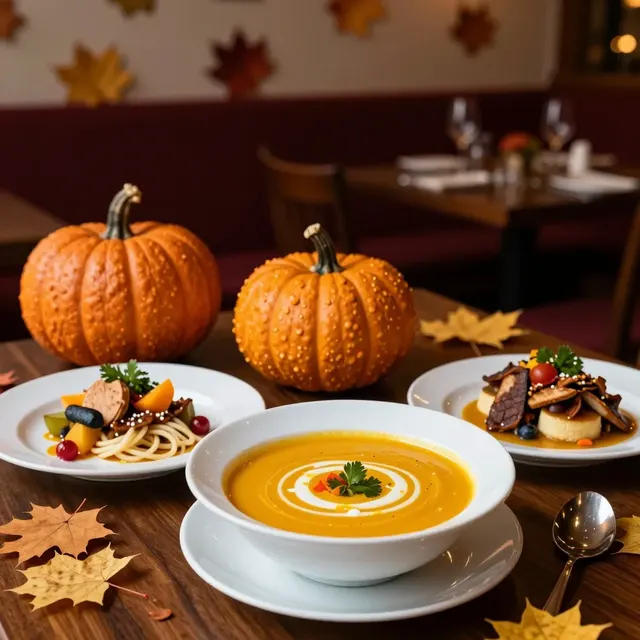
Start by restructuring your menu layout to highlight your new fall favorites. Use high-quality, warm-toned photography that evokes the feeling of a crisp autumn evening. Show images of steaming bowls of soup, roasted root vegetables, and rich stews. Visual cues are powerful; a customer is more likely to order an item they can see and feel. You can create a 'Chef's Pick of the Season' section that draws the eye immediately, encouraging customers to try new dishes they might not have considered.
Furthermore, consider the speed of service. As the summer rush fades, you might find that kitchen turnaround times for complex summer dishes are slowing down. Use your digital menu to streamline ordering by placing your most efficient, high-margin fall items at the top of the list. This reduces decision paralysis for the customer and helps your kitchen prioritize items that are easier to prepare during the transition period. You can also add notes about preparation times for specific seasonal items, managing expectations and reducing customer anxiety about waiting for a fresh-baked pie.
Strategic Inventory Management and Waste Reduction
Seasonal transitions often lead to inventory gluts or shortages. You might have a surplus of summer produce that needs to be used up, or you might be waiting for the fall harvest to begin. A digital QR menu is your most powerful tool for managing this inventory in real-time. If you have a large batch of heirloom tomatoes or zucchini that needs to be sold before they spoil, you can temporarily boost their visibility on the menu or create a special 'Summer Farewell' discount.
Conversely, if a specific summer ingredient is no longer available, you can remove it from the digital menu instantly. This prevents the awkward situation where a customer orders an item that the kitchen cannot fulfill. It also protects your reputation. There is nothing worse for a restaurant's brand than sending a customer home with a cold meal because the 'fresh summer burger' was actually a frozen patty from a month ago. Digital menus ensure that what is advertised is exactly what is served, maintaining your promise of honest and accurate information.
This inventory management also directly impacts your sustainability goals. By accurately reflecting availability, you reduce the likelihood of food waste. You can also use the digital space to educate customers about the source of your seasonal ingredients. For example, you can add a note explaining that your fall squash is sourced from local farmers within 50 miles. This storytelling element adds value to the meal and supports the local economy, resonating deeply with modern diners who prioritize ethical sourcing.
Engaging Customers with Seasonal Storytelling
The end of summer is a time for nostalgia and anticipation. Your digital menu is the perfect medium to tell the story of your restaurant's evolution. Use the text fields available on upQR to share brief stories about your new seasonal recipes. Explain why you chose a specific spice blend or how a particular ingredient was harvested. This humanizes your brand and creates an emotional connection with your guests.
For instance, you could write a short blurb about the history of your signature pumpkin pie or the process of making your new apple cider. These stories turn a simple transaction into an experience. Customers are more likely to share these stories on social media, providing you with free marketing. They might post a photo of their meal with a caption about the 'freshly baked fall flavors,' effectively becoming brand ambassadors for your restaurant.
Additionally, you can use this time to introduce new loyalty programs or seasonal promotions. Digital menus allow for dynamic content that can change based on the time of day or the day of the week. You can highlight happy hour specials on your new fall cocktails or offer a 'Bring a Friend' discount to fill seats during the slower transition period. This agility is impossible with a printed menu, which remains static until it is physically replaced.
Preparing Your Staff for the Digital Shift
While the technology handles the display, your staff plays a crucial role in the success of the seasonal transition. Ensure your team is trained on how to explain the changes to customers who might be confused by the new layout. They should be comfortable guiding customers to the new fall sections and explaining the removal of summer items.
Encourage your servers to take the opportunity to upsell the new seasonal items. They can say, "We just updated our menu for the fall, and the butternut squash risotto is a customer favorite right now." This personal recommendation, combined with the visual appeal of the digital menu, significantly increases the likelihood of a sale. It also reinforces the message that your restaurant is fresh, relevant, and constantly evolving.
Finally, use this transition to gather feedback. Since digital menus can track clicks and views, you can analyze which new items are being ordered most frequently. This data provides actionable insights for your menu engineering. If a new fall item is consistently ignored, you might need to adjust its description or price. If a summer item is still being ordered but is no longer available, you can address the discrepancy immediately. This data-driven approach ensures that your menu remains optimized for profitability and customer satisfaction.
Conclusion: Future-Proofing Your Restaurant
The transition from summer to fall is a pivotal moment for any food service professional. It requires careful planning, inventory management, and a commitment to customer experience. By leveraging a digital QR menu platform like upQR, you gain the flexibility to adapt instantly to these changing needs. You can eliminate paper waste, ensure complete transparency regarding ingredients and allergens, and create a warm, inviting digital experience that matches the cozy atmosphere of the season.
As you update your items and refine your offerings, remember that your goal is to connect with your customers on a deeper level. Whether it is through the honesty of your ingredient lists or the warmth of your seasonal photography, every element of your digital menu should reflect your core values. upQR provides the tools to make this transition seamless, allowing you to focus on what matters most: serving delicious, high-quality food to a community that appreciates your dedication to sustainability and authenticity. Embrace the new season with confidence, knowing that your digital presence is as dynamic and responsive as your kitchen.
Related Posts
Ready to create your digital menu?
Create your QR menu in minutes and reach your customers in any language.