
Design Fast Food Menus to Boost Sales & Orders
Learn proven strategies to design high-converting fast food menus. Discover how digital tools and psychology can increase your average order value and customer satisfaction.
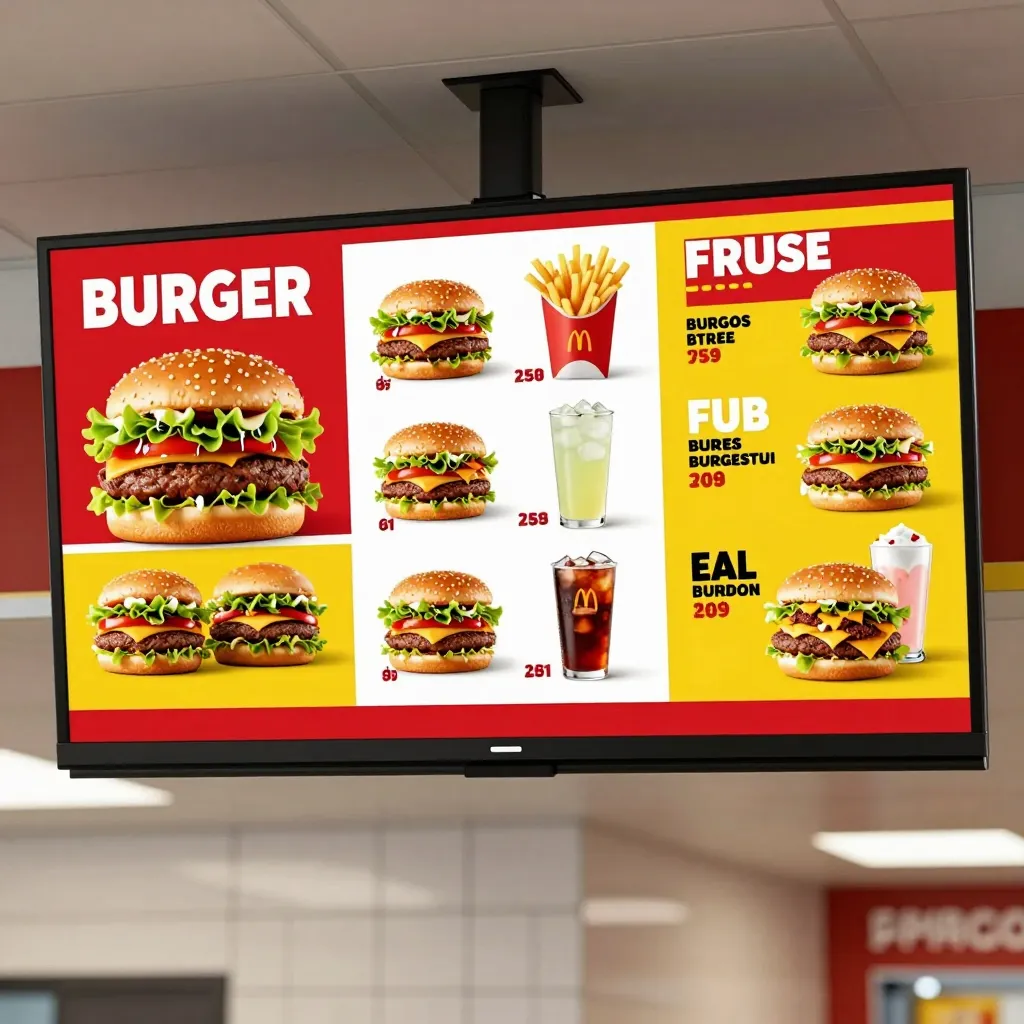
Running a fast food business is a high-stakes game where every detail impacts the bottom line. Customers are often in a hurry, hungry, and overwhelmed by choices. If your menu doesn't guide them effectively, they might order less, wait longer, or leave for a competitor. The traditional paper menu is static and expensive to update, but a digital approach offers dynamic control. By combining menu engineering principles with modern technology, you can transform a simple list of food into a powerful sales tool that drives more orders.
Leveraging Menu Psychology to Increase Average Check Size
Every item on your menu has a purpose. Not all items are created equal. High-margin items should be highlighted to guide customer behavior without being obvious. This practice is known as menu engineering. You want to make the most profitable dishes stand out naturally. For example, placing your highest-margin burger at the top right of the screen is a common visual strategy, as eyes typically scan in a 'Z' pattern on digital devices.
Pricing strategy is another critical element. The decoy effect is a powerful psychological tool. If you offer a basic burger for $8, a medium burger for $10, and a large burger for $11, customers often feel the medium option is the best value. However, offering a premium burger for $12 makes the $10 option look like a bargain. This subtle nudge can significantly boost your average order value.
- Highlight Specials: Use a different color or icon for items with a discount or special promotion.
- Bundle Items: Create combo meals that encourage adding a drink or side, increasing the total spend.
- Clear Descriptions: Avoid vague terms. Tell customers exactly what makes a specific item unique.
Consider the classic example of a coffee shop. If you want to sell a $4 latte, do not place it next to a $2 drip coffee. Instead, place it next to a $6 cold brew. The price difference feels smaller, making the premium item more attractive. Fast food owners must apply this same logic to their digital displays to ensure they are capturing maximum revenue from every visit.
The Shift to Digital Menus for Speed and Clarity
Speed is the lifeblood of fast food. Customers expect instant answers. A paper menu requires staff to reprint items when they run out of stock or change prices. This causes delays and customer frustration. A digital QR menu hosted on a platform like upQR solves this instantly. You can update prices or remove seasonal items in real-time from your dashboard.
Furthermore, digital menus reduce operational costs. You no longer need to print new menus every time you change a price or add a new seasonal item. This saves money on paper and ink, which adds up quickly over a year. The environmental impact is also a selling point for modern consumers who prefer sustainable businesses. By switching to a digital solution, you align your brand with eco-friendly values while cutting overhead expenses.
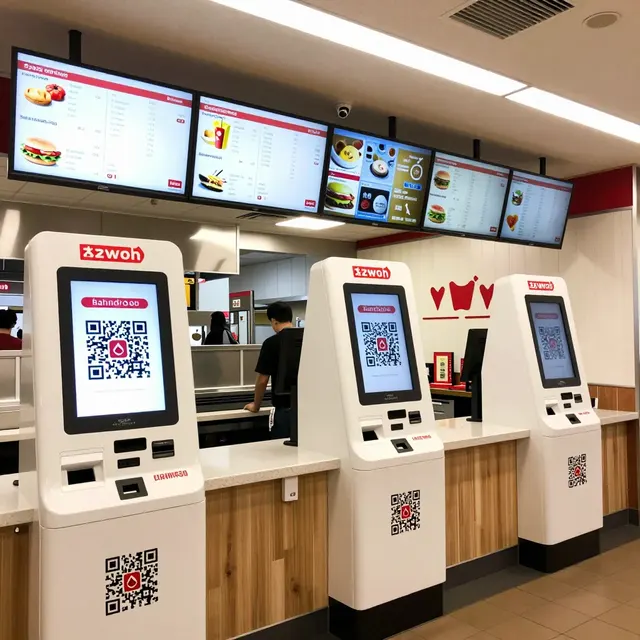
Another benefit is the integration of payment systems. With a digital menu, customers can pay directly through the screen. This reduces the time the cashier spends at the register, allowing them to serve more people. It also minimizes the risk of errors in order taking, ensuring customers get exactly what they ordered without needing to call out over the noise of a busy kitchen.
Optimizing Visual Hierarchy for Mobile Scanners
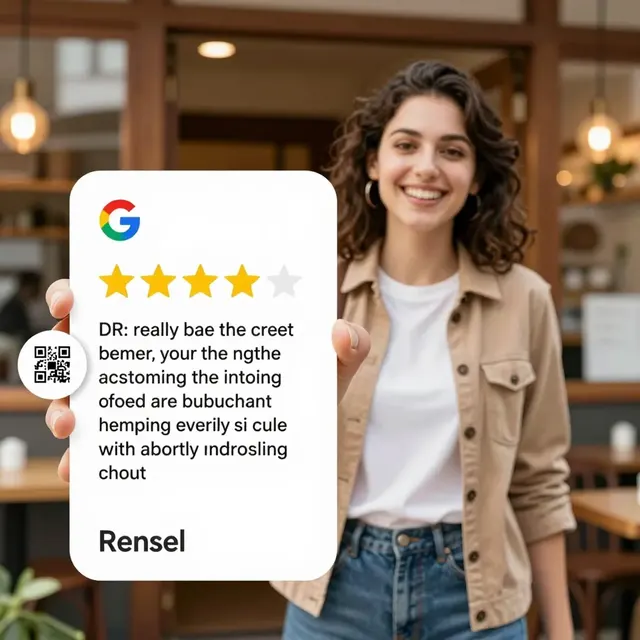
Most customers scan your menu with their smartphones. Mobile screens are small, and attention spans are short. Your design must be mobile-first. Large, legible fonts are essential. If a customer has to zoom in to read the ingredients, they may abandon the order. Ensure your text is readable without magnification.
High-quality images are non-negotiable. People eat with their eyes. Blurry photos of your food will make it look unappetizing and unprofessional. Use bright, high-resolution photos that show the texture and steam of the food. However, do not overuse images. Too many pictures can slow down loading times and distract from the text. A balanced layout with clear categories helps users navigate quickly.
Navigation should be intuitive. Use a sticky menu bar at the top or a simple search bar. If a customer wants to find a vegan option, they should not have to scroll through 20 items to find it. Categorize items logically, such as 'Burgers', 'Sides', 'Drinks', and 'Vegan Options'. This reduces friction and helps customers find what they want faster. A smooth user experience leads to higher conversion rates and fewer abandoned carts.
Using Analytics to Refine Your Menu Strategy
One of the biggest advantages of a digital menu is access to data. Traditional paper menus offer zero insights. You never know which items are popular or which are ignored. With a digital platform, you can track view counts and conversion rates. This data allows you to make informed decisions about your inventory and pricing.
For instance, if you notice that a specific burger is viewed frequently but ordered rarely, it might be too expensive or the description unclear. Conversely, a high-converting item might warrant a promotion to encourage more frequent orders. You can use this data to adjust your menu layout seasonally. If a specific item becomes a seasonal favorite, move it to a prime spot in the digital menu to maximize its visibility.
- Track Conversion Rates: Monitor how many people view an item versus how many order it.
- Analyze Search Terms: See what customers are searching for most often.
- Monitor Load Times: Ensure your images and code do not slow down the page.
This data-driven approach helps you eliminate underperforming items and focus on what your customers actually want. It also helps you identify new trends before your competitors. By regularly reviewing these metrics, you keep your menu fresh and relevant, ensuring you stay ahead in a competitive market.
Implementing an Easy-to-Use QR Solution
Finally, the technology behind your menu matters. You need a solution that is easy to implement and maintain. Platforms like upQR provide a seamless integration with your existing POS system. This means you do not need to manage two separate systems. Orders placed on the digital menu can be sent directly to the kitchen display system, reducing the risk of errors.
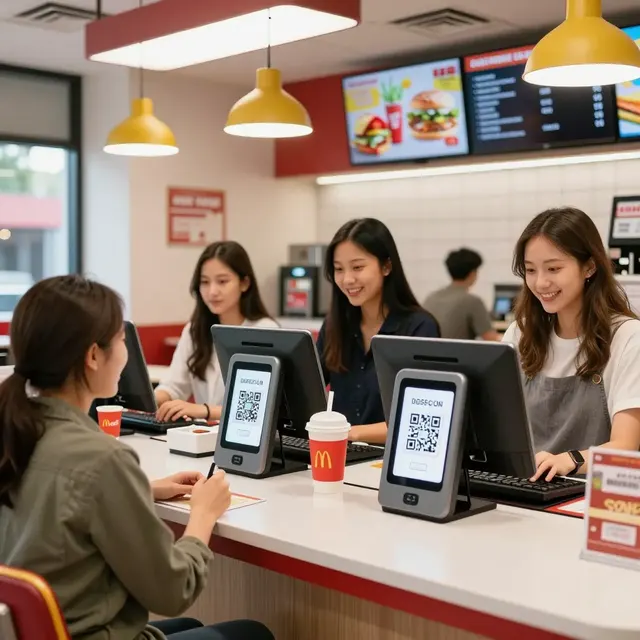
Customization is key. You want your digital menu to reflect your brand identity. Use your logo, colors, and fonts. This creates a consistent experience across all touchpoints, from your storefront to the customer's phone. It builds trust and reinforces your brand message. Additionally, ensure the QR code is easily accessible. Place it on the table, at the entrance, or on the counter.
Training your staff is also important. They should know how to help customers who have trouble scanning the code or navigating the menu. A simple tutorial video or a quick guide can help. Ultimately, the goal is to make the customer experience effortless. When the process is smooth, customers are more likely to return and recommend your business to friends. A well-designed digital menu is not just a list of food; it is a strategic asset that drives growth and profitability.
By focusing on design, psychology, and technology, you can create a menu that works as hard as your kitchen. Don't let a static paper menu limit your potential. Embrace the digital future with tools that give you control over your data and customer experience. Start optimizing your menu today to see the immediate impact on your sales.
Related Posts

Ready to create your digital menu?
Create your QR menu in minutes and reach your customers in any language.