
How to Create a BBQ Digital Menu That Converts
Learn the secrets to designing a high-converting BBQ digital menu. We cover layout strategies, mobile optimization, and using upQR to boost sales.
Why a Digital BBQ Menu is Essential for Modern Grills
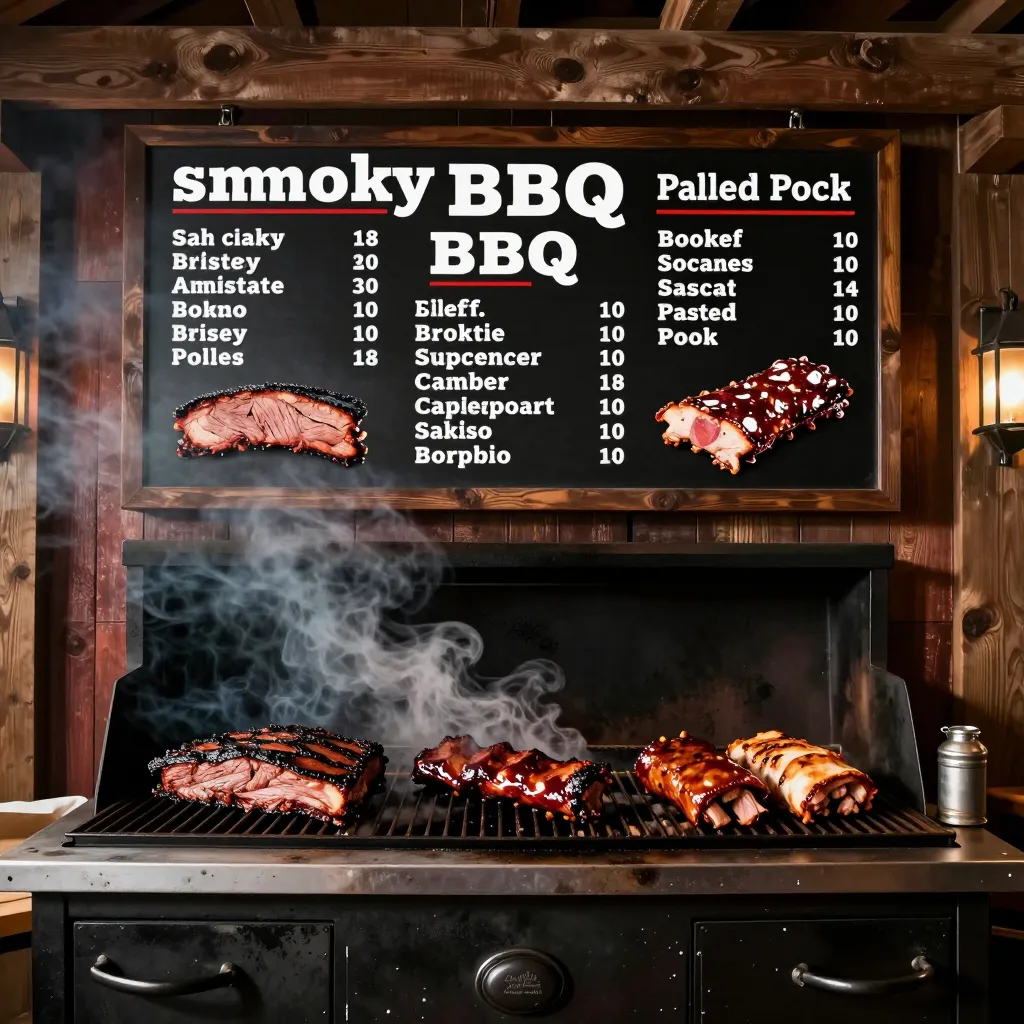
Grilling is an art form that has evolved from backyard gatherings to sophisticated culinary experiences. For restaurant owners and cafe managers, the way you present this art directly impacts your bottom line. In the competitive world of barbecue and grilling, a static paper menu often fails to capture the sensory appeal of smoked meats, fresh vegetables, and artisanal sauces. A digital QR menu, however, transforms the ordering experience by allowing diners to explore high-resolution images, read detailed ingredient lists, and customize their meals instantly.
The shift to digital isn't just about replacing paper; it is about enhancing the guest journey. When a customer scans a QR code at your grill station or dining table, they expect a seamless experience. Studies show that digital menus can reduce order fulfillment time by up to 40% and increase average check size by 15% through strategic upselling. For a BBQ restaurant, where the visual appeal of a perfectly charred brisket or a glossy glaze is crucial, a digital platform allows you to showcase these details without the constraints of a physical page.
Furthermore, digital menus offer unparalleled flexibility. Menus change with the seasons, and grilling is inherently seasonal. You can instantly swap out summer salads for hearty root vegetables in the fall or highlight local seafood catches without reprinting costly menus. This agility ensures that your offerings always reflect the freshest ingredients available, a core value for any modern eatery.
Optimizing Your Menu for Mobile Devices
The majority of your customers will be accessing your menu via smartphones, not desktops. Designing a BBQ digital menu that ignores mobile optimization is akin to serving a meal on a plate that is too small. Your layout must be responsive, ensuring that text remains legible and images load quickly on various screen sizes. A cluttered interface or slow loading times can frustrate diners, leading them to abandon the order or simply glance at the menu before making a quick, potentially suboptimal choice.
To achieve a high-converting mobile experience, focus on typography and navigation. Use large, readable fonts that do not require zooming. Ensure that buttons for ordering or viewing details are thumb-friendly, placed within easy reach. For a BBQ restaurant, consider a single-column layout that scrolls vertically. This mimics the natural reading flow on a phone and prevents the need for complex pinch-to-zoom gestures. High-quality images are essential, but they must be optimized for web speed. Compress images without losing quality so that the menu loads in under three seconds, even on cellular networks.
Consider the lighting in your restaurant. If your space is dimly lit to enhance the ambiance of the grill, ensure that your digital menu has high contrast. White text on a dark background can be hard to read on some screens. A clean, light background with dark text often provides better readability for the average smartphone user. Additionally, ensure that all interactive elements, such as 'Add to Order' buttons, are clearly visible. Frictionless navigation is key to converting a browser into a buyer. When a customer can easily find the 'Pork Ribs' section and see the price immediately, the likelihood of them ordering increases significantly.
Building Trust Through Transparency and Ingredient Detail
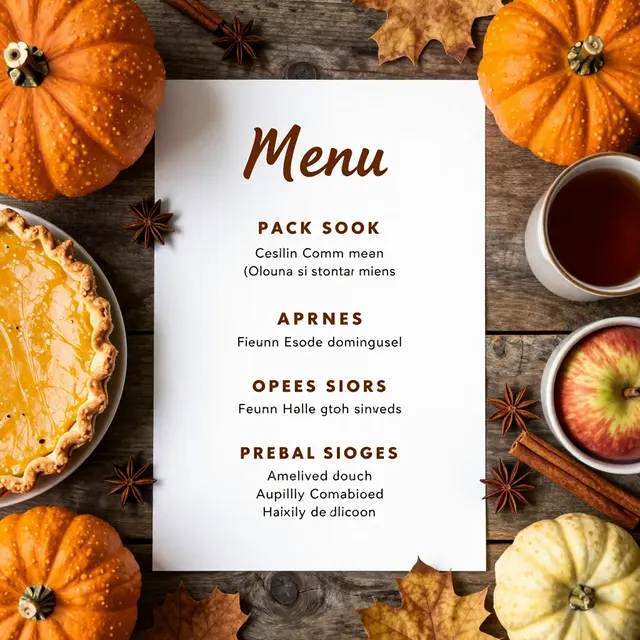
Transparency is a cornerstone of modern dining, and it is particularly vital for BBQ restaurants where dietary restrictions and allergens are common concerns. Many customers suffer from gluten intolerance, allergies to specific spices, or dietary preferences like veganism. A digital menu provides the perfect canvas to display this information clearly and honestly. Instead of hiding allergen warnings in fine print, use icons or dedicated sections to highlight potential allergens like soy sauce, nitrates, or gluten-containing buns.
Go beyond basic descriptions. Use your digital platform to tell the story behind your food. For example, under a 'Smoked Brisket' entry, you can include a note about the specific wood used for smoking (hickory, oak, or apple) and the duration of the cooking process. This level of detail educates the customer and builds a narrative around your brand. It reassures them that you are not cutting corners. You can also include nutritional information, such as calorie counts or macronutrient breakdowns, which many health-conscious diners actively seek.
Real-world examples show the power of this transparency. A popular BBQ chain in Texas recently updated their digital menu to include a 'Chef's Note' section for each dish, explaining how the meat was sourced and how the sauce was crafted. This simple addition led to a 20% increase in customer trust scores and reduced inquiries about ingredients at the front desk. By being upfront about hidden ingredients, such as sugar in BBQ sauces or gluten in rubs, you protect your customers and your business from liability. This honesty fosters a loyal customer base that values integrity over marketing fluff.

Strategic Upselling and Cross-Selling Techniques
One of the most significant advantages of a digital BBQ menu is the ability to implement dynamic upselling strategies that are impossible with paper. In a traditional setting, a server might forget to suggest a side or a drink. With a digital interface, you can strategically place recommendations to increase the average order value. For instance, next to a 'BBQ Chicken Sandwich', you can feature a 'Buy One, Get One Free' offer on a specific coleslaw or a 'Try Our House-made Slaw' button that appears only when the sandwich is selected.
Consider the psychology of the grill. BBQ is often associated with comfort and indulgence. Use this to your advantage by suggesting pairings. When a customer views a 'Pulled Pork Platter', suggest a specific craft beer or a glass of iced tea that complements the smoky flavors. You can also highlight limited-time offers, such as 'Grilled Corn on the Cob' available only until 6 PM. These prompts create a sense of urgency and encourage customers to try new items they might otherwise overlook.
Another effective technique is to categorize your menu to guide the customer's eye. Instead of a random list of items, group them logically: 'The Meats', 'The Sides', 'The Sauces', and 'The Drinks'. Within these categories, place your highest-margin items or signature dishes at the top or in a highlighted box. For example, if you have a premium 'Dry-Aged Beef Ribs', position it prominently. You can also use color psychology; use warm, appetizing colors for your buttons and highlights to stimulate appetite. Ensure that the upsell messages are clear and compelling, avoiding aggressive language in favor of inviting suggestions like 'Fans of this dish also love...' or 'Complete your meal with...'.
Enhancing Accessibility and Inclusivity
A truly great BBQ restaurant welcomes everyone, regardless of their ability to read or their language proficiency. Digital menus are powerful tools for ensuring inclusivity. You can integrate text-to-speech features that read the menu aloud for visually impaired guests or those with dyslexia. This feature can be toggled on or off, providing a seamless experience for all patrons. Additionally, offering the menu in multiple languages can significantly expand your customer base, especially in diverse urban areas.
Accessibility also extends to the description of the food. Use descriptive language that paints a picture for those who cannot see the images. Describe the texture of the bark on a smoked sausage or the tenderness of a fall-off-the-bone pork shoulder. This sensory description enriches the experience for everyone, not just those with visual impairments. Furthermore, ensure that your website and QR code landing page are compatible with screen readers. This involves using proper heading structures, alt text for images, and avoiding complex scripts that can confuse assistive technologies.
Language barriers are another hurdle that digital menus can easily overcome. If you serve a community with a significant non-English speaking population, provide a toggle switch to switch between English and Spanish, for example. This simple feature can make a new customer feel immediately welcome and understood. It removes the fear of ordering something they do not know how to pronounce or understand. By prioritizing accessibility and inclusivity, you demonstrate that your restaurant values every guest, aligning with the core principles of honesty and universal access.
Conclusion: Elevating Your Grill Experience with upQR
Creating a successful digital BBQ menu is about more than just listing food items; it is about crafting an immersive, trustworthy, and efficient dining experience. From optimizing for mobile devices to ensuring transparency in ingredients and leveraging upselling opportunities, every element plays a role in customer satisfaction and revenue growth. The technology required to achieve this does not need to be complex or expensive. Platforms like upQR provide the necessary infrastructure to build a professional, responsive, and feature-rich digital menu that adapts to your needs.
By choosing a solution that prioritizes environmental sustainability, you also align your business with the growing demand for eco-friendly practices. Eliminating paper waste reduces your carbon footprint and appeals to environmentally conscious diners. When you combine the visual allure of high-quality photography with the functional benefits of a streamlined ordering system, you create a menu that converts browsers into loyal customers. Whether you are a casual grill spot or a fine-dining steakhouse, upQR empowers you to present your culinary masterpieces with the honesty and clarity they deserve. Start transforming your restaurant today and let your digital menu work as hard as your chefs do.
Related Posts
Ready to create your digital menu?
Create your QR menu in minutes and reach your customers in any language.