
The Complete Guide to Digital Menu Setup for Cafes
Master digital menu setup with our guide. Learn to boost sales, streamline operations, and enhance customer experience using the best restaurant tools.
Why Switching to a Digital Menu Matters
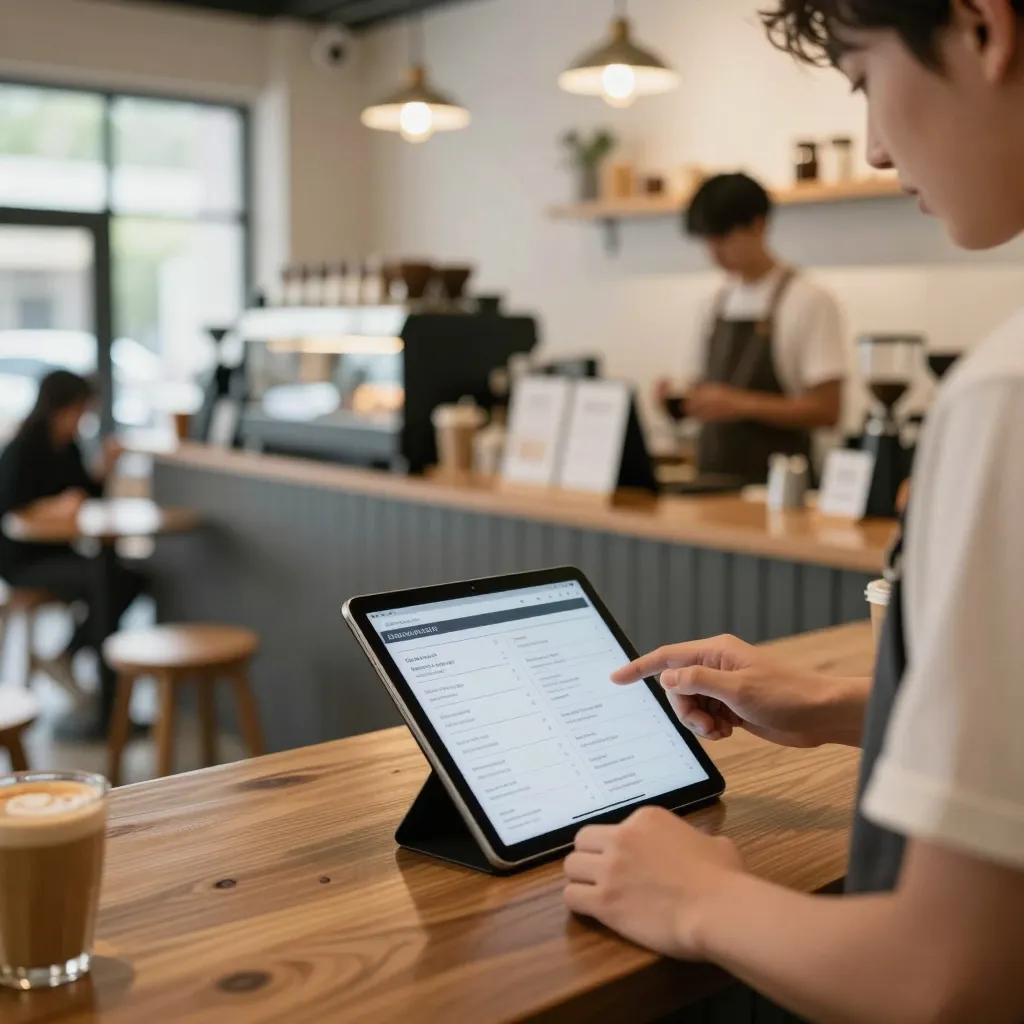
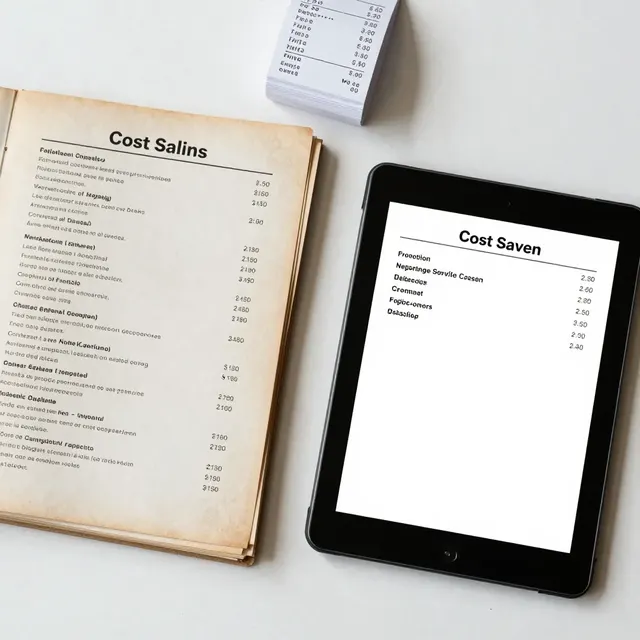
Transitioning from a printed paper menu to a digital solution is no longer just a trend; it is a fundamental shift in how restaurants operate. Industry data suggests that over 70% of diners prefer digital menus for their convenience and ease of use. By implementing a digital menu system, you eliminate the cost of reprinting, reduce waste, and provide a seamless experience that keeps customers engaged. For cafe owners and restaurant managers, the decision to go digital impacts operational efficiency and revenue potential directly.
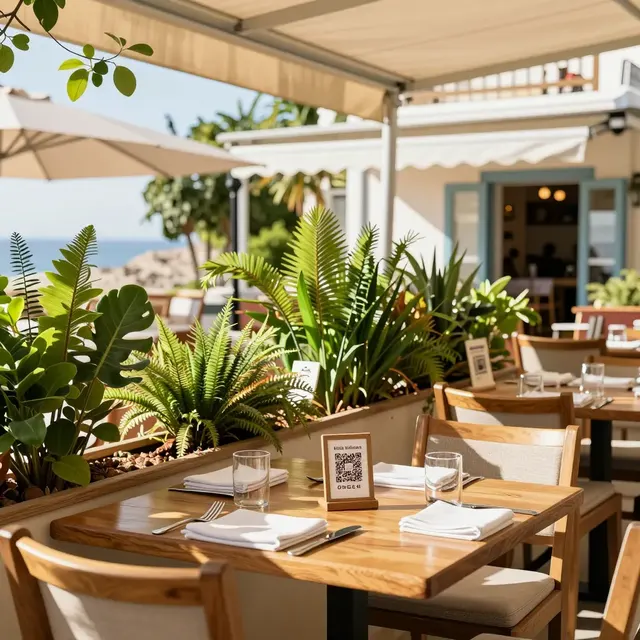
However, simply placing a QR code on a table isn't enough. The setup process requires strategic planning to ensure the menu works as intended. A poorly optimized digital menu can lead to frustration, lower sales, and a negative impression of your brand. This guide breaks down every step of the digital menu setup process, offering actionable advice to help you build a system that works for your staff and delights your guests.
Selecting the Right Digital Menu Platform
Choosing the right technology is the first critical step in your digital menu setup. You need a platform that offers robust customization, reliable hosting, and ease of use. When evaluating options, look for features like offline mode capability, which ensures customers can still view your menu if their internet connection drops. Customization is equally important; your digital menu should reflect your brand identity, from logo placement to color schemes.
Consider a platform like upQR, which provides a comprehensive suite of tools for restaurant management. With upQR, you can create a branded experience that feels native to your establishment. The setup involves creating your account, uploading your menu items, and configuring your payment gateway. It is essential to check if the platform supports multi-location management if you plan to expand. Furthermore, ensure the solution integrates with your Point of Sale (POS) system to sync inventory automatically. This prevents the embarrassment of selling an item that is currently out of stock. By selecting a platform with strong customer support, you gain peace of mind knowing that technical issues will be resolved quickly.
Designing for Mobile-First User Experience
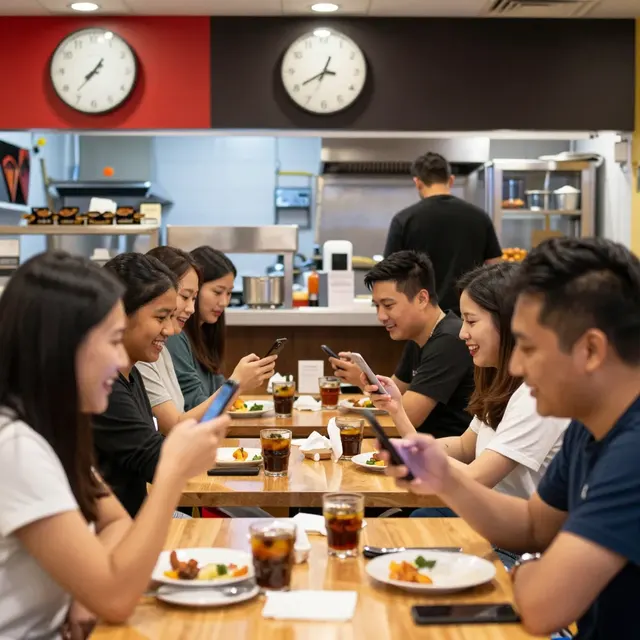
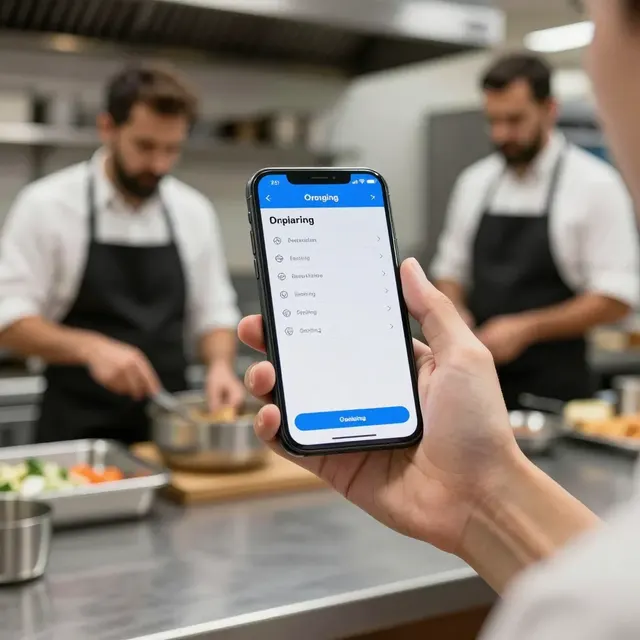
Most customers will access your digital menu via a smartphone. This means your design must be mobile-first. A cluttered interface with tiny text will cause high bounce rates and frustration. Focus on readability and speed. Use large, clear fonts that are easy to read in various lighting conditions. High-quality images of your food items are crucial, as they can influence purchasing decisions significantly. However, do not overdo the images; too many heavy photos can slow down the loading speed on mobile networks.
Navigation should be intuitive. Group items logically, such as by course or category. For a cafe, separating coffee, pastries, and sandwiches helps customers find what they want quickly. Implement a clear search bar to help guests locate specific dietary items, such as gluten-free or vegan options. Additionally, ensure that the call-to-action buttons, like 'Add to Order' or 'Pay Now', are prominent and easy to tap. A well-designed user experience reduces the time it takes for a customer to decide what to order, which can increase table turnover rates without sacrificing customer satisfaction.
Implementing Menu Engineering and Upselling Strategies
Digital menus offer unique opportunities for menu engineering that paper menus cannot match. You can use the digital interface to highlight specific items or suggest pairings dynamically. This is a powerful tool for upselling. For example, you can add a small note next to a popular burger suggesting a specific side or drink to complete the meal. These suggestions should be subtle and helpful rather than intrusive.
Data is the real power of a digital menu. You can track which items are viewed most often versus which are ordered. If a high-margin item has low conversion rates, you can adjust its placement or description to make it more appealing. Use badges like 'Chef's Special' or 'Best Seller' to draw attention to your top performers. With upQR, you can analyze these metrics to make informed decisions about your product mix. This data-driven approach allows you to optimize your menu for profitability while maintaining a diverse selection for your guests.
Managing Updates and Inventory in Real-Time
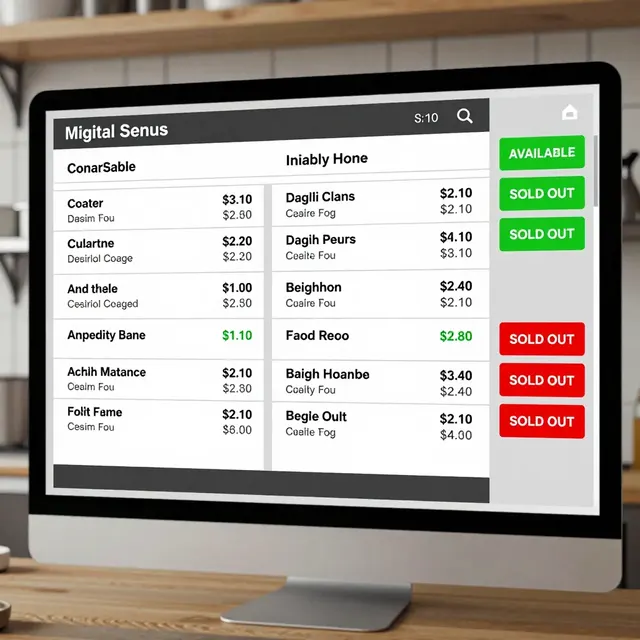
One of the biggest advantages of a digital menu is the ability to update it instantly. In a traditional setup, a single out-of-stock item requires reprinting the entire menu, which is costly and time-consuming. With a digital solution, you can toggle items on or off with a few clicks. This is vital for managing inventory, especially during peak seasons or when specific ingredients are scarce.
Consider the operational workflow. When an item is marked as unavailable, the system should notify the customer politely, perhaps suggesting an alternative. This maintains trust and keeps the dining experience smooth. Additionally, keep your nutritional information and allergen data up to date. Many customers check for dietary restrictions before ordering. Providing this information transparently on the digital menu reduces liability and shows that you care about customer safety. Regularly review your menu content to ensure all descriptions are accurate and appealing. Consistency in quality and information builds a reputation for reliability.
Leveraging Analytics for Business Growth
A digital menu is more than just a list of food; it is a data collection point. By utilizing analytics tools provided by your platform, you can gain insights into customer behavior. Track peak scanning times to understand when customers are most active. This information helps you manage staff scheduling more effectively. You can also monitor the average time spent on the menu. If customers spend too long, they might be overwhelmed by choices. If they spend too little, they might be skipping steps in the ordering process.
Use these insights to refine your marketing strategies. If a specific promotion leads to a spike in orders, replicate that success. Conversely, if an item is rarely ordered, consider removing it to streamline operations. Integration with customer feedback forms allows you to gather direct insights from diners. Ask them to rate their meal or suggest new items. This engagement fosters a sense of community and loyalty. Ultimately, the goal is to use the data to drive growth. Whether it is optimizing table turnover or increasing average check size, the analytics from your digital menu setup provide the roadmap for success.
Conclusion
Setting up a digital menu is a strategic investment that pays dividends in efficiency and revenue. It requires careful selection of a platform, thoughtful design, and consistent management. By following the steps outlined in this guide, you can create a system that supports your business goals. For a seamless and powerful experience, upQR provides the necessary tools to manage your menu, analyze your data, and engage your customers effectively. Start your digital transformation today and see the difference a well-optimized menu can make for your restaurant.

Related Posts
Ready to create your digital menu?
Create your QR menu in minutes and reach your customers in any language.