Staff Scheduling Tips for QR Ordering Systems
Optimize your team's schedule with digital menu insights. Learn how QR ordering data helps reduce labor costs and improve efficiency.
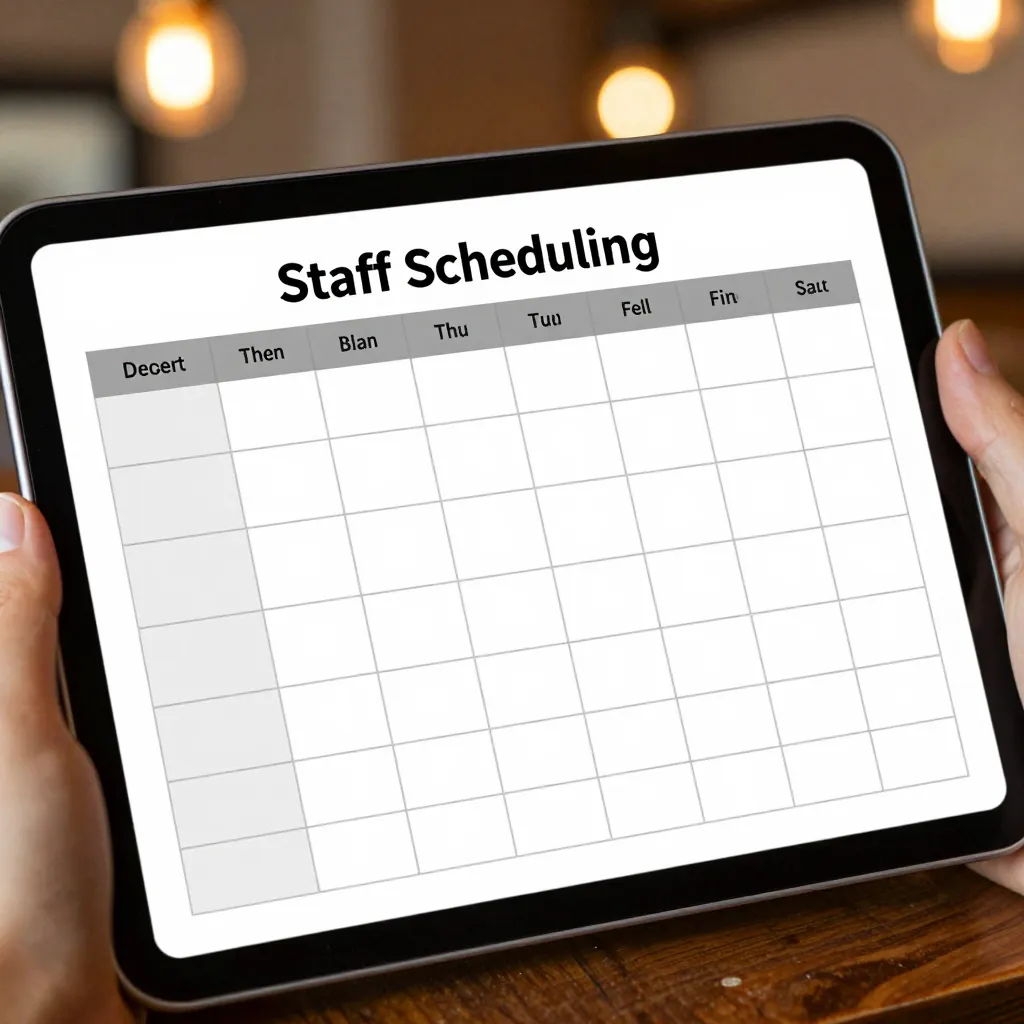
Why Digital Menu Data Changes Your Scheduling Strategy
Traditional restaurant scheduling relied heavily on historical averages and gut feelings about peak hours. When you switch to a digital QR menu platform like upQR, you gain access to real-time data that transforms how you manage your workforce. Unlike static paper menus that sit in the same spot every day, digital menus can change based on inventory, weather, and supply chain issues. This flexibility means your staff needs to be ready for dynamic shifts rather than predictable patterns.
According to industry reports, restaurants that utilize digital ordering systems see a 15-20% increase in operational efficiency. This efficiency doesn't just come from faster customer service; it comes from better labor allocation. When your menu changes instantly to reflect fresh ingredients, your kitchen staff doesn't need to prep items that might not be served. Similarly, when a QR code directs customers to a 'Chef's Special' that requires specialized skills, you can schedule fewer generalists and more specialists during those specific windows.
The key to leveraging this data is understanding the difference between 'foot traffic' and 'order velocity.' In a paper menu system, a busy hour means everyone rushes to the counter. In a QR system, a busy hour might mean a surge in orders for a specific item that takes 20 minutes to cook. By analyzing upQR analytics, you can see exactly which items are driving volume and schedule your line cooks accordingly. If the data shows a high volume of cold-pressed juices during the morning rush, you can schedule baristas and prep staff earlier than usual, ensuring the kitchen isn't overwhelmed by hot food orders while the cold bar is at capacity.
Leveraging Real-Time Inventory for Shift Planning
One of the most significant advantages of a digital menu system is the ability to toggle items on and off instantly. This feature is a goldmine for inventory management and staff scheduling. Imagine a scenario where you have a large shipment of avocados arriving at 8:00 AM, but you only have enough for two days. With a paper menu, you would need to print a new menu or physically hide the avocado toast from the shelf, which delays the process.
With upQR, you can update the menu in seconds. However, this update must be reflected in your staffing plan. If you are promoting a specific item that requires extra prep time or specialized knowledge, you can schedule your most experienced team members during the hours when that item is active. Conversely, if you need to pause an item due to low stock, you can reduce the number of cooks needed for that specific station.
Consider the example of a cafe that decides to run a 'local honey' promotion on Tuesdays and Thursdays. They can enable this item on their digital menu only for those days. This allows them to schedule a part-time employee who is knowledgeable about local sourcing specifically for those days, rather than paying a full-time premium staff member to handle a seasonal item for the whole week. This targeted approach ensures that every dollar spent on labor is matched with a specific menu opportunity, directly supporting your mission of transparency and honesty by ensuring customers only see what is available and what staff are trained to serve.
Managing Dietary Requests and Allergen Safety
Sustainability and safety go hand in hand in modern dining. A major part of the upQR mission is providing transparent information about ingredients and allergens. While this is primarily a customer-facing feature, it has profound implications for your back-of-house scheduling. When a customer scans the QR code, they can see detailed ingredient lists and allergen warnings. This reduces the likelihood of foodborne illnesses and builds trust.
However, managing these requests requires a skilled team. If your digital menu allows customers to easily request modifications, such as 'no nuts' or 'gluten-free bread,' your staff must be prepared to handle these requests without compromising safety. You can use your scheduling software to ensure that during peak hours, at least one team member is designated as the 'Allergen Specialist.' This person is trained to handle complex modifications and verify that the kitchen team has prepared the order correctly.
For instance, if you have a busy Friday night where many customers are ordering vegan options, you can schedule your vegan-prep specialist to start earlier. This ensures that the kitchen isn't rushing, which could lead to cross-contamination or errors. By aligning your staff skills with the dietary trends visible in your digital menu data, you create a safer environment for your customers. This aligns with the core value of honesty: ensuring that what is on the menu is exactly what is served, with no hidden risks.
Optimizing Peak Hours with Dynamic Pricing and Promotions
Digital menus offer a unique opportunity to drive revenue through dynamic pricing and time-sensitive promotions. You might decide to offer a 20% discount on appetizers between 6:00 PM and 7:00 PM to clear inventory. When you activate this promotion on the upQR platform, you create a specific demand curve that your staff must meet.
Instead of guessing when to call in extra help, you can look at the projected impact of the promotion. If you expect a 30% increase in appetizer orders during that window, you can schedule an additional server or a runner to handle the extra volume. This is far more efficient than running a standard shift and dealing with understaffing issues later. It also prevents the 'rushed kitchen' syndrome where staff are overworked and mistakes happen.
Real-world example: A bistro uses upQR to run a 'Happy Hour' promotion every Wednesday and Thursday from 4:00 PM to 6:00 PM. The menu highlights specific beers and small plates at a discount. By analyzing the data from previous weeks, they see that this promotion increases table turnover by 15%. They use this insight to schedule their bussers to arrive exactly at 4:00 PM, ensuring that tables are cleared quickly so servers can take more orders. This precise scheduling maximizes revenue per labor hour, a critical metric for restaurant profitability.
Training and Upskilling Based on Menu Complexity
A digital menu is not just a list of food; it is a dynamic interface that customers interact with. As you update your menu to reflect seasonal changes or sustainability initiatives, your staff needs to understand the story behind the food. This is where your scheduling strategy intersects with your training program. You can schedule 'training blocks' during slower periods, such as early mornings or mid-week afternoons, to ensure your team is up to speed on new menu items.
When you introduce a new sustainable ingredient, like a locally sourced mushroom variety, you can update the menu description to explain its environmental benefits. Your staff needs to be able to answer customer questions about this. By scheduling a brief training session before the item goes live, you ensure that every team member can speak confidently about the product. This reinforces the brand's commitment to environmental consciousness and transparency.
Furthermore, if you have a complex menu with many options, you can use scheduling to cross-train your staff. Instead of having one person who only knows how to make burgers and another who only knows sushi, you can schedule a rotating shift where everyone learns the basics of both stations. This flexibility is crucial when demand spikes unexpectedly. If the burger station is overwhelmed, a sushi-prep worker who has been trained on the griddle can step in. This cross-training capability is a direct result of a flexible scheduling strategy that leverages the full potential of your digital platform.
Conclusion: Aligning People with Technology
Integrating a QR ordering system into your restaurant operations is more than just replacing paper with a screen; it is a fundamental shift in how you manage your business. By using the data provided by platforms like upQR, you can create a staffing model that is responsive, efficient, and aligned with your core values of sustainability and honesty. Whether you are managing inventory fluctuations, handling complex dietary requests, or optimizing peak hour promotions, your staff schedule should be a direct reflection of your digital menu's capabilities.
When you schedule your team based on real data rather than guesswork, you reduce labor waste, improve customer satisfaction, and ensure that your staff is always prepared to deliver the best experience. upQR provides the tools to make this transition seamless, giving you the insights you need to build a resilient team that thrives in a digital-first dining environment. Start by reviewing your current menu data and identifying where your staffing gaps might be, then adjust your schedule accordingly to maximize efficiency and minimize waste.
Related Posts
Ready to create your digital menu?
Create your QR menu in minutes and reach your customers in any language.
