Optimize Your QR Menu for Google Search
Learn practical SEO strategies to make your digital QR menu visible, faster, and more profitable for your restaurant customers.
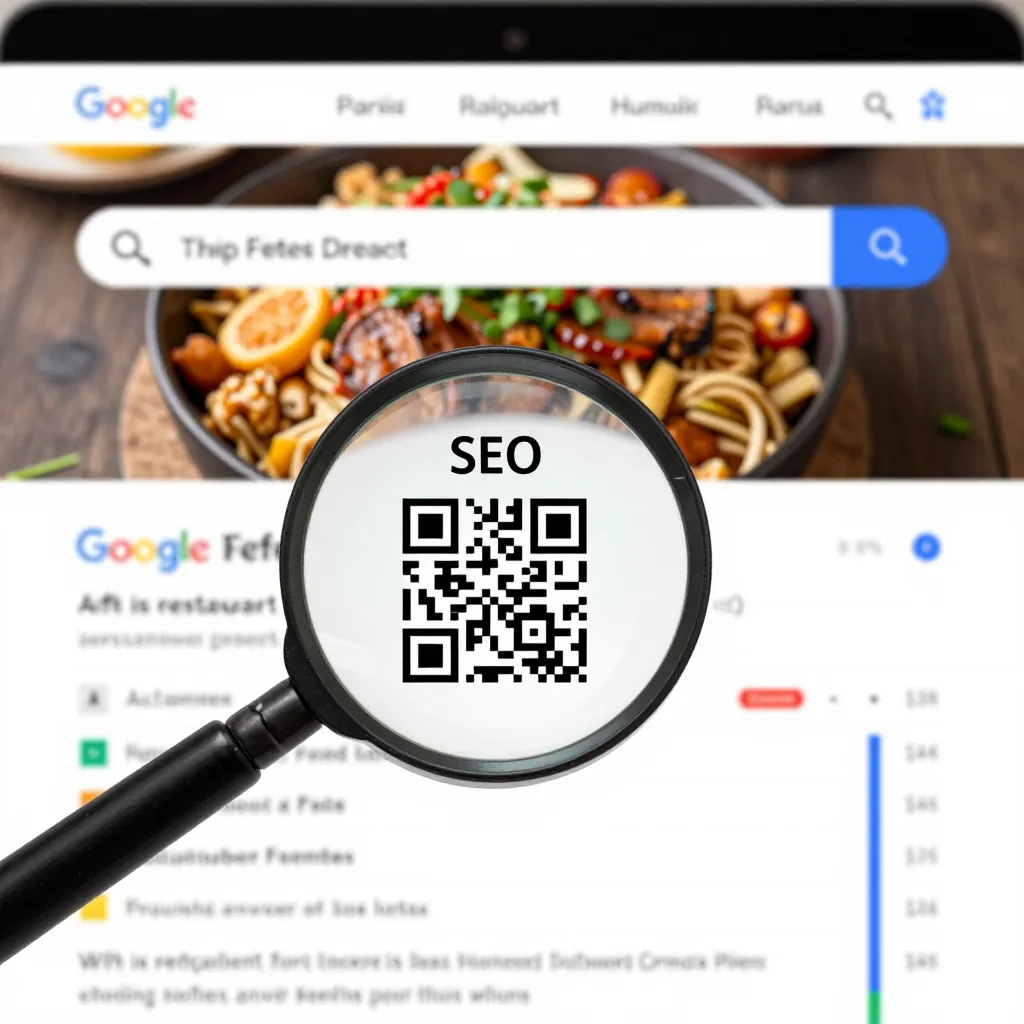
Why Your QR Menu Needs to Be Search-Optimized
When a customer walks into your restaurant and scans a QR code to view your menu, they expect instant access to delicious food options. However, many digital menus are hosted on generic subdomains or unoptimized websites that load slowly and lack essential information. This creates a critical opportunity for you to capture that customer's attention before they even order.
Google prioritizes websites that offer a fast, mobile-friendly experience with clear navigation. If your QR menu is hosted on a page that takes more than three seconds to load or lacks proper metadata, you risk losing customers to competitors with better digital infrastructure. According to recent data, 53% of mobile site visits are abandoned if a page takes longer than three seconds to load. For a restaurant, that lost second can mean the difference between a sale and a customer ordering from a competitor's table-side tablet instead.
Optimizing your QR menu for Google Search is not just about ranking higher; it is about ensuring that every visitor to your digital table has the best possible experience. This involves technical speed improvements, content clarity, and strategic keyword usage that aligns with what diners are actually searching for. By treating your digital menu as a core part of your local SEO strategy, you transform a simple utility into a powerful marketing asset.
Mastering Technical Foundations for Speed and Visibility
The foundation of any successful digital menu is its technical performance. Google uses Core Web Vitals as key ranking factors, specifically focusing on loading speed and interactivity. For a restaurant menu, this is non-negotiable. A hungry customer does not have the patience to wait for images to render or for text to fade in.
To achieve optimal performance, your menu platform must serve images in next-gen formats like WebP rather than heavy JPEGs. Ensure that your images are compressed without losing quality, as large image files are the primary cause of slow mobile loading times. Additionally, implement lazy loading techniques where images only load as the user scrolls down the page. This significantly reduces the initial load time, giving the impression of a lightning-fast website.
Another crucial technical element is the use of a Content Delivery Network (CDN). A CDN stores copies of your website content on servers around the world, ensuring that a user in Brooklyn loads your menu just as fast as a user in Manhattan. If your menu is hosted on a single server far from your location, your customers will experience lag. When choosing a platform like upQR, verify that it includes these technical features out of the box, as they are essential for maintaining high search rankings and user satisfaction.
Keyword Strategy: Speaking the Language of Your Diners
Many restaurant owners make the mistake of simply listing dish names without context. While "Grilled Salmon" is a good start, it is not enough for SEO. You need to understand what your customers are typing into Google before they even scan the code. People often search for specific dietary needs, price points, or ingredient preferences.
Start by identifying long-tail keywords that reflect specific customer intent. Instead of just targeting "Pasta," target phrases like "best vegan pasta in [City Name]" or "gluten-free pasta options near me." These long-tail keywords are less competitive and have a higher conversion rate because they match the specific needs of the diner. Incorporate these naturally into your dish descriptions. For example, instead of "Chicken Breast," write "Herb-Marinated Grilled Chicken Breast with Roasted Garlic and Fresh Herbs." This adds descriptive value and increases the likelihood of matching search queries.
Don't forget to include location-based keywords. Since a QR menu is inherently local, ensure your city, neighborhood, or well-known local landmarks are mentioned in your meta titles and descriptions. If you have a seasonal menu, use keywords related to those seasons, such as "winter warming bowls" or "summer fresh salads." This dynamic keyword strategy keeps your content relevant throughout the year and helps Google understand the context of your offerings.
Enhancing User Experience to Reduce Bounce Rates
Google's algorithms increasingly favor sites that keep users engaged. A high bounce ratewhere a user leaves immediately after scanning the codesignals to Google that your content is not useful. To prevent this, your menu must be easy to navigate and visually appealing on small screens.
Ensure your menu has a clear hierarchy. Use bold headings for categories like "Starters," "Mains," and "Desserts" so users can scan quickly. Avoid cluttered layouts with too many images that distract from the food descriptions. Typography is also critical; use a font size that is easily readable without zooming. A study by the Nielsen Norman Group suggests that users spend less time reading and more time scanning. Therefore, your design should facilitate scanning rather than forcing users to read every single word.
Include essential information that reduces friction. Clear pricing is mandatory; hidden prices are a leading cause of cart abandonment. Also, consider adding a section for allergens or dietary restrictions prominently. If a customer is looking for nut-free options and finds a dedicated section, they are more likely to trust your kitchen and complete their order. This level of detail not only improves the user experience but also provides more text for search engines to index, enhancing your relevance for specific search queries.
Local SEO Integration and Structured Data
Your QR menu does not exist in a vacuum; it is part of your broader local search presence. Google My Business (now Google Business Profile) is the heartbeat of local SEO, and your digital menu should be tightly integrated with it. Ensure that the information on your QR menu matches exactly what is on your Google Business Profile, including hours of operation, phone numbers, and address.
Implementing structured data, also known as Schema markup, is a powerful way to tell Google exactly what your content is about. For a restaurant menu, this means adding specific tags that identify items as "MenuItems" with attributes like price, description, and availability. When done correctly, this can lead to rich snippets in search results, where your menu items appear directly in the Google search page with prices and images, giving you a significant visibility advantage over competitors who do not use this markup.
Regularly updating your menu content is also vital for SEO. If you change a dish or update a price, Google needs to know. Use a platform that allows for easy updates so that your digital representation stays current. Stale content can hurt your rankings, as Google prefers fresh, relevant information. By maintaining a dynamic, up-to-date menu that aligns with your physical offerings, you signal to search engines that your business is active and trustworthy.
Measuring Success and Continuous Improvement
Optimization is an ongoing process, not a one-time task. You need to track how your digital menu performs to understand what works and what needs adjustment. Most modern analytics tools can tell you how many people scan the QR code, how long they stay on the page, and which dishes they view most frequently.
Pay attention to your conversion rate, which is the percentage of visitors who actually place an order or call to reserve a table. If your traffic is high but conversions are low, investigate your user experience. Are the buttons hard to find? Is the checkout process too complicated? Use this data to refine your layout and descriptions. For instance, if you notice that users frequently scroll past your dessert section, consider moving it higher up or adding a more enticing description.
Finally, gather feedback from your customers. If diners mention that they had trouble finding a specific item on your digital menu, address it immediately. This could involve reorganizing categories or adding more keywords to the descriptions. By continuously iterating based on data and feedback, you ensure that your QR menu remains a top-performing asset in your local search ecosystem, driving consistent growth and customer satisfaction.
Conclusion
Optimizing your restaurant's QR menu for Google Search is a strategic move that pays dividends in visibility, speed, and customer satisfaction. By focusing on technical performance, keyword relevance, user experience, and local SEO integration, you create a digital presence that not only ranks well but also converts visitors into loyal customers. The result is a seamless dining experience that keeps your restaurant top-of-mind for diners searching for their next meal.
Implementing these best practices ensures that your digital menu is more than just a static list of prices; it becomes a dynamic, high-performing tool that drives traffic and sales. If you are looking for a platform that combines these advanced SEO features with an intuitive design, upQR offers the perfect solution. With upQR, you get a robust digital menu system built on fast infrastructure, equipped with tools to help you rank higher on Google, and designed to make every customer's experience effortless and delicious.
Related Posts
Ready to create your digital menu?
Create your QR menu in minutes and reach your customers in any language.
