Migrate to QR Menus in One Weekend: A Step-by-Step Guide
Transform your restaurant with our proven weekend migration plan. Save paper, boost sales, and launch your digital menu fast.
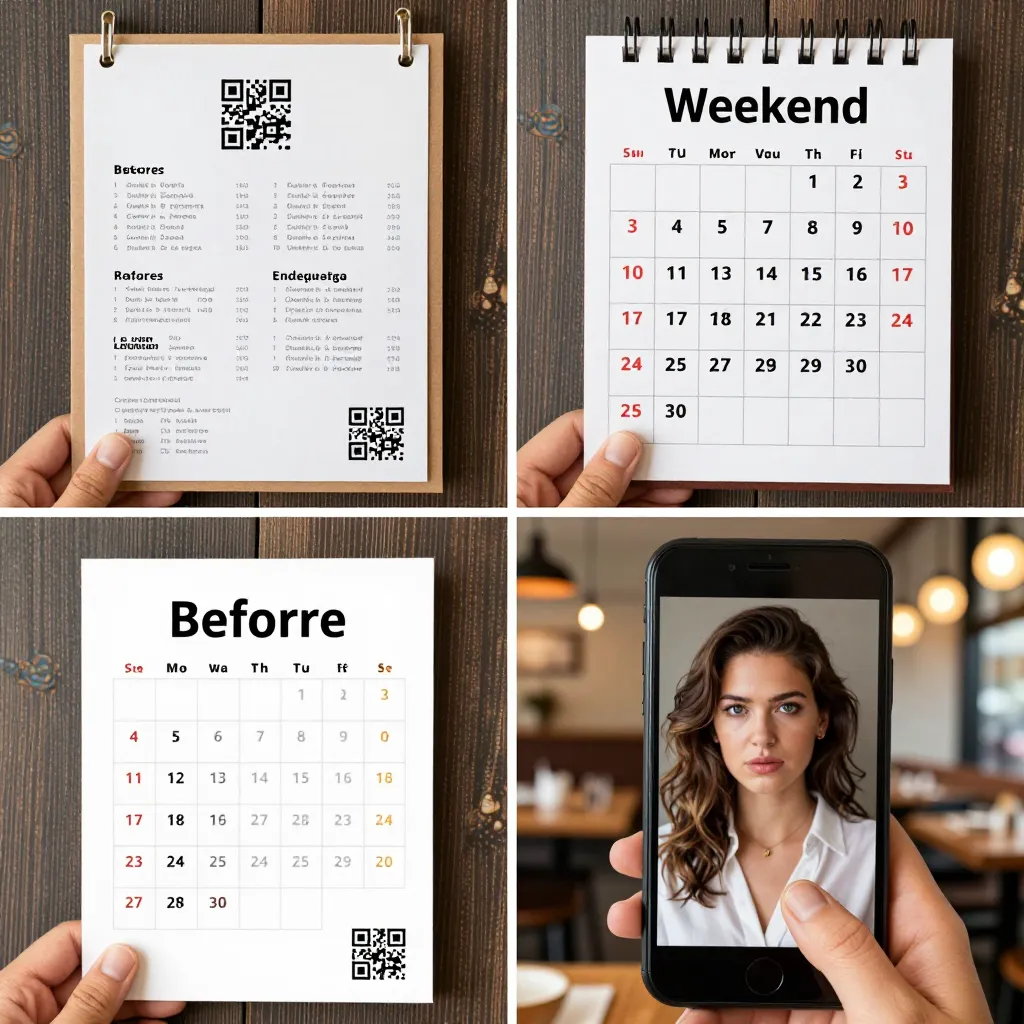
Why Your Paper Menu Needs to Go This Weekend
Imagine a Saturday night rush. Your waitstaff are scrambling to update prices, customers are confused by outdated descriptions, and you are losing revenue to competitors who offer instant clarity. This is not a hypothetical scenario; it is the reality for many establishments clinging to paper menus. According to recent industry data, restaurants that have not digitized their menus by 2024 risk falling behind in customer expectations, with nearly 60% of diners expecting a seamless digital experience.
The transition to a digital format is not just about technology; it is about operational resilience. When a pandemic hit, many chains failed because they relied on physical assets that could not be updated remotely. A digital solution allows you to change a special of the day or correct an allergen warning in seconds, not days. This agility directly impacts your bottom line. By migrating to a platform like upQR, you eliminate the recurring cost of printing, which can account for up to 15% of your initial menu budget annually. You also remove the logistical headache of managing inventory for physical menus.
Furthermore, the environmental impact of paper menus is significant. The food service industry is one of the largest contributors to paper waste. Every paper menu printed is a tree cut down and energy consumed. Switching to a digital platform aligns your business with the growing demand for sustainable practices. Customers today are increasingly conscious of their carbon footprint; offering a paperless experience can enhance your brand image and attract eco-conscious diners who value transparency and responsibility.
The 48-Hour Migration Roadmap
Moving from paper to digital does not require a month-long project. With a structured approach, you can complete the migration in a single weekend. This aggressive timeline forces you to be decisive and efficient, ensuring that your team adapts quickly to the new workflow. Here is a realistic breakdown of how to spend your Saturday and Sunday.
Saturday Morning: The Content Audit and Digital Conversion
Start your day by gathering all current paper menus, including specials boards and wine lists. Do not skip this step; it ensures you capture every item, price, and description. Next, log into your upQR dashboard and begin the digitization process. This is where the "digital twin" concept comes into play. You are not just copying text; you are enhancing it. Use the opportunity to rewrite vague descriptions into appetizing narratives. For example, instead of "Grilled Chicken," use "Herb-marinated grilled chicken breast served with roasted garlic mash and seasonal greens." This level of detail reduces customer questions and increases average check size.
Crucially, this is the time to verify your data for accuracy. UpQR emphasizes honest and accurate information. Double-check every price against your Point of Sale (POS) system. Ensure that allergen information is clearly flagged. Transparency builds trust; if a customer sees a hidden allergen listed on a paper menu, they might feel misled. In the digital world, you can provide a comprehensive breakdown of ingredients, making the dining experience safer and more reliable for everyone.
Saturday Afternoon: Design and Optimization
Once your content is entered, focus on the user experience. A digital menu should load instantly on any device. Use high-quality images that show the food exactly as it looks, avoiding the deceptive "stock photo" syndrome. Real photos of your dishes increase conversion rates and reduce hesitation. Organize your menu logically: start with appetizers, move to mains, and finish with desserts and beverages. Include a clear section for dietary restrictions, such as vegan, gluten-free, and keto options. This inclusivity ensures that every guest, regardless of their dietary needs, feels welcome and informed.
Sunday Morning: Staff Training and Testing
Your staff is the bridge between your kitchen and your customers. On Sunday morning, gather your team for a brief training session. Show them how to scan the QR codes, how to handle common customer questions about the digital menu, and how to manage the transition if a customer prefers a paper menu. Reassure them that the digital menu is a tool to help them, not a replacement for their expertise. Practice scenarios: what if a customer wants to customize an order? How do they explain the new allergen warnings? Confidence in your team is essential for a smooth launch.
Sunday Afternoon: The Final Go-Live
Before closing for the night, perform a final stress test. Open the menu on a smartphone, a tablet, and a laptop. Check the link from different locations to ensure the geolocation feature works correctly. Print a small batch of QR code stickers and place them in strategic locations: on tables, on napkin holders, and near the host stand. Ensure the codes are high-contrast and easy to scan. If you are using upQR, take advantage of their pre-made templates which can be customized with your brand colors and logo to maintain consistency.
Maximizing the Digital Experience for Higher Revenue
Migrating to a QR menu is only the first step; the real value lies in how you leverage the technology to grow your business. Digital menus offer features that paper simply cannot match, and utilizing these features can directly impact your revenue.
Upselling and Cross-Selling Opportunities
With a digital menu, you can implement dynamic upselling strategies. For instance, you can highlight high-margin items with a "Chef's Recommendation" badge or suggest a pairing, such as "Try our house-made truffle oil with this salad." These prompts are subtle but effective. Studies suggest that digital menus can increase average ticket sizes by up to 20% when used correctly. The ability to update these suggestions in real-time means you can react to inventory levels instantly. If you have excess salmon, you can feature it prominently on the screen, reducing waste and boosting sales simultaneously.
Personalization and Loyalty Integration
Advanced platforms allow you to integrate loyalty programs directly into the menu. When a customer scans the code, they can instantly join your rewards program or redeem points. This frictionless experience encourages repeat visits. Additionally, you can create personalized experiences based on past orders. If a customer has ordered a spicy dish before, the system could suggest a spicy sauce or a specific cocktail. This level of personalization makes guests feel valued and understood, fostering a deeper connection to your brand.
Real-Time Inventory Management
One of the most frustrating aspects of dining out is seeing an item on the menu that is out of stock. With paper menus, this leads to awkward conversations and lost sales. A digital system allows your kitchen to mark items as "sold out" instantly. This transparency prevents customer disappointment and maintains your reputation for honesty. It also helps your team manage inventory more effectively, as they can see which items are selling fast and which need restocking.
Navigating Common Challenges and Pitfalls
Even with a solid plan, migration projects face obstacles. Being aware of these challenges ahead of time allows you to mitigate risks before they affect your operations. The most common pitfall is underestimating the importance of internet connectivity. If your restaurant's Wi-Fi is unstable, the digital menu will fail. Ensure you have a robust network or a backup connection plan. UpQR offers solutions that can handle varying connection speeds, but a strong local network is still the foundation of a smooth experience.
The "Scan and Leave" Behavior
Some customers scan the code, look at the menu, and then leave without ordering. This can happen if the menu is too long or if the loading time is slow. To combat this, keep your menu concise and well-organized. Use categories and filters to help customers find what they want quickly. If a customer is deciding between two similar items, a clear comparison or a photo of both can help them decide faster. Speed and clarity are key to keeping customers engaged until they are ready to order.
Addressing the Elderly or Tech-Averse Guests
Not every customer is tech-savvy. Some may struggle with scanning codes or navigating a touchscreen. Have a printed backup available for those who request it. This does not mean reverting to paper for everyone; it means offering flexibility. By accommodating all guests, you demonstrate inclusivity and respect. UpQR's platform is designed to be user-friendly for all age groups, with large fonts and simple navigation that make the experience accessible to everyone.
Legal and Compliance Considerations
Ensure that your digital menu complies with local regulations regarding pricing and allergen disclosure. Prices must be clear, and allergen warnings must be prominent. Just as with paper menus, digital menus are subject to consumer protection laws. Regularly review your content to ensure it remains accurate. If a price changes, update it immediately. Transparency is not just a value; it is a legal requirement in many jurisdictions. Failing to update prices or allergen info can lead to disputes and damage to your reputation.
Measuring Success and Planning for the Future
Once your migration is complete, do not simply wait for the next weekend. Establish a routine to monitor the performance of your digital menu. Most platforms, including upQR, provide analytics dashboards that show you how many times the menu was scanned, how long customers spent on it, and which items were viewed most frequently. Use this data to refine your menu strategy. If a specific dish is rarely ordered, consider removing it or adjusting its description. If a particular section of the menu generates high traffic, consider expanding that category.
Continuous Improvement
Digital is not a "set it and forget it" solution. The food industry changes rapidly, and so should your menu. Use the weekend migration as a springboard for continuous improvement. Schedule quarterly reviews to update seasonal items and refresh your design. Keep your brand voice consistent across all digital touchpoints. Engage with your customers by adding a feedback form at the bottom of the menu. Ask them what they liked and what they would change. This direct line of communication turns customers into brand ambassadors.
Scaling Your Digital Presence
As your business grows, your digital menu can scale with you. Whether you open a new location or add a catering division, the same digital infrastructure can be replicated. You can create separate menus for different locations while maintaining a central brand identity. This scalability reduces the long-term cost of operations and allows you to focus on what matters most: serving your customers with excellence. The flexibility of a cloud-based system means you can adapt to market trends, such as the growing demand for plant-based options or local sourcing, without the delay of reprinting physical materials.
Conclusion
Migrating from paper to digital is a transformative step that offers immediate benefits in efficiency, sustainability, and customer satisfaction. By following a structured 48-hour plan, you can launch your digital menu before the weekend is over, positioning your restaurant as a modern, forward-thinking establishment. The values of transparency, environmental consciousness, and universal access are not just buzzwords; they are the foundation of a successful digital strategy. With upQR, you gain a partner that supports these principles through accurate data, easy customization, and reliable technology. Do not let outdated menus hold your business back. Take control of your menu today, save resources, and delight your customers with an experience that is as fresh as your food.
Related Posts
Ready to create your digital menu?
Create your QR menu in minutes and reach your customers in any language.
